
Accessibility testing APIs
Automate accessibility testing across your entire stack
Embed powerful accessibility checks into any test framework, CI pipeline, or language.
APIs and SDKs designed for how developers actually test

Compatible
Run accessibility tests within the frameworks you already use, including Selenium, Playwright, Espresso, Appium, and more.

Easy
Add automated accessibility checks to your existing web or mobile tests with just a few lines of code, and get detailed, actionable results as part of test execution.

Flexible
Control when and where accessibility scans run. Trigger tests at the page or component level, within specific user flows, or across full end-to-end test suites.
Add accessibility to your existing test suite
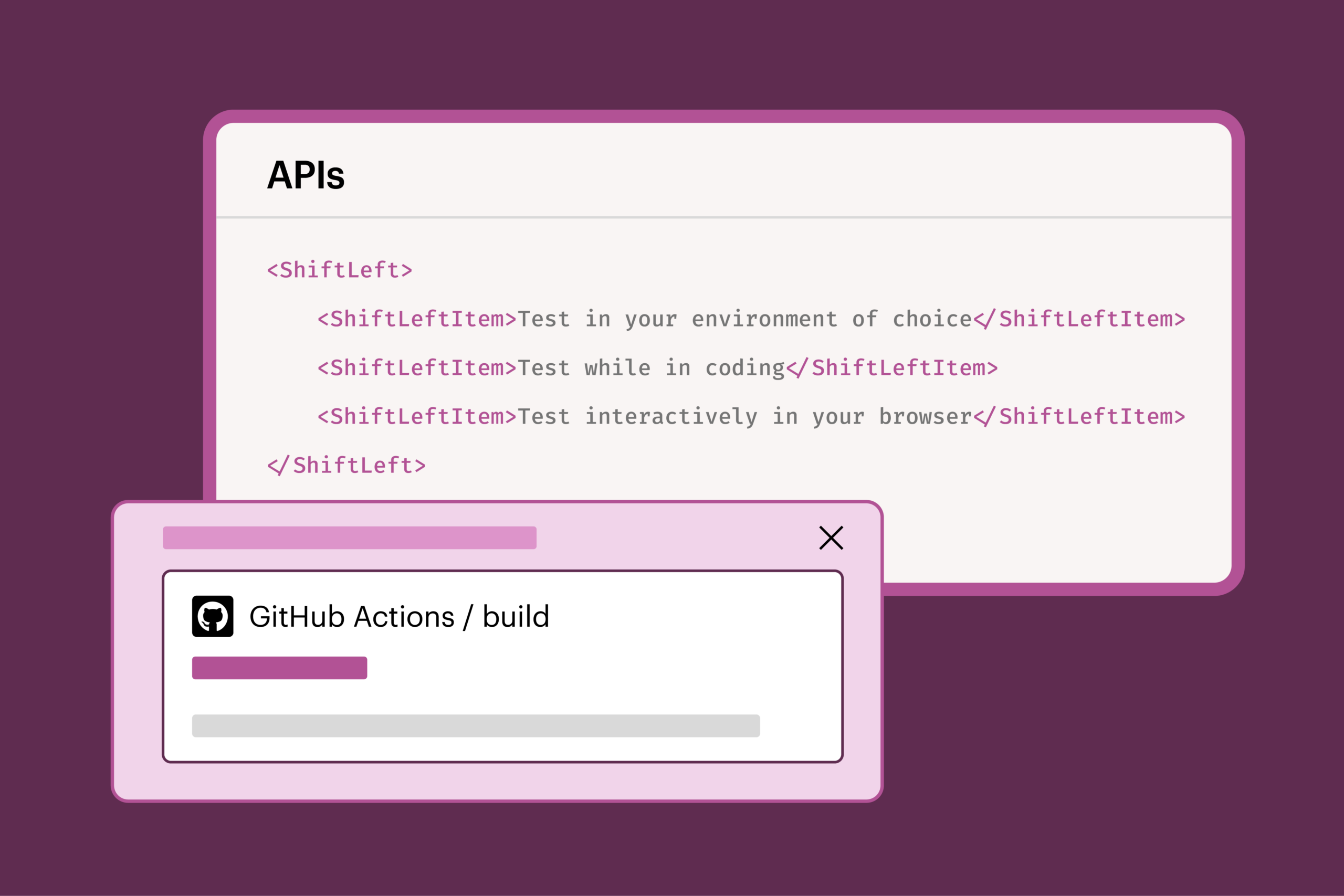
Web APIs
Integrate flexible APIs into your existing test pipeline to execute precise accessibility scans on every build.
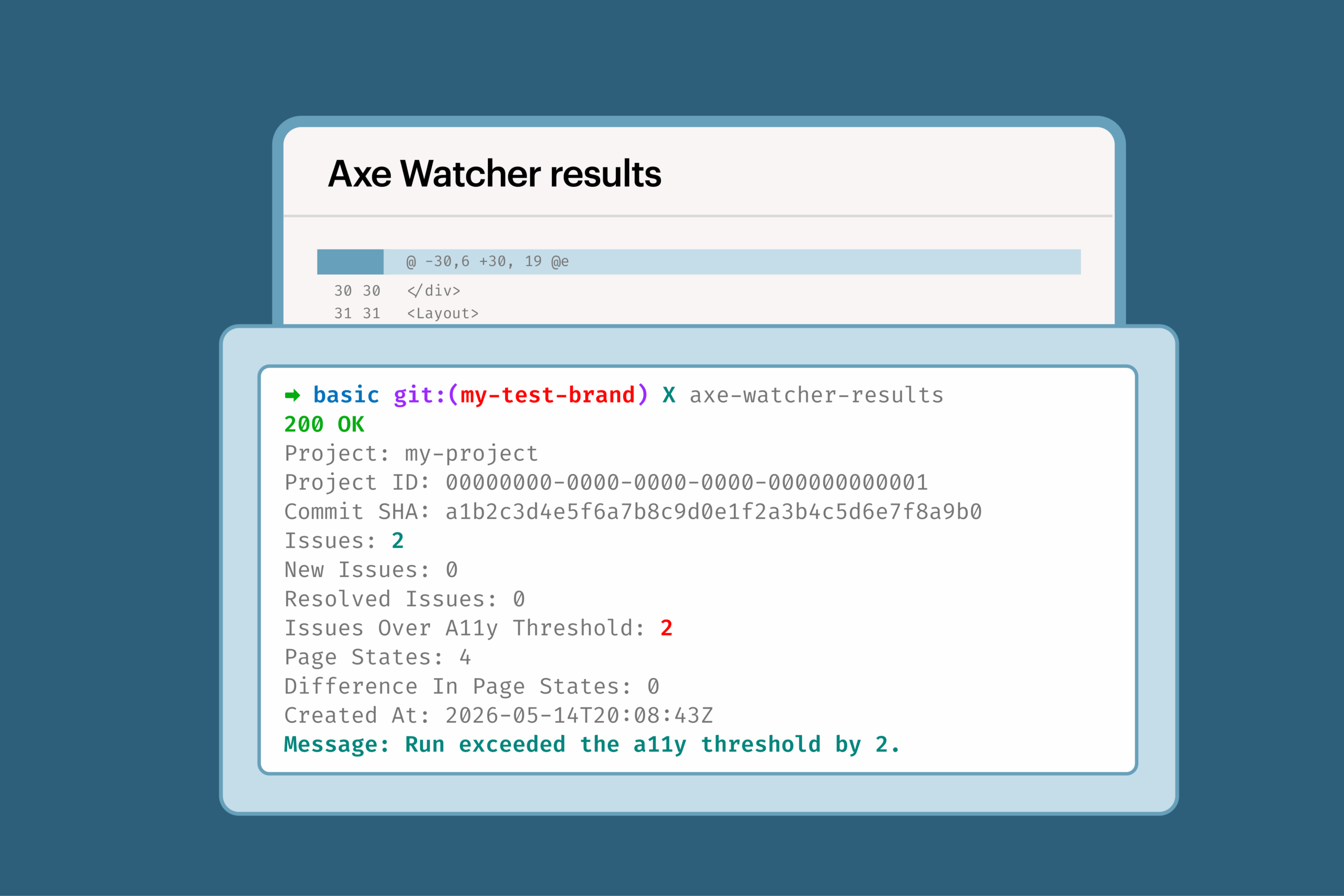
Axe Watcher
Enable continuous accessibility testing in end-to-end tests with a single configuration change.
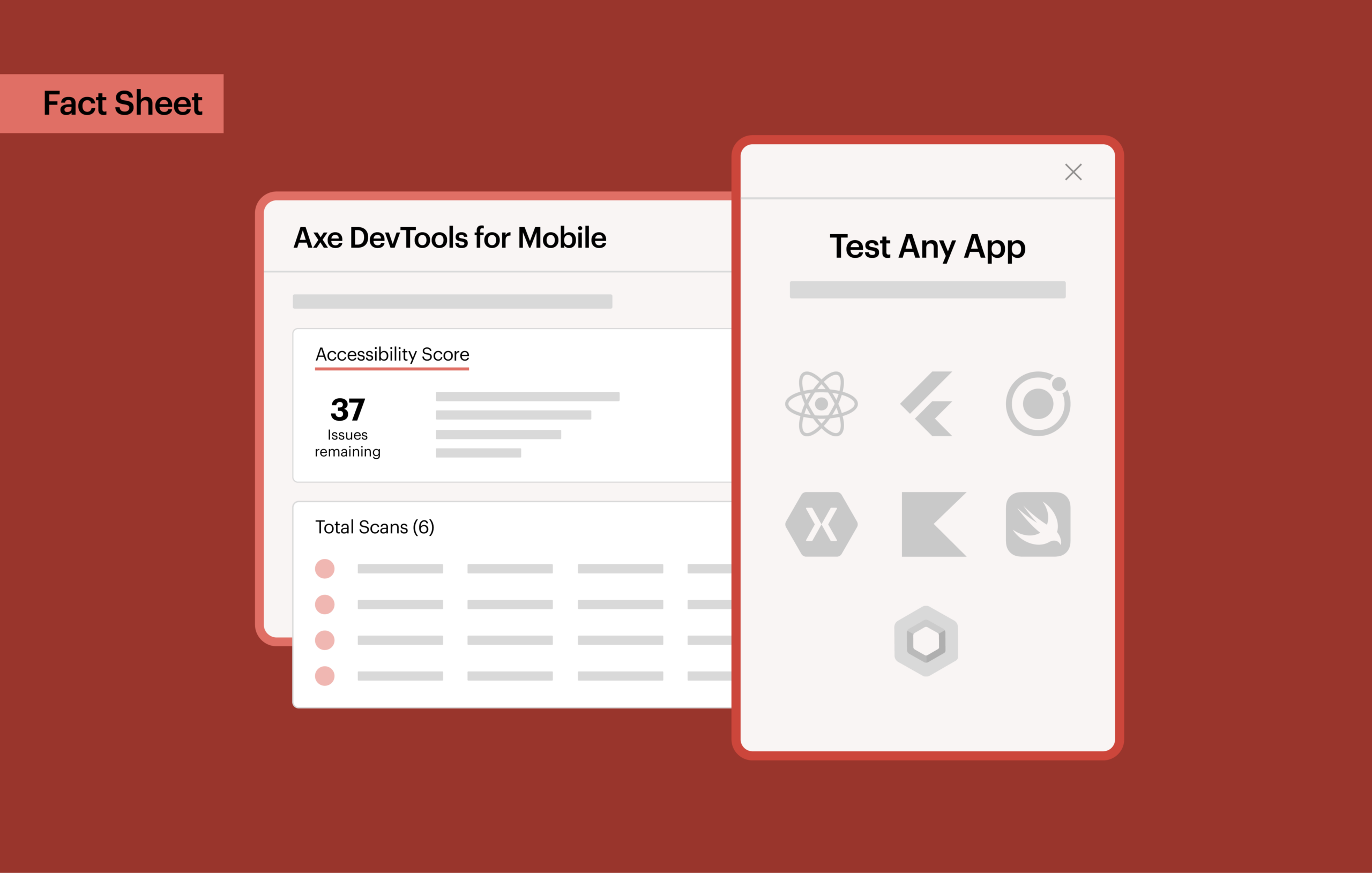
Mobile SDKs
Extend accessibility testing into mobile automation pipelines to run consistent scans across iOS and Android builds.
Build accessibility into the way you develop software
Catch accessibility issues before they become time-intensive rework
Find accessibility issues before they reach production, when they’re the easiest and fastest to fix. Easily integrate and run accessibility checks as part of your existing workflows and automated tests.
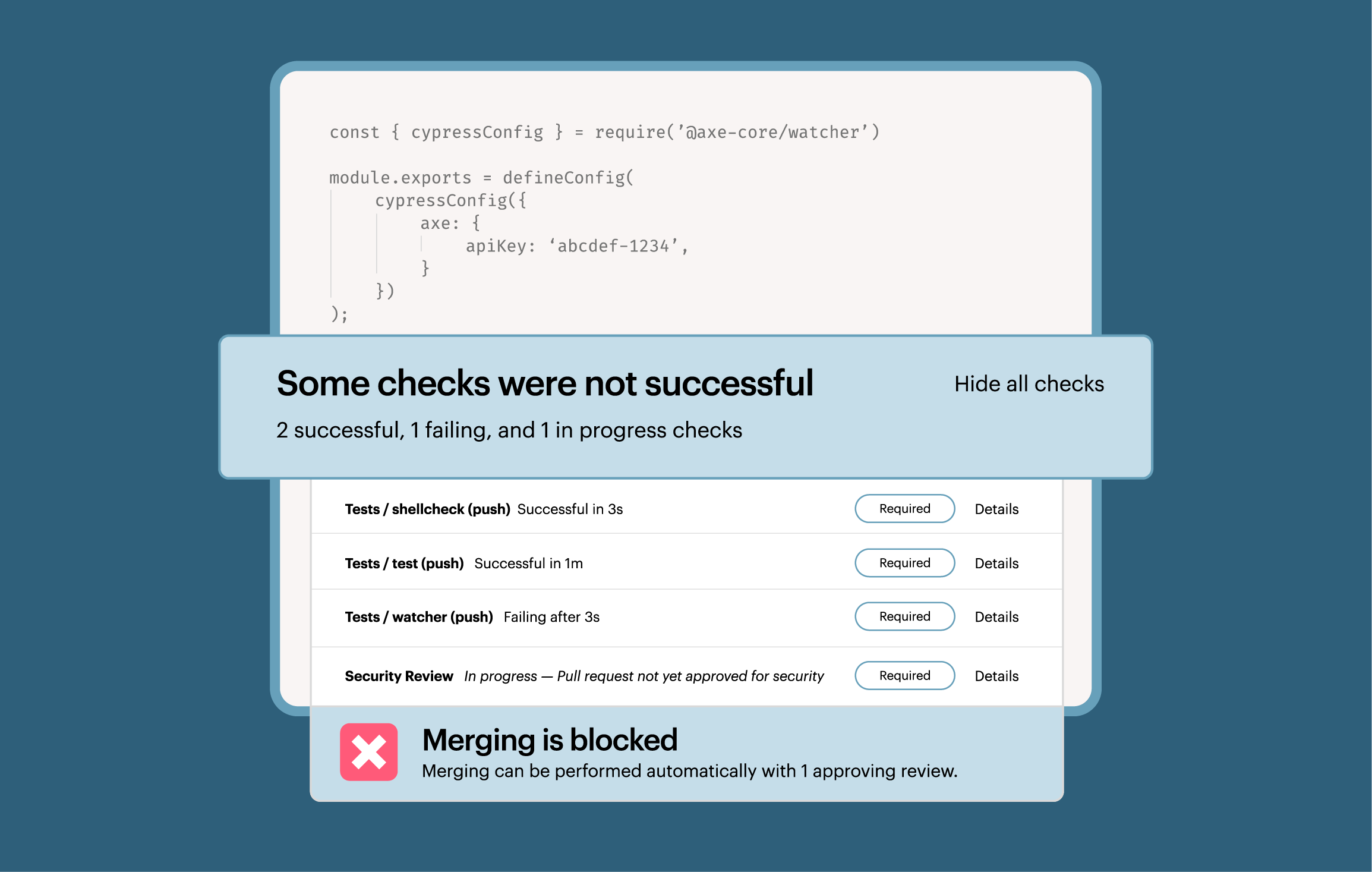
Add accessibility testing without slowing down your workflows
Make accessibility testing a consistent part of development across web and mobile applications, repositories, and teams. Automate checks throughout your software development lifecycle (SDLC) without relying on manual testing and specialist bottlenecks, or having to rebuild tests for each project.
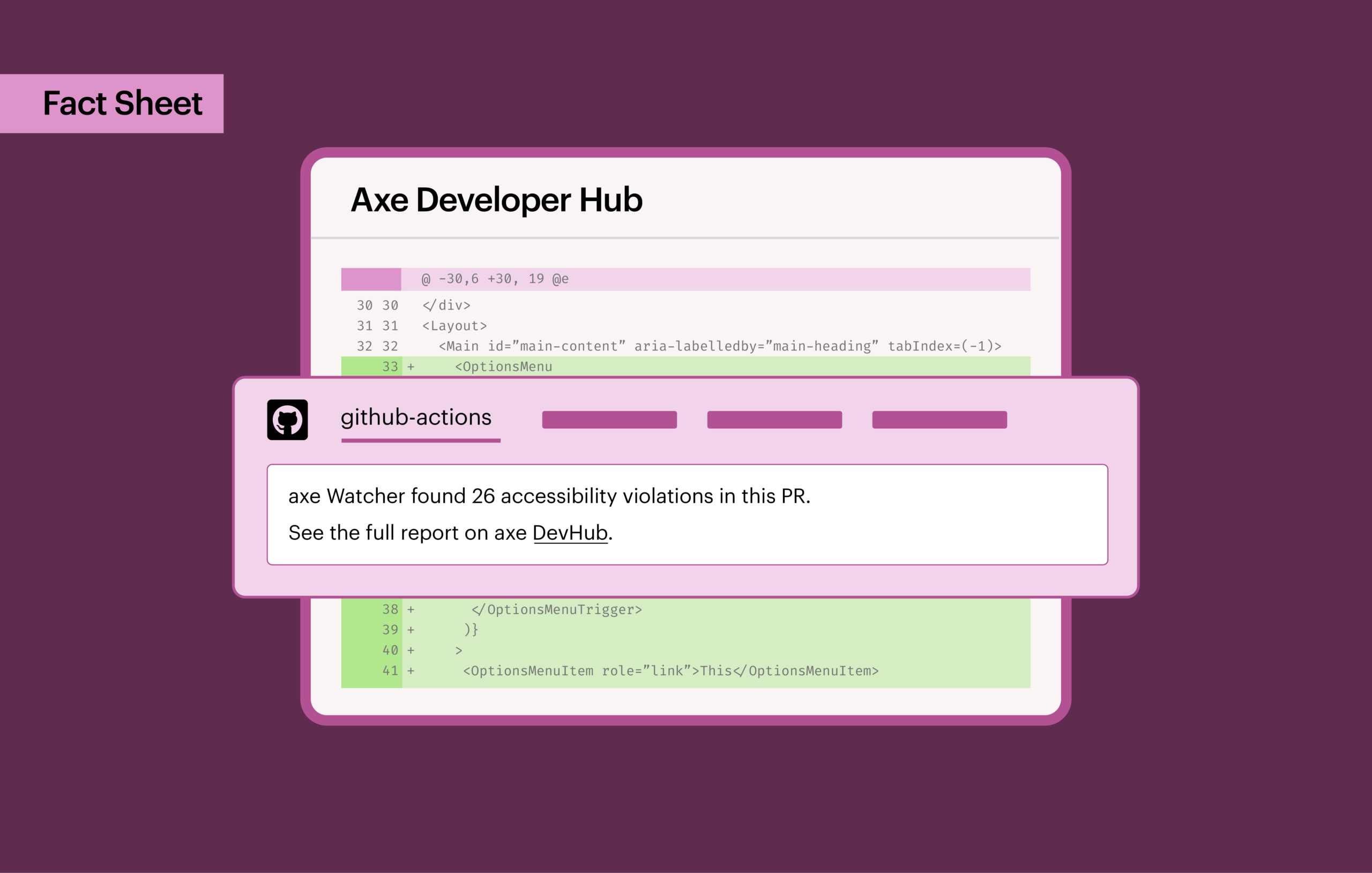
Centralize accessibility results and get actionable fixes
Get accurate, clear, and actionable guidance to resolve issues quickly. Centralized reports make it easier to prioritize what to fix first, track progress over time, and maintain accessibility as your codebase grows.
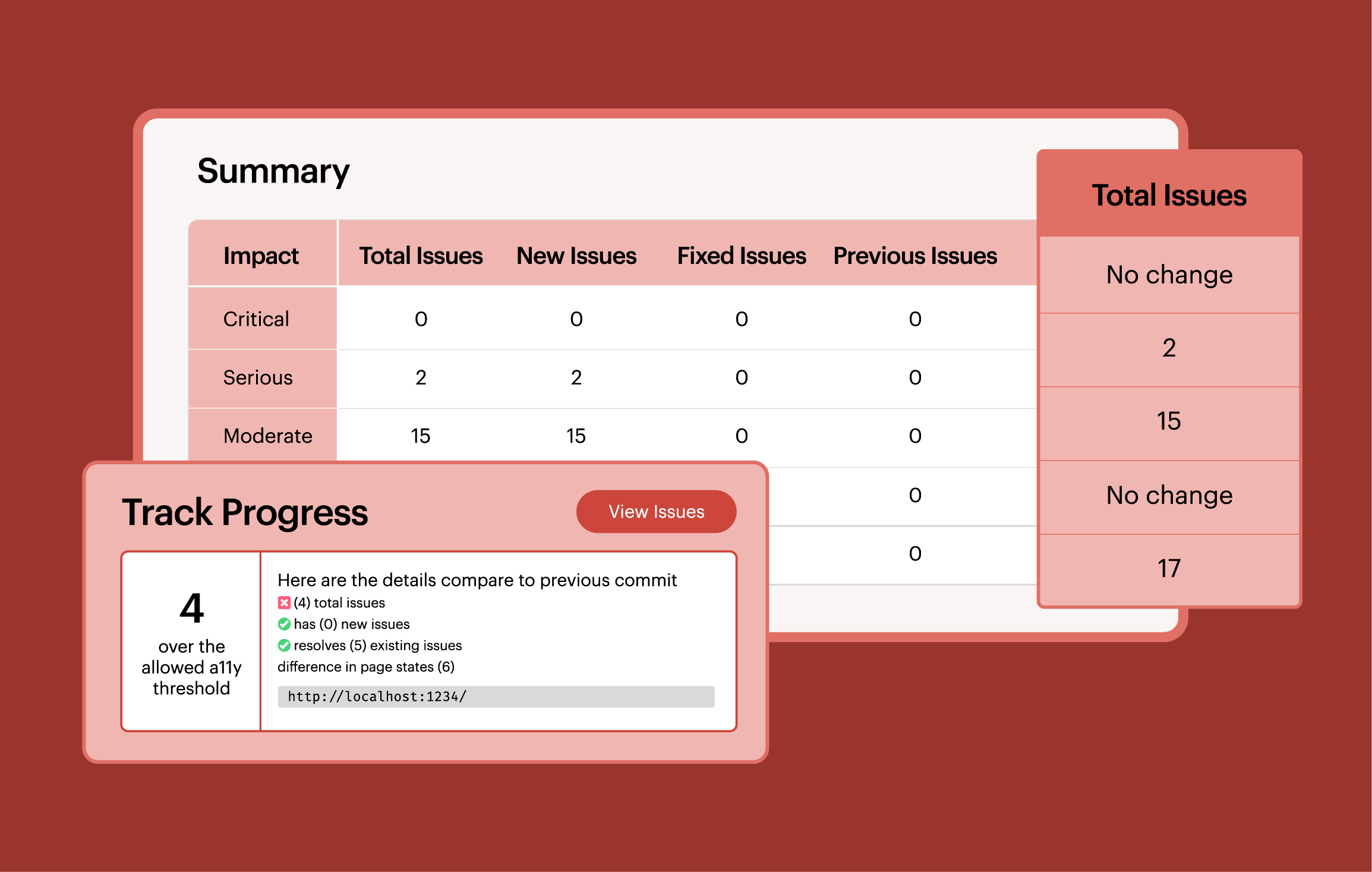
Add accessibility checks into your mobile tests faster and easier than ever with auto scan in Axe DevTools for Mobile.
Deque APIs support a variety of frameworks and languages










Automatically run accessibility scans in end-to-end tests with Axe Watcher—one simple configuration change for ongoing, automated accessibility tests.
Additional resources

Documentation
View detailed documentation for Axe products, including setup guides, integrations, and best practices for accessibility testing.
Axe-con
Join developers, designers, and accessibility pros at Axe-con to drive the future of digital accessibility.

Accessible development
Learn how to integrate accessibility checks into your end-to-end tests to validate user workflows, catch issues early, and ensure production-ready accessibility.
Frequently asked questions
What testing frameworks do Deque’s web APIs support?
Axe DevTools for Web integrates with Selenium, Playwright, Cypress, Puppeteer, WebdriverIO, and WebDriverJS—plus a Browser JavaScript integration for custom setups. APIs are available in Node.js/JavaScript, C#, Java, Python, and Ruby. Because the APIs are CI agnostic, they work in any CI environment you’re already using, including GitHub Actions, Jenkins, CircleCI, GitLab, and others.
Do Deque’s web APIs work inside iframes and shadow DOMs?
Many accessibility testing tools can’t see inside embedded content. Deque’s APIs can, because Axe-core is built to support iframes and shadow DOMs natively.
What does Axe Watcher do, and is it part of the APIs?
Axe Watcher is a companion tool to the Axe DevTools APIs. Instead of requiring you to add separate accessibility test scripts, Axe Watcher is configured into your existing end-to-end test suite and automatically runs accessibility checks as your tests execute—all you have to do is set it up once, then it will continuously run. Axe Watcher is available as part of the Axe DevTools for Web package.
What mobile platforms are supported by Deque SDKs?
Axe DevTools for Mobile supports any app running on Android or iOS, native or cross-platform, including Flutter,.NET Maui, and React Native.
What mobile frameworks are supported by Deque SDKs?
Axe DevTools for Mobile supports the following mobile frameworks:
- iOS: XCUITest
- Android: Espresso or UI Automator
- iOS or Android: Appium
