
Axe DevTools for Mobile Accurate and reliable mobile accessibility testing tools
Catch mobile accessibility issues early with trusted automation and guidance.
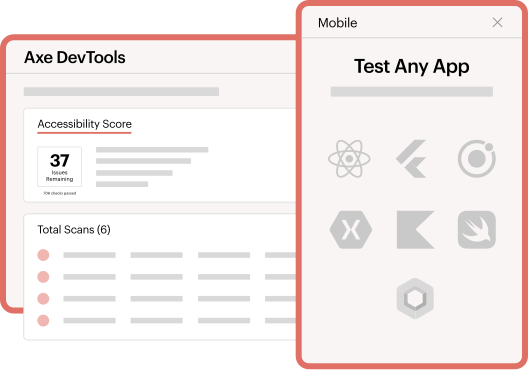
Mobile app accessibility testing made easy

Accurate
Deliver trustworthy, accurate results using a solution backed by decades of real-world experience, data, and industry leadership, so you can focus on fixing the issues that matter most.

Effortless
Add accessibility coverage across your entire test suite with just a few lines of configuration. Or start scanning screens in minutes with a simple app install — no code required.

Clear
Get step-by-step instructions so teams can fix accessibility issues without prior expertise required. Keep teams moving forward as they build knowledge.
Streamlined, accurate mobile accessibility testing

Identify true mobile issues sooner
Catch real issues early with AI-powered automation, and test interactively, in your pipeline, or while you code. Get up and running quickly with one simple configuration to add automatic scanning to your existing mobile tests. Results are mapped directly to WCAG and iOS and Android platform requirements, with rules built specifically for mobile platforms.

Validate real-world mobile user experiences
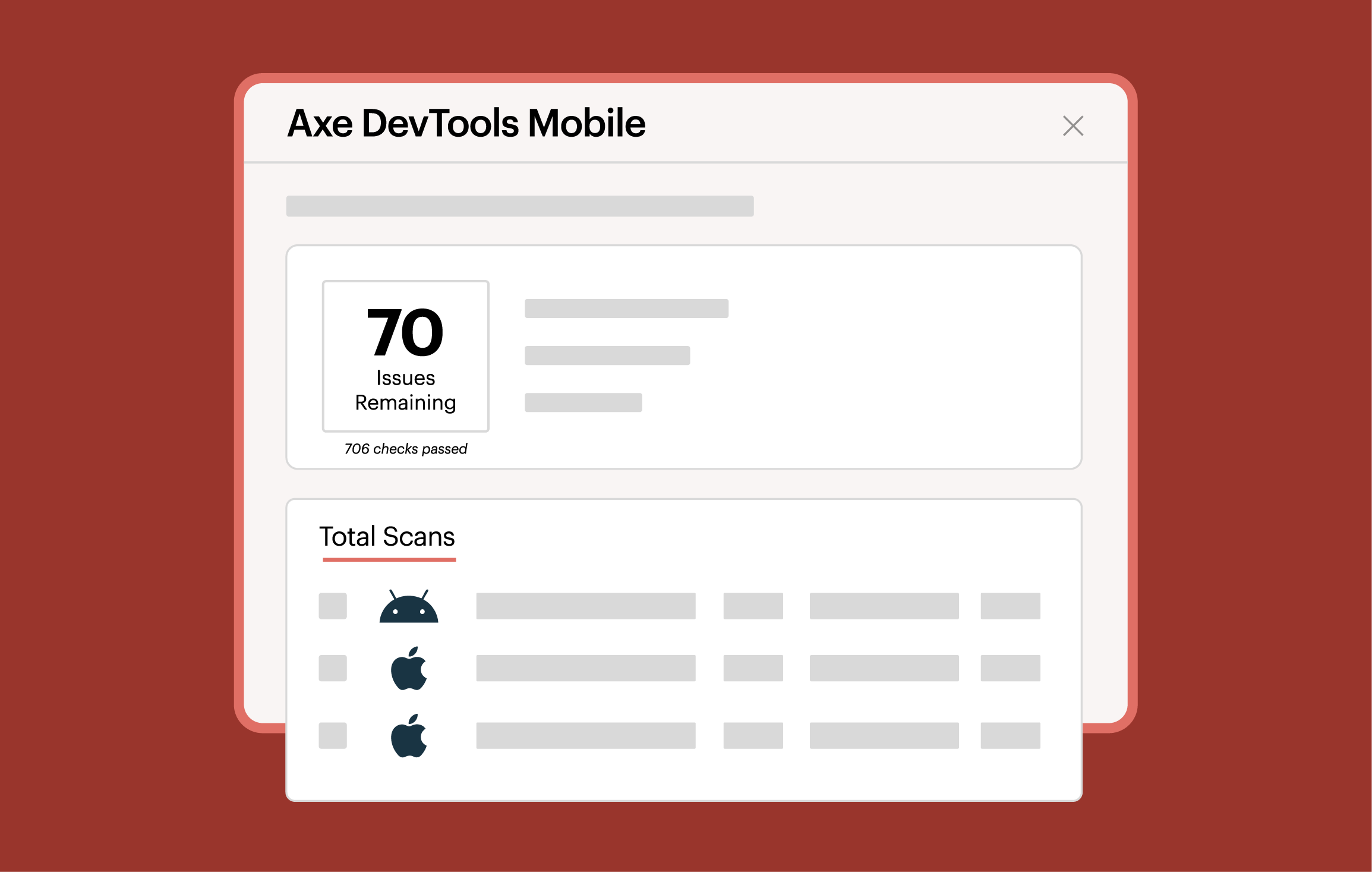
Test against native accessibility trees and rendered UI elements to reflect what assistive technologies actually interact with in the real world and to increase the validity of test results.
Track progress and performance
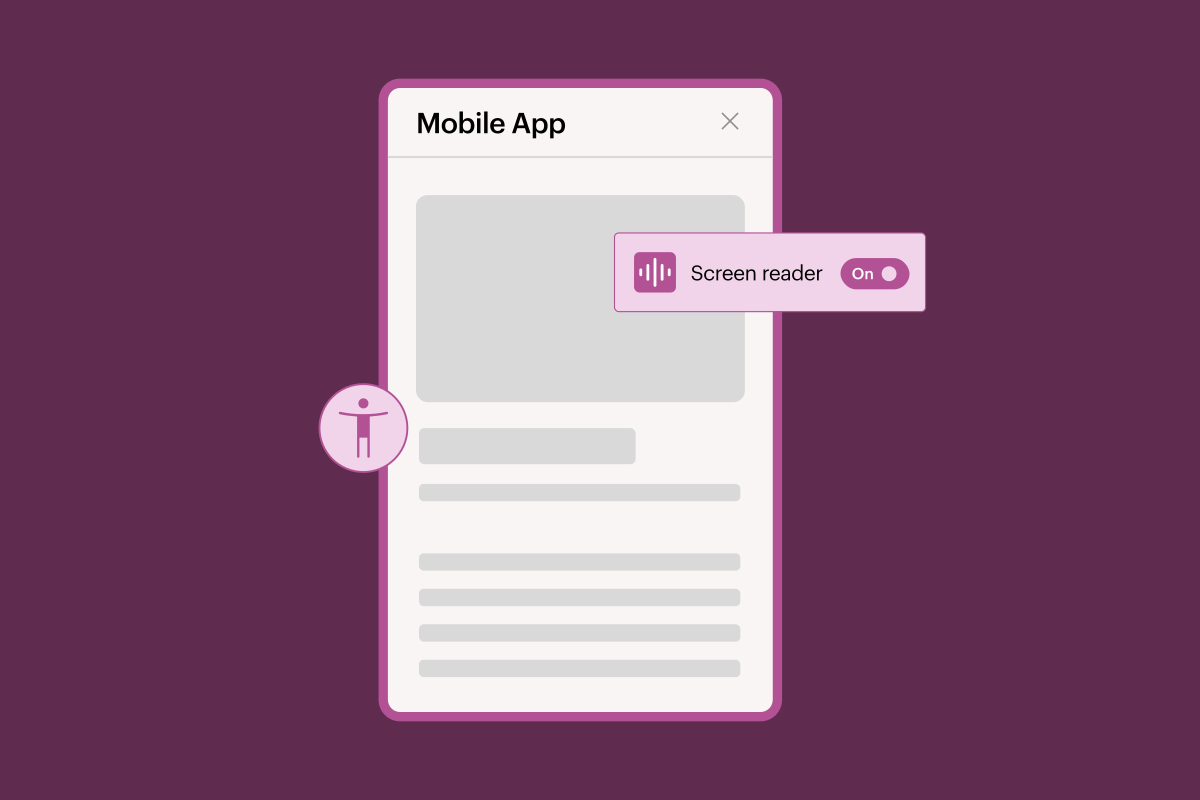
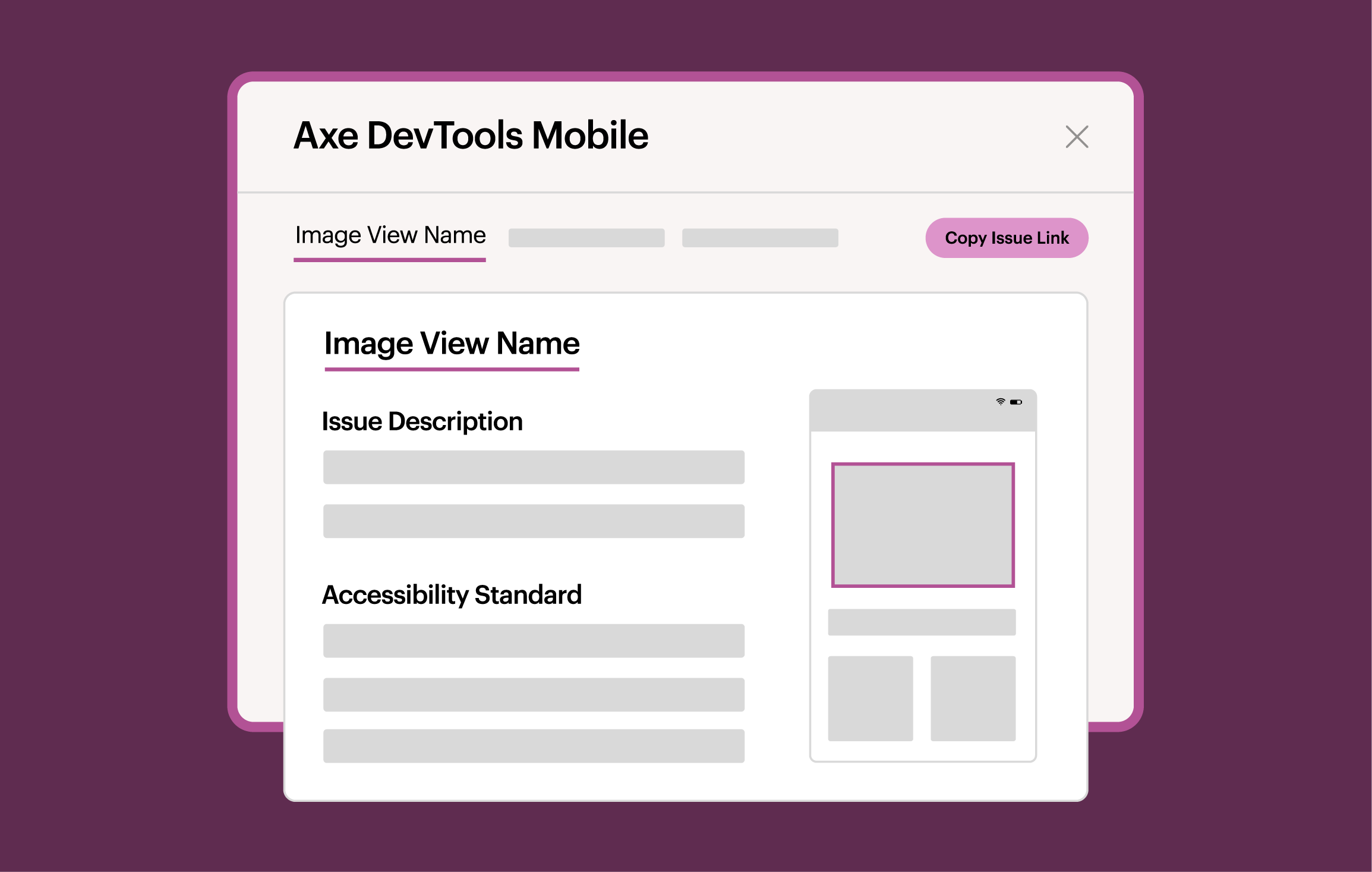
Standardize testing and reporting across teams with centralized dashboards and reports that reduce fragmentation, keep everyone aligned, and ensure consistent testing against standards. See results where tests run (e.g. CI/CD, IDE) with built-in HTML reports and summaries in your test logs. Plus, sShare actionable results via URL, complete with code samples in your dev language.
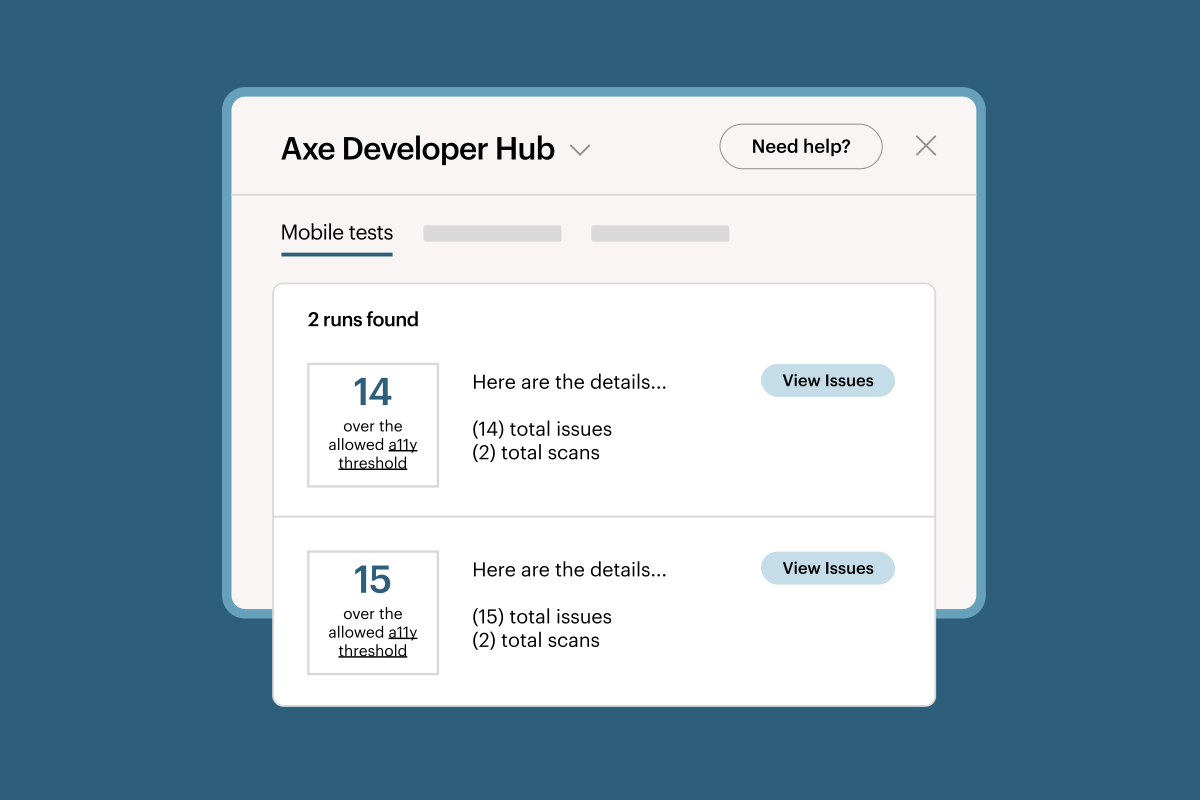

Scale tools and knowledge across teams
Bring mobile accessibility testing into everyday workflows with tools, training, and guidance that enable anyone to contribute regardless of accessibility expertise. Access lightweight SDKs, Appium drivers, and mobile analyzers that fit into native tech stacks, and get expert support for more complex issues, and remediation guidance.

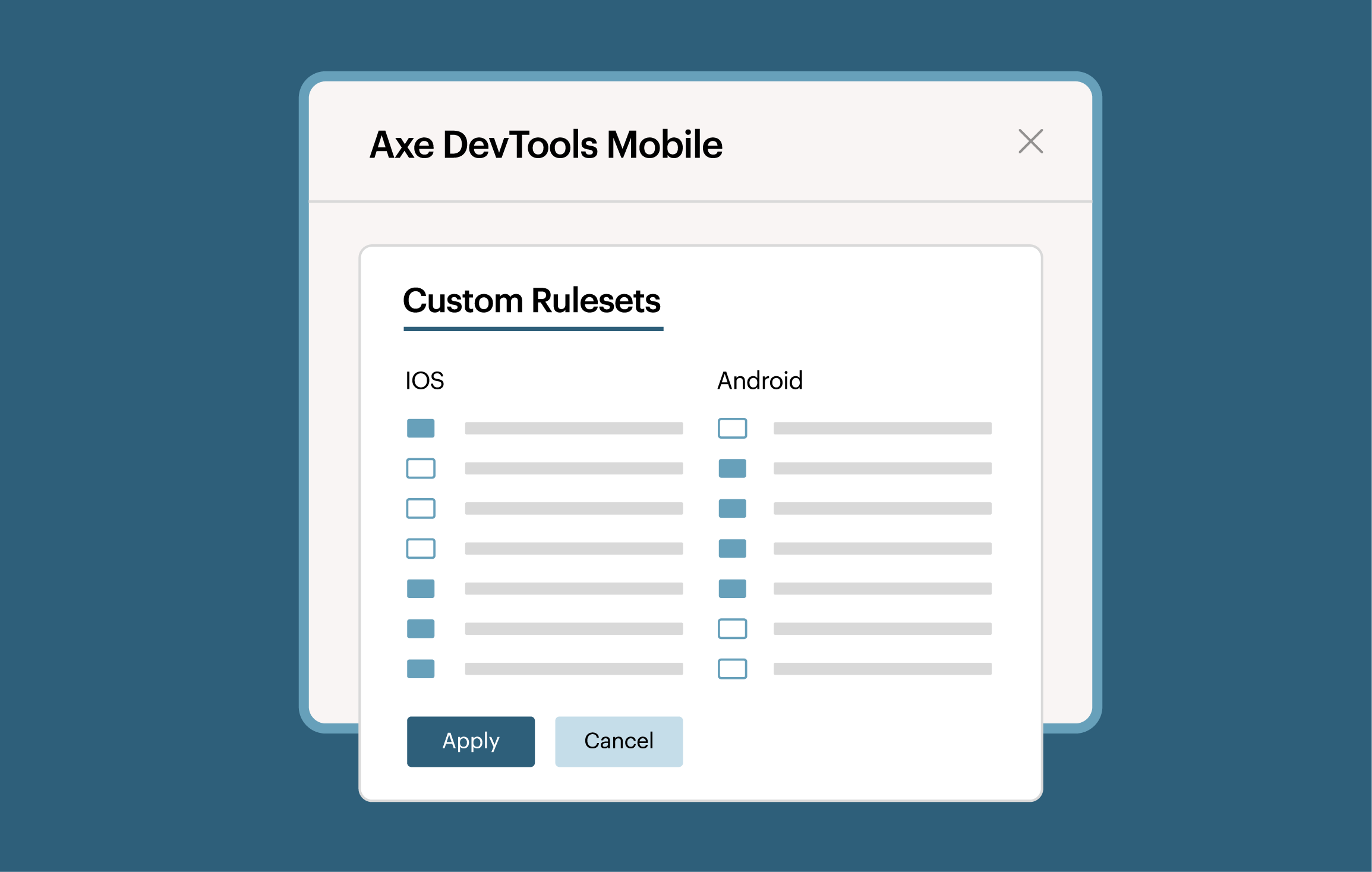
Manage users and enforce standards
Control who can run tests, enforce configurations, and maintain quality with enterprise-grade security, versioning, and user management. Block pull requests when issues are found, and customize testing rules to keep teams aligned, compliant, and accountable across your organization.
Why Deque’s mobile rules are the best
Rule accuracy
Our mobile rules test directly against native accessibility trees on iOS and Android and rendered UI elements—reflecting what assistive technologies actually interact with—delivering deeper analysis, fewer false positives, and more trustworthy results.

Standards alignment
Results are mapped directly to WCAG and native iOS and Android platform requirements. Rules are purpose-built for mobile environments, ensuring accurate interpretation of standards and meaningful remediation.

Automated test optimization
Rules created for automated processes, delivering clear pass/fail results teams can trust. They are designed for CI/CD and pipelines, enabling confident pull request blocking and faster feedback loops, without interrupting workflows with manual reviews for automated test failures.
Drive mobile accessibility testing across your workflows
Test any mobile app interactively
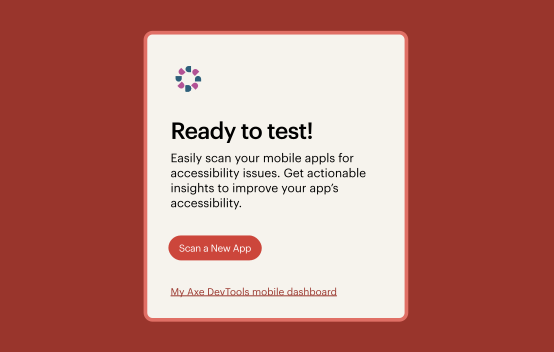
Enable anyone to initiate accessibility tests on any screen of an app with no source-code access.
• Native iOS: SwiftUI, UIKit
• Native Android: XML, Compose
• Cross-platform: React Native, Flutter, .NET MAUI
Test in your pipeline
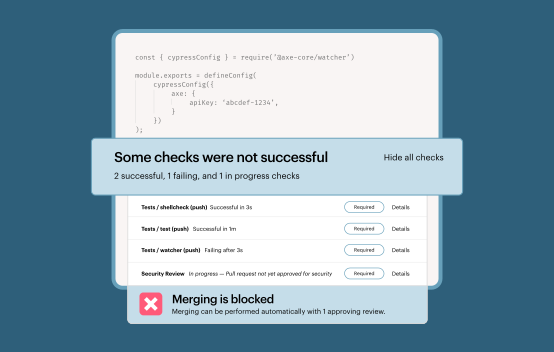
Catch issues in your automated pipeline and block pull requests to prevent issues making it to production.
• iOS: XCUITest
• Android: Espresso or UI Automator
• iOS or Android: Appium
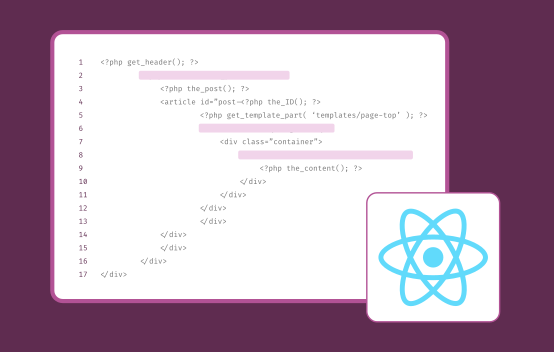
Test as you type with linting for React Native
Save time by catching issues instantly and fixing them with inline help before committing code.
• React Native Apps
Pair Axe DevTools for Mobile with Axe Assistant, our AI chatbot purpose-built for accessibility
Powerful automated accessibility testing for mobile apps
Write once and test continuously. Run an automated test with a single line of code that you don’t need to change even when other parts of your UI test changes.
Read more about our integrations on our documentation site.




Additional resources

Why accessibility is so important for native mobile apps
Build a business case to prioritize native mobile accessibility and understand how to improve.

Why false claims and false positives ruin digital accessibility programs
Learn about the impact false claims and false positives have on digital accessibility programs.

Axe-con
Join developers, designers, and accessibility pros at Axe-con to drive the future of digital accessibility.
Frequently asked questions
How does Deque’s Axe DevTools for Mobile compare to alternative tools that claim to catch more issues?
Some vendors claim that flagging “more issues” is better, but this often results in inaccurate findings or false positives. False positives waste developer time, lead to testing abandonment, and can undermine the credibility of accessibility leaders who recommend these tools and practices.
Axe DevTools for Mobile helps ensure you find true accessibility issues, so you’re only fixing what’s actually broken. Every issue aligns with WCAG guidelines and platform best practices, giving you accurate and reliable testing coverage, unlike competitors who report too many issues that aren’t actually accessibility violations.
How is accessibility testing for native mobile apps different than for web?
Accessibility testing for mobile apps is different from web testing because it is done on the rendered accessibility tree, not HTML. WCAG was created for web content (HTML), so applying it to test a mobile app requires interpreting the guidelines in a mobile context. Deque’s mobile accessibility testing experts follow established guidelines to make this determination, using a combination of WCAG and WCAG2ICT.
It’s important to note that iOS and Android apps must each be tested separately for accessibility, even when generated from a cross-platform framework, because each platform has different limitations and capabilities and potential for accessibility issues.
Who are the typical users of Axe DevTools for Mobile?
Mobile app developers and test automation engineers use it to catch as many true accessibility issues as early as possible and easily fix them with no disruptions in your release cycle.
Accessibility and QA testers can quickly and easily test any app without access to the source code and report back to the dev team with actionable information.
Central accessibility teams and product owners use it to enable dev and testing teams to easily include mobile accessibility testing into their current processes, and show progress over time.
Does Deque offer manual accessibility audits for mobile accessibility?
Yes, we offer Digital Accessibility Audits for all digital content types including: mobile apps, digital products and platforms, PDFs and documents, kiosks, and more.
Does Axe DevTools for Mobile support testing in Android, iOS, or React Native apps?
Axe DevTools for Mobile enables you to test apps built with any technology including native Android, native iOS, React Native or other cross-platform technologies.
