
Accessible development Develop accessible digital experiences from the start
Get expert guidance, best practices, and industry-leading tools to build accessibly.

Bring accessibility into your development workflow early

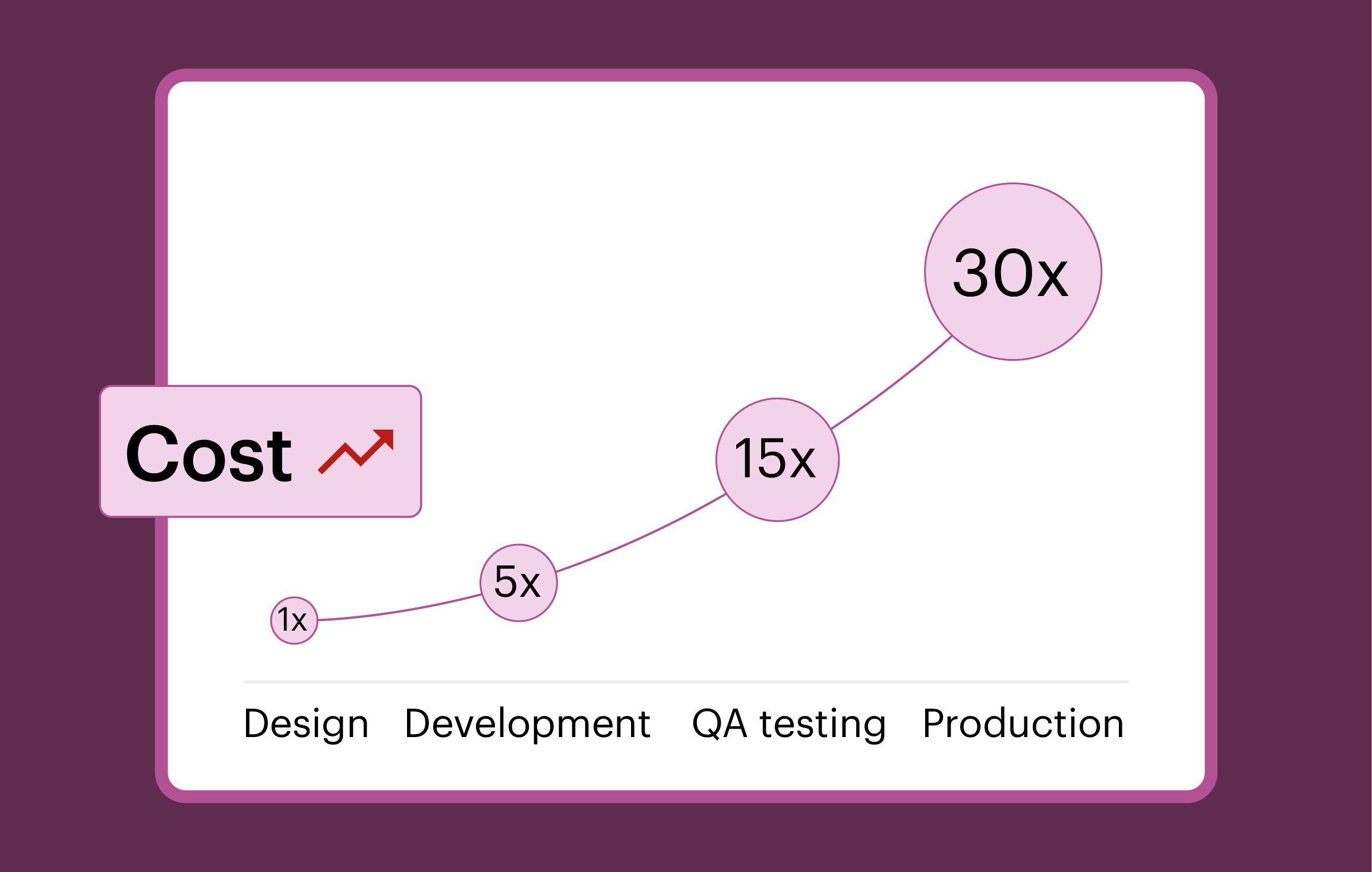
Shift accessibility left
Building accessibility testing into your development workflow early—known as “shifting left”—means catching issues before they reach production, when they’re faster, easier, and cheaper to fix. By testing, identifying, and fixing accessibility issues earlier, you can make a significant cost-saving impact at your organization, while delivering better user experiences across your products and services.
Shift left with Deque’s flexible, efficient, and reliable Axe tools

Flexible
Integrate accessibility testing directly into your CI/CD pipeline, IDE, and testing tools so you don’t need to change how you build, test, or ship code.

Efficient
Accelerate accessibility testing with developer-friendly, automated tools. Save resources, streamline fixes, and maintain your development velocity.

Reliable
Get accurate results with our commitment to zero false positives. Focus on fixing real accessibility issues instead of having to chase false alarms.
Accessibility tools built for developers

Axe DevTools for Web
Test early across IDE, browser, and CI/CD with automated, AI-powered checks.

Axe DevTools for Mobile
Test native and cross-platform iOS and Android mobile apps interactively, in your pipeline, and as you type.

Axe DevTools Linter
Catch and fix web and mobile accessibility issues in real time while you code.

Axe MCP Server
Connect trusted accessibility expertise with AI coding agents to build accessible code in your IDE.

Axe Assistant
Get accurate, expert-backed answers to all your digital accessibility questions.

Deque University
Get self-paced, developer-focused training to stay current on the most important web accessibility topics.
The Axe MCP Server connects Deque’s accessibility expertise with your AI coding agent of choice, right in your IDE
Experience the benefits of digital accessibility

Ship code faster
Add accessibility checks into every stage of the SDLC so issues don’t make it to production. With automated tests and our commitment to zero false positives, you can focus on fixing real issues, cut down on rework, and keep releases moving smoothly.


Build products everyone can use
Write code that works for everyone, whether they’re using a keyboard, screen reader, or touch device. Basic things like clear headings and solid color contrast make your app more usable, predictable, and easier to maintain.


Avoid last-minute emergencies
Write accessible, standards-based code from the start to stay compliant and prevent panic situations later. Avoid expensive rewrites, late-stage fixes, and legal hassles by shifting left and addressing accessibility early.

Digital accessibility tools that fits your tech stack









Get started with free tools

Axe DevTools Extension
Quickly test your web apps right in your browser. Identify and resolve accessibility issues, then export and share your results.
Axe DevTools Linter
Find and fix accessibility issues as you code. Prevent inaccessible code from merging in GitHub, CI/CD, and beyond.
Visit our docs site to get details on how to use Axe DevTools and other Deque products
Additional resources
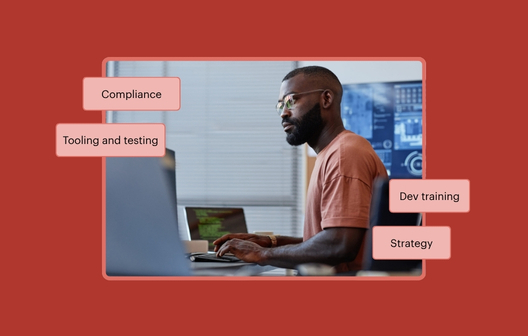
I’m an engineering leader. How do I get started with accessibility?
As an engineering leader tasked with digital accessibility for the first time, where should you start? This three-stage, 90-day play will get you started.
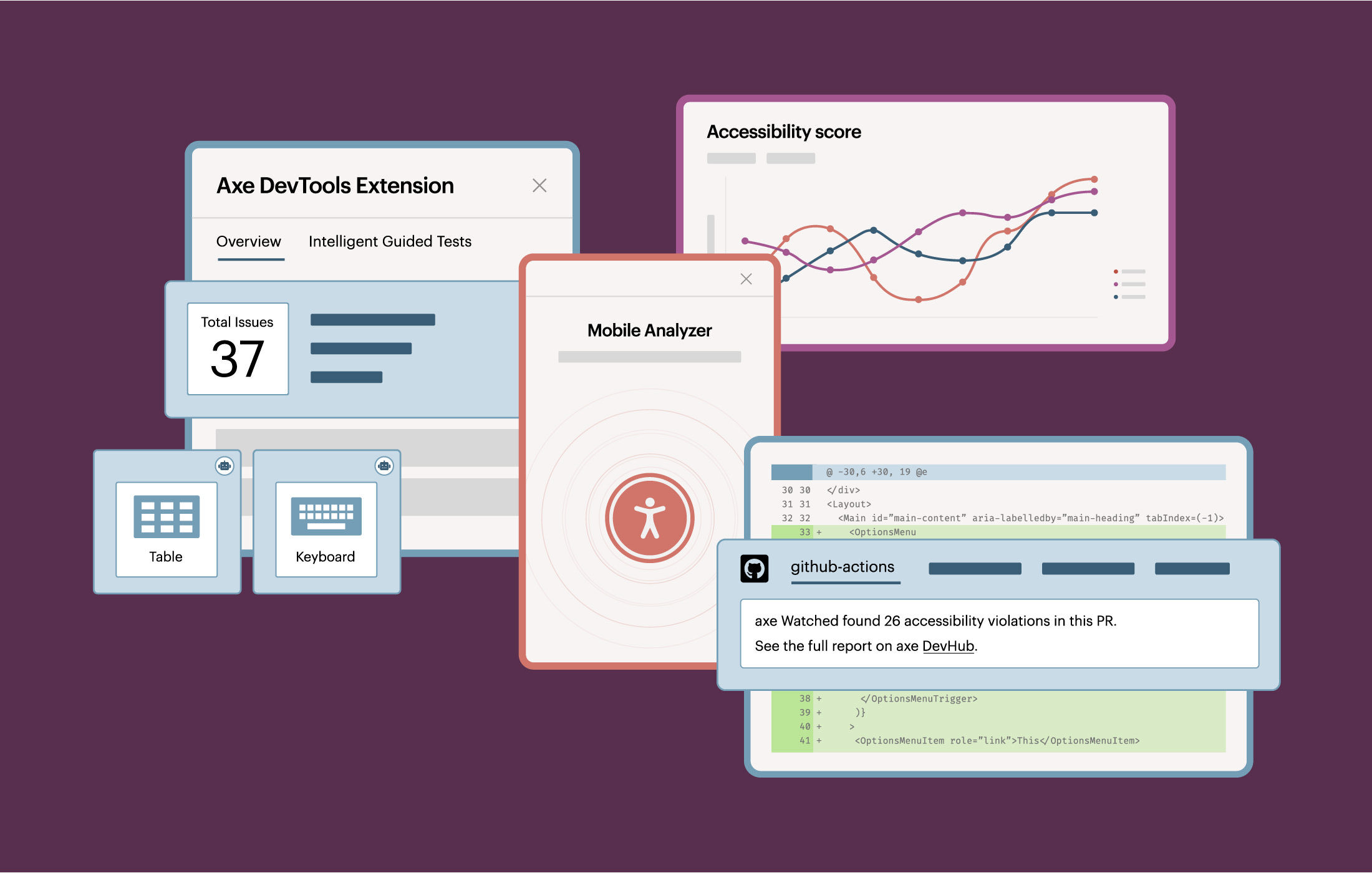
Axe DevTools
See how Deque tools helps you find, fix, and prevent accessibility issues across your digital experiences with our free trials.
From debt to dividend
Learn how engineering leaders can advance accessibility in the AI era with data from our survey of 200 engineering leaders.
Frequently asked questions
What is digital accessibility, and why does it matter for developers?
Digital accessibility is the practice of ensuring digital properties (web and mobile) can be used by people with disabilities without barriers. It is about meeting global accessibility standards and legal requirements, but also building better, more inclusive user experiences.
For developers, making accessibility part of everyday workflows means catching issues early to reduce rework and ship higher-quality code faster. Accessible code is more maintainable, performs better across devices and assistive technologies, and leads to more positive outcomes for all users.
Can I run accessibility tests locally before committing code?
Yes. You can catch accessibility issues right in your local environment before opening a pull request. Running tests locally helps you identify and fix problems earlier in the development lifecycle. You can also configure rules to automatically block code from merging if it has accessibility issues, ensuring only compliant code gets merged.
How do I integrate accessibility testing into my IDE, CI/CD, or pipeline?
You can use Deque’s products to easily build accessibility testing into every stage of development. The Axe MCP Server connects the expertise of the Axe platform with your AI coding agent, giving you accessibility guidance directly in your IDE. You can also use Axe DevTools to integrate automated accessibility checks into your CI/CD pipeline and end-to-end tests, all while working within your existing systems, without losing velocity. This seamless integration makes accessibility a natural part of your workflow, helping you ship faster, prevent regressions, and deliver high-quality, inclusive code.
Are there free or open-source accessibility testing tools I can start with?
Yes, you can start with our free browser extension in Chrome, Firefox, or Edge, all run on Axe-core, Deque’s open-source accessibility testing engine. It allows development teams to run basic, automated accessibility tests on a page-by-page basis. It’s a great way to get introduced to automated accessibility testing and quickly catch common accessibility defects early in development.
Do you have tools to test for accessibility on web and mobile?
Yes, Deque provides accessibility testing tools for both web and mobile. You can leverage Axe DevTools for Web to test web experiences throughout development—within your IDE, browser, and CI/CD pipeline—catching issues early with automation and AI-powered checks. You can use Axe DevTools for Mobile to test any native or cross-platform app, even without source code access, in your pipeline or as you code, using automated UI tests and React Native linting. These tools integrate seamlessly into your workflows, helping you deliver high-quality, inclusive experiences across platforms.