
Axe DevTools Extension Digital accessibility testing right in your browser
Find and fix accessibility issues with AI and automated testing.
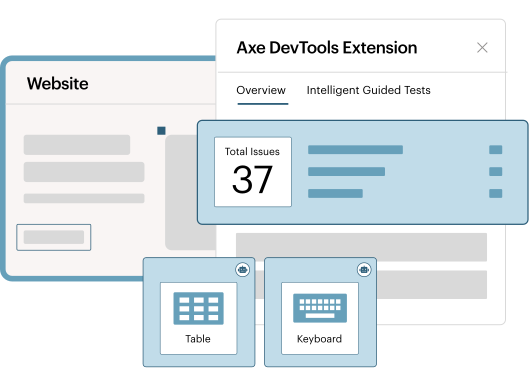
Save time, reduce costs, and ensure digital experiences are accessible from the start

Fast
Get faster results with better coverage than any other tool with AI and automated testing capabilities that fit right into your workflows.

Easy
Fix your accessibility issues with in-product remediation guidance. Our tool fills in any knowledge gaps—no accessibility training required.

Effective
Leverage AI-guidance to find more accessibility bugs than with automation alone. Don’t waste time on inaccurate, repetitive results.
Test faster and smarter
Accelerate accessibility testing by combining traditional automation with AI to surface issues sooner and provide clear guidance on next steps with detailed reasoning. Built-in AI reduces repetitive, manual effort while keeping experts in control, helps teams test earlier into development and QA, and removes friction so teams adopt and scale accessibility testing faster.
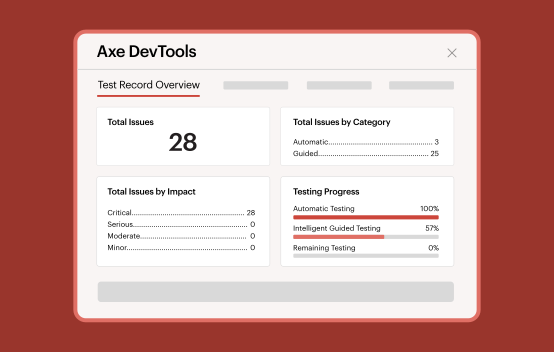

Streamline workflows and issue management
Leverage AI to handle routine, simple questions and bridge knowledge gaps, so experts can focus on more complex or critical issues. Get prioritized, deduplicated results with quick links to fixes, and share issues via Jira, exports (JSON, CSV, JUnit XML), or permalinks with screenshots and details so everyone is on the same page.
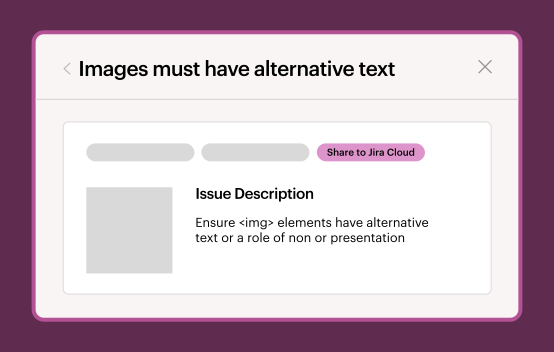

Customize and focus your scans
Scan specific components or sections of your page to find and fix issues faster and with fewer code changes. Record entire customer journeys in one scan, customize your tests with standards such as WCAG, and set consistent rules across your whole team or organization
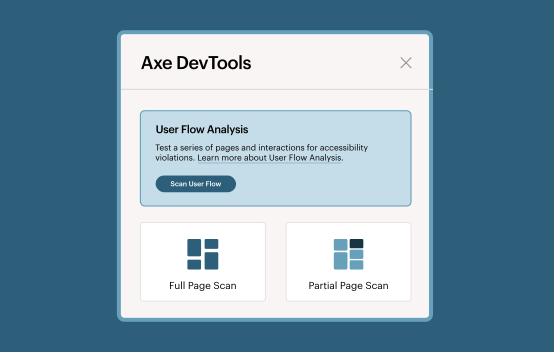

Stay in control with expert guidance
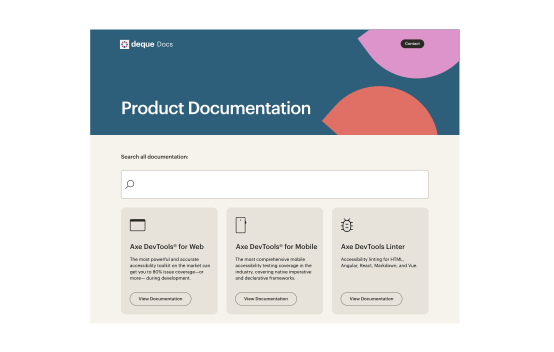
Keep your team moving with live support, training, and expert guidance. Review and approve results generated by AI-enhanced features to maintain quality control without slowing down your team. Access reports, save and share results, and stay ready with enterprise security, product versioning, and up-to-date documentation.
Count on proven accuracy and expertise to confidently build accessible web experiences
1st
Deque was the first to create automated and AI accessibility tools for developers.
3B
Axe-core, which powers the Axe DevTools Extension, has been downloaded more than 3 billion times.
800k+
Get the Axe DevTools Extension, which has been installed over 800,000 times in Chrome.
Bring the power of the Axe DevTools Extension directly into your IDE with the Axe MCP Server.
Tools to navigate your accessibility journey
Axe DevTools offers flexible packages that scale with your team’s needs.
Combine Axe DevTools Extension with Axe Assistant to resolve issues quickly and accurately.
Try Axe DevTools Extension in your browser of choice

Axe DevTools for Chrome
Install Free Chrome Extension
Axe DevTools for Firefox
Install Free Firefox Extension
Axe DevTools for Edge
Install Free Edge ExtensionAdditional resources
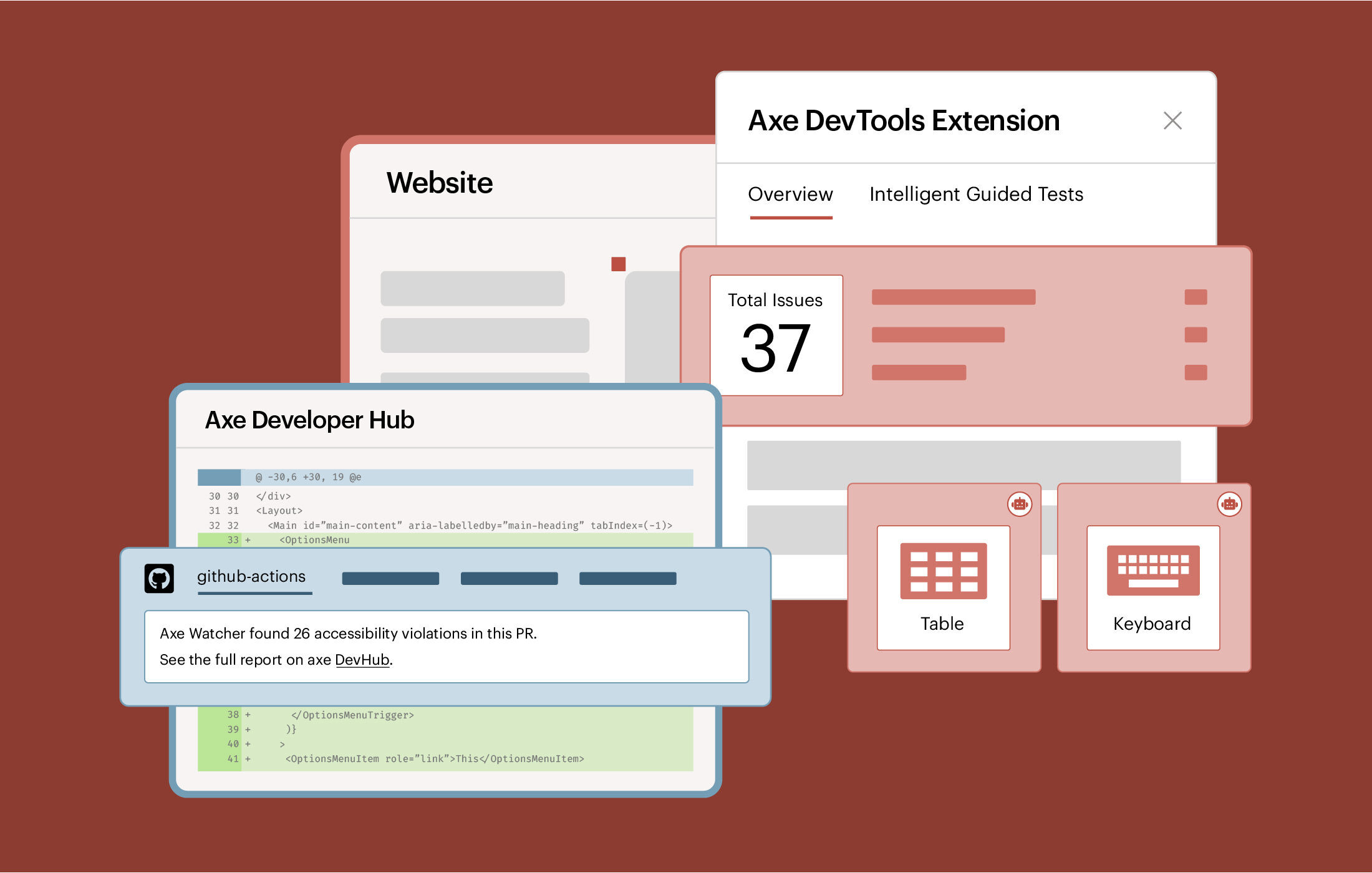
Axe DevTools for Web
Expand beyond the browser with Axe DevTools for Web. Find and fix issues quickly with AI and automated testing tools.
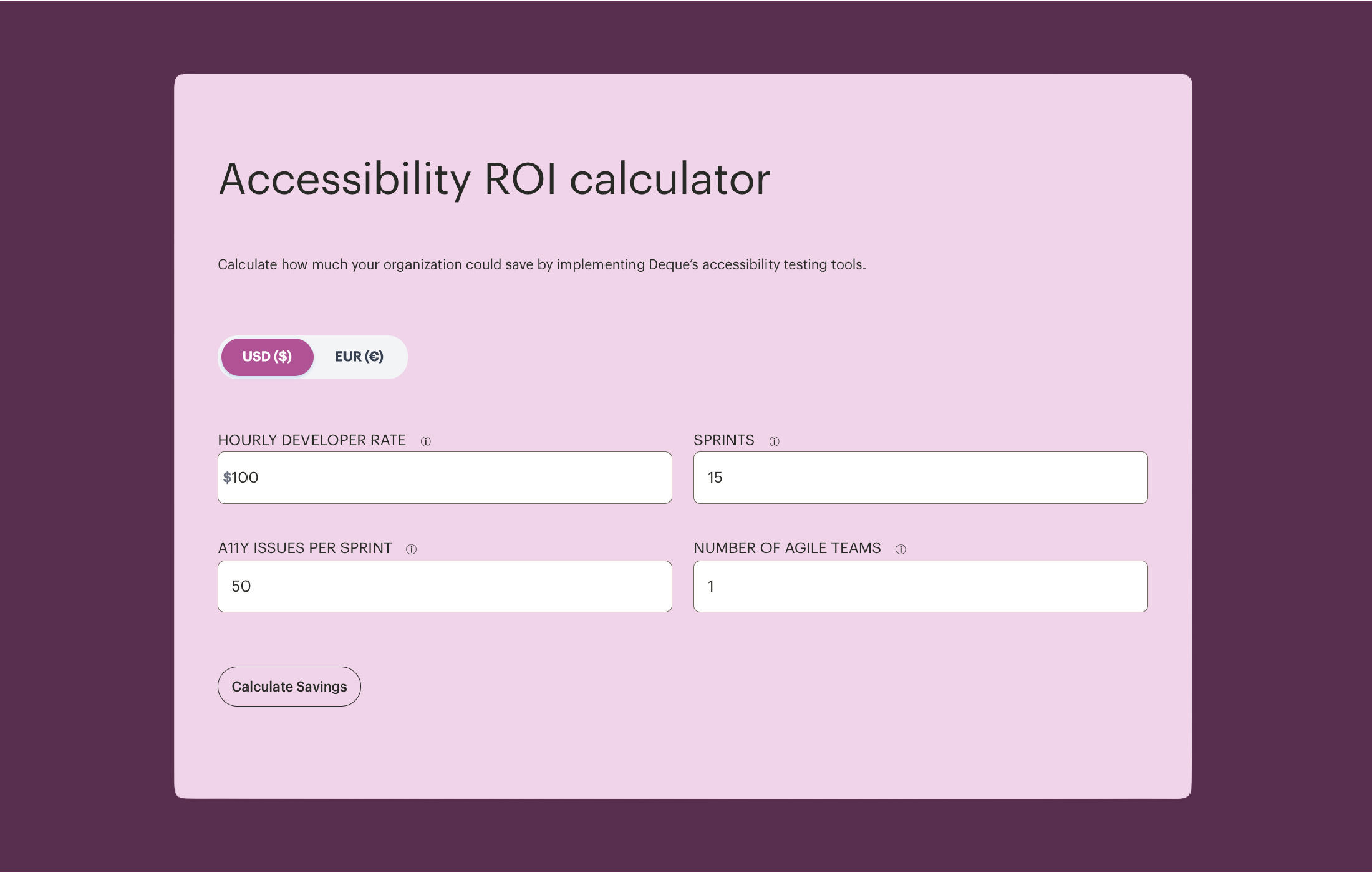
Accessibility ROI calculator
Calculate the ROI of catching accessibility issues early. Learn why it saves time, reduces costs, and improves efficiency.
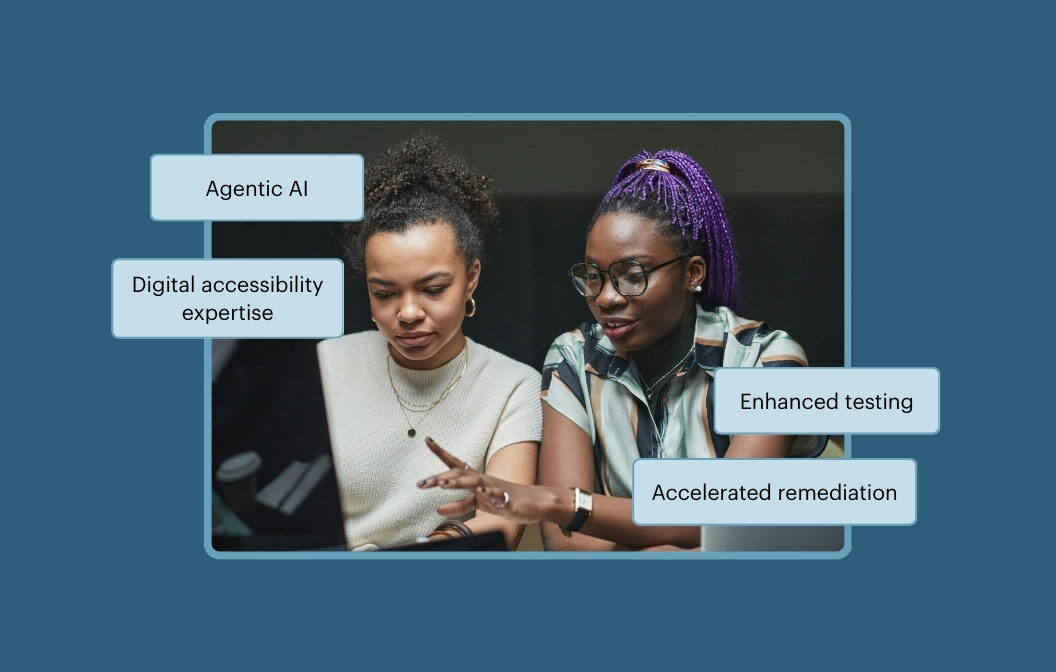
Axe MCP Server: Digital accessibility expertise right in your AI agent
Accelerate and enhance digital accessibility with expert testing and remediation in your IDE with Axe MCP Server.
Frequently asked questions
Do users of Axe DevTools Extension need accessibility expertise?
No, you can use these tools even if you have limited or no accessibility experience. Deque’s AI accessibility tools and features are built to reduce the need for specialized expertise, making accessibility testing approachable for everyone—not just experts.
What browsers is the Axe DevTools Extension available in?
You can use the Axe DevTools Extension in Google Chrome, Microsoft Edge, and Mozilla Firefox.
What rules and standards does Axe DevTools Extension test for?
The Axe DevTools Extension runs tests based on established accessibility standards, including WCAG levels A, AA, and AAA (versions 2.0, 2.1, and 2.2). It can also be configured to check against other standards like Section 508 and EN 301 549.
Does the Axe DevTools Extension help with manual testing?
Yes. While Axe DevTools Extension is best known for automated testing via Axe-core, it also supports manual testing. After running automated and Intelligent Guided Tests (IGTs), users can follow the “Remaining Testing” checklist, which walks them through the additional manual testing needed. The extension also includes a manual issue feature, allowing users to flag issues manually so they can be accounted for.
How is Axe DevTools Extension (Pro) different from the Axe DevTools Extension (Free)?
The Axe DevTools Extension (Pro) enhances accessibility testing with Intelligent Guided Tests (IGTs), AI-assisted features, and more advanced reporting and sharing tools, helping teams uncover and fix complex accessibility issues that automated tests alone might miss. The free Axe DevTools Extension only provides automated testing, and you can only test one page at a time. The “Pro” version adds machine learning enhancements, guided manual testing, and collaboration capabilities for more comprehensive coverage.
