
Axe DevTools for Web Accessible web development tools
Scale testing with AI and automation across workflows for accurate, actionable results.
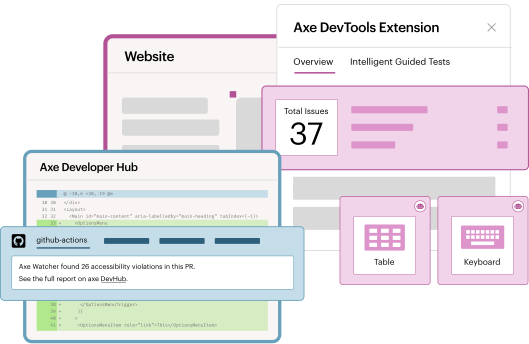
A trusted solution from the leading provider of digital accessibility tools for the web
3 Billion+
Axe-core, which fuels Axe DevTools for Web, has been downloaded 3 Billion+ times.
1st
Deque was the first to create AI and automated accessibility tools for developers.
800,000+
The Axe DevTools Extension has been installed 800,000+ times in Chrome.
Find and fix accessibility issues early in web development

Accurate
Get reliable results and clear steps to fix issues, with testing mapped to WCAG guidelines.

Flexible
Integrate secure testing at any development stage, with custom rules, flexible installation, and configuration options.

Actionable
Save, share, and manage accessibility test results across projects. Export to Jira or other formats to align teams.

Identify more issues, faster
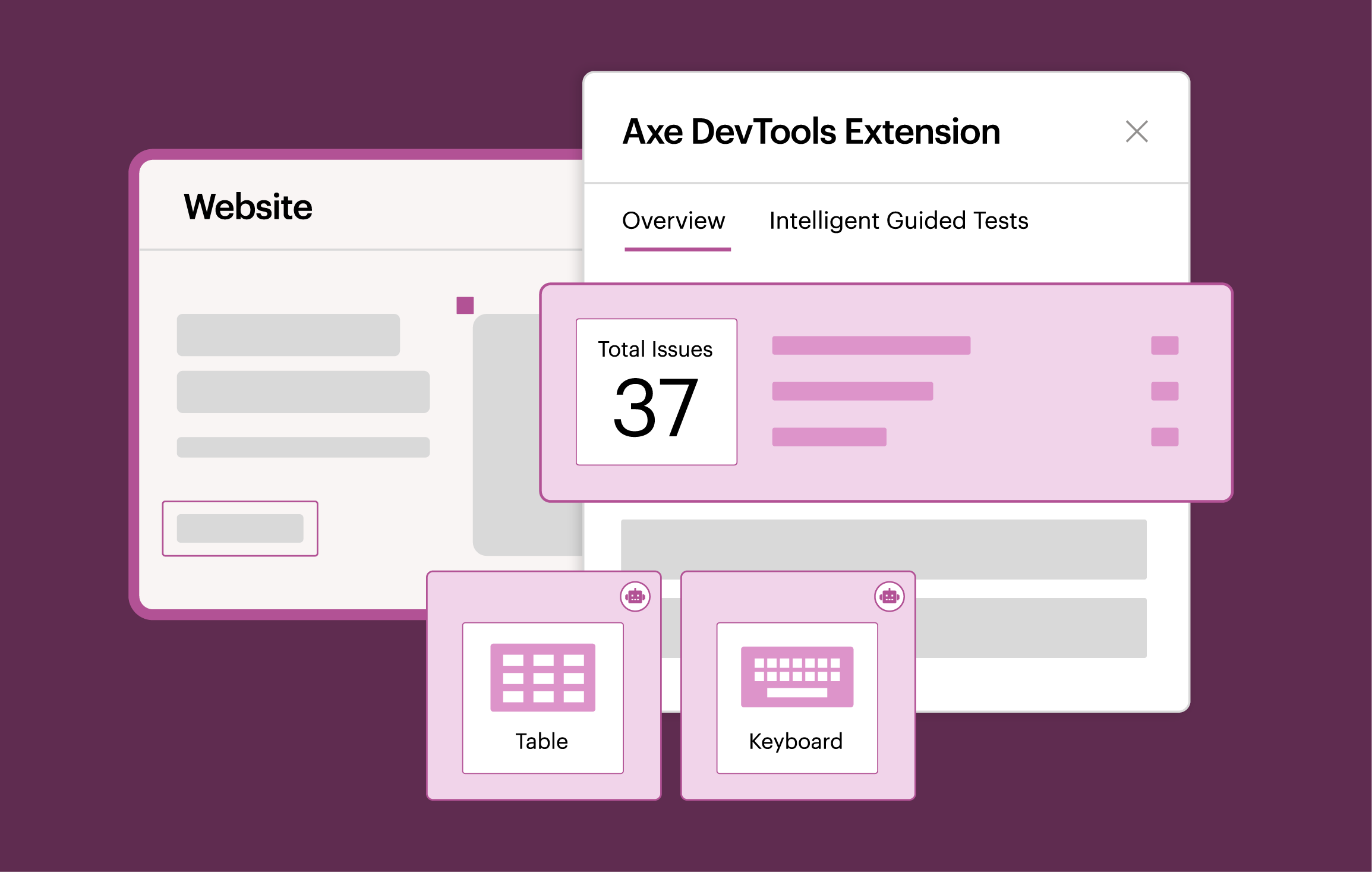
Catch and fix up to 80% of accessibility issues before they reach production. Scan pages, components, or user flows in your browser with AI-powered automation for fast, accurate results.

Turn commits into accessibility gains
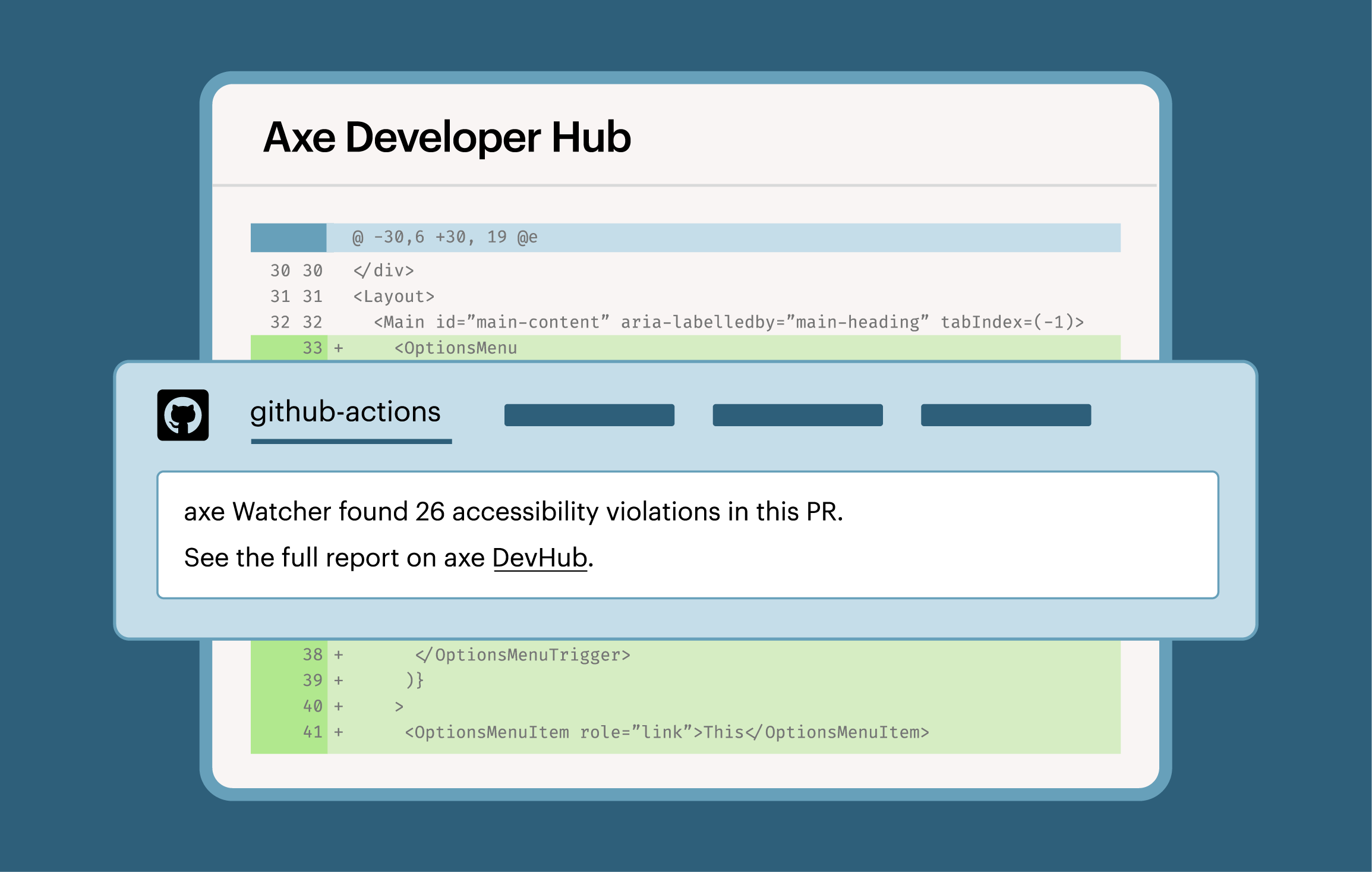
Integrate accessibility testing into end-to-end tests with just one simple configuration change. With every commit, you get reports on trends, prioritized fixes, and progress toward accessibility improvements.

Fix issues as fast as you code
Flag code-level accessibility issues in real time, right in the IDE. Catch and block accessibility issues directly where you work, preventing inaccessible code from reaching production, while providing actionable feedback without leaving the workflow.
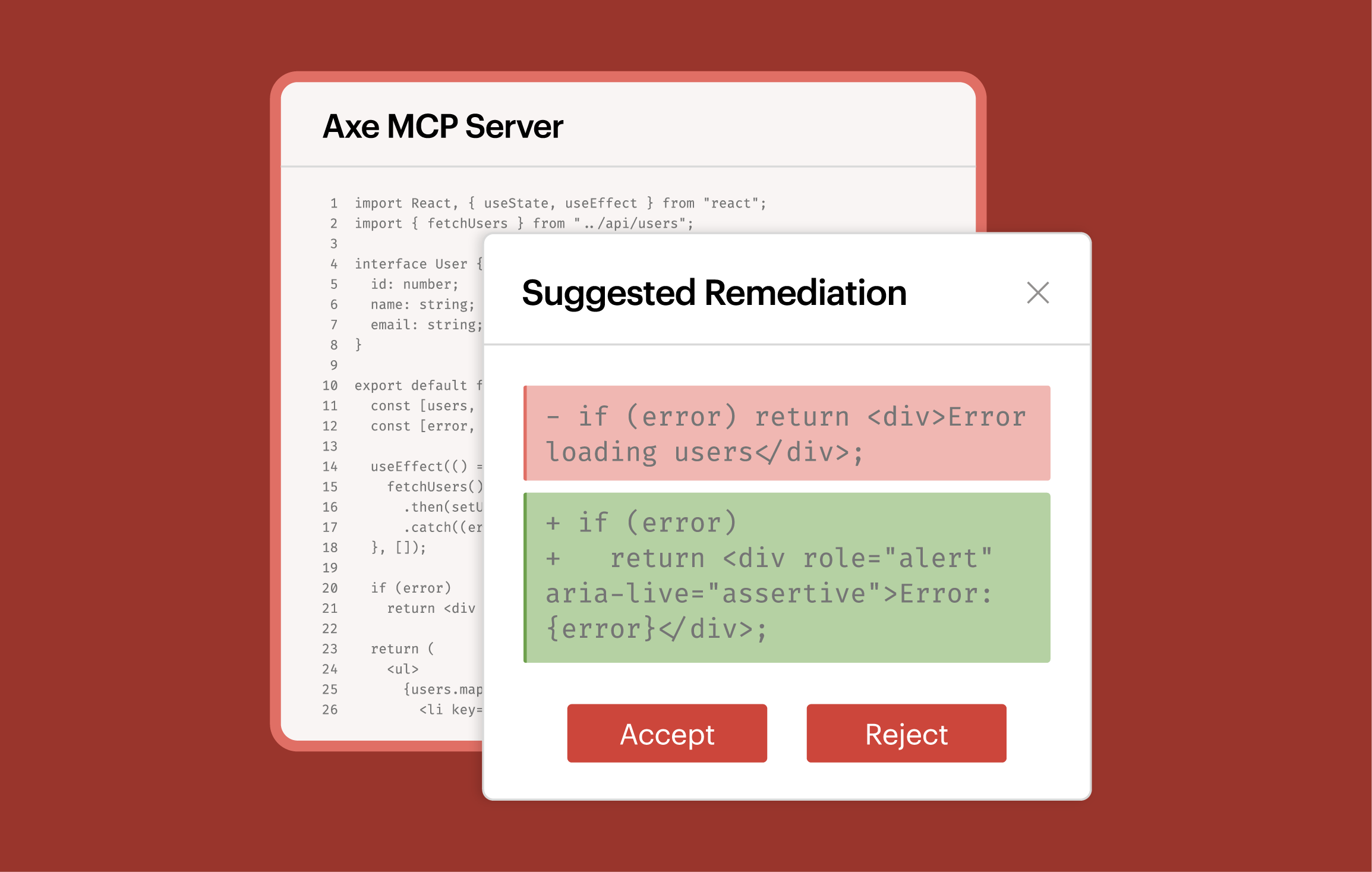

Tailor testing to your workflow
Integrate into your automated testing and CI workflows with support across a variety of languages. Leverage flexible APIs that can adapt to your unique pipeline to test every build and site with precision.
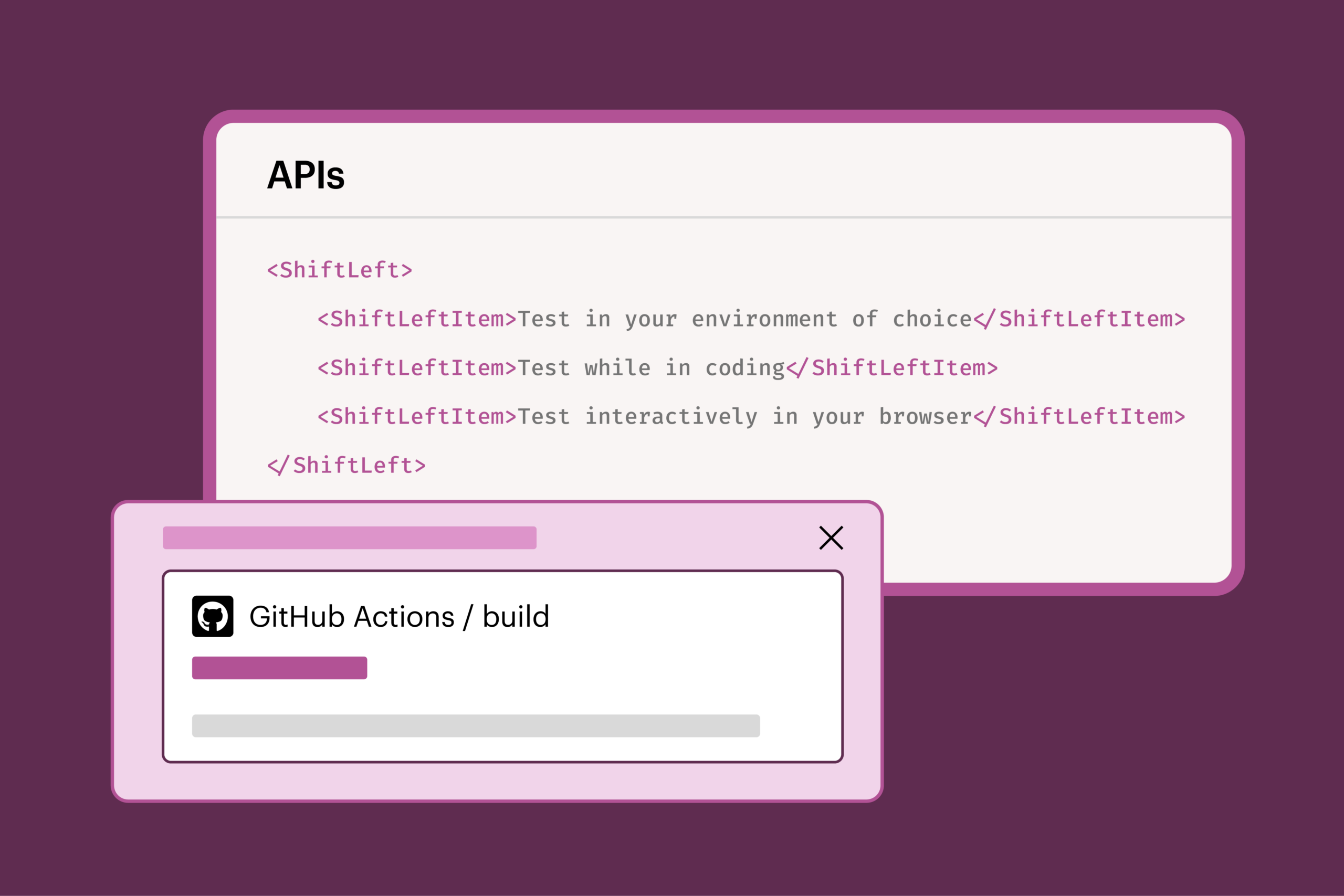
Extend the power of Axe DevTools for Web with expert-backed accessibility guidance from Axe Assistant
Drive web accessibility testing across your workflows
Easily integrate Axe DevTools for Web into any dev team workflow or environment to catch and fix issues before they reach production.

While you type
Find and fix issues as you code. Accept or reject recommendations with one click. Build accessible code from the start.
In your browser
Run accessibility tests in your browser. Focus on priority issues by scanning a user flow, full page, or part of a page.
In your pipeline
Automatically test in your CI/CD pipeline. Add accessibility checks with a one-time change to your config file.
Get Axe DevTools for Web product details, documentation, and guidance today.
Additional resources
Eliminate costly rework and fix accessibility issues early with Axe Assistant
Get 24/7 access to expert digital accessibility guidance and empower developers to fix issues early while maximizing ROI.
Explore Axe DevTools for Mobile
Scan for mobile accessibility. Test native iOS, native Android, and hybrid mobile apps. No SDK or code access required.

Axe MCP Server: digital accessibility expertise right in your AI agent
Enhance digital accessibility with expert testing and remediation in the tools you already use with Axe MCP Server.
Frequently asked questions
What languages, tools, and environments does Axe DevTools for Web integrate with?
Axe DevTools for Web integrates seamlessly with your tools, coding languages, and CI/CD pipelines. It supports languages like Node.js, JavaScript, C#, Java, Python, and Ruby, as well as platforms like GitHub, Jenkins, SonarQube, and CI/CD pipelines.
You can also integrate directly with Jira to send accessibility issues straight from the browser extension to your Jira instance in just a few clicks.
Who are the typical users of Axe DevTools for Web?
Web developers use Axe DevTools for Web to understand and pinpoint accessibility issues in the context of a fully rendered page—no accessibility expertise required.
QA/Automation test engineers use Axe DevTools for Web to seamlessly run accessibility testing as part of their regular build tests.
Development leaders use Axe DevTools for Web to save time, money, and rework by incorporating seamless and consistent standards, rules, and testing across the organization.
How can I track progress and share results from Axe DevTools for Web?
With Axe DevTools for Web, you’ll get clear, actionable reports that highlight trends, prioritize fixes, and track progress over time. You can export these reports to Jira or in other formats to keep teams on the same page.
Can I still use Axe DevTools for Web if I don’t have a background in accessibility?
Yes! If you’re a non-technical user, you can also run scans, view issues, and follow guided recommendations.
How does Deque’s Axe DevTools for Web compare to alternatives?
Axe DevTools for Web stands out with its developer-focused, actionable feedback, seamless integration into developer workflows and CI/CD pipelines, and proven accuracy (driven by the Axe-core engine and Deque’s commitment to zero false positives).
With Axe DevTools for Web, your teams can catch and fix issues early, test directly in the browser, get shareable progress reports, and test against established accessibility standards.
The combination of speed, reliability, and ease makes Axe DevTools for Web a trusted choice for organizations committed to building accessible web experiences.
Why do other tools claim to catch more issues?
These are misleading claims. While these tools may appear to catch more accessibility issues overall, the reality is that a high percentage of them aren’t actually issues—they’re false positives (e.g. flagging text that’s purely decorative).
False positives waste valuable time, because developers have to validate every single issue to determine whether they actually need fixing. With Deque’s commitment to zero false positives, you don’t have to worry about this, and can be confident your team is fixing true accessibility issues, not wasting time.
Comparative reviews with accessibility experts who help set WCAG standards highlight this problem. Inaccurate results waste developer time, lead to testing abandonment, and can undermine the credibility of accessibility leaders recommending these tools and practices.
What engine does Axe DevTools for Web run on?
Axe DevTools for Web is powered by Axe-core, the industry’s most trusted accessibility engine. It is also backed by the largest database in the industry, so you get the widest test automation coverage available.
What are my deployment options for Axe DevTools for Web?
You can deploy Axe DevTools for Web in SaaS, on-premise, or in private cloud environments.
