
Axe Watcher + Axe Developer Hub Easily integrate accessibility into existing automated tests
Add ongoing accessibility testing with just a single configuration and zero maintenance.
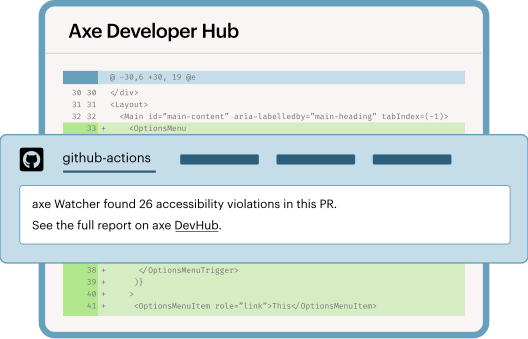
Effortless adoption. Build accessible code, faster.

Reliable
Consistently prevent bugs from reaching production, track improvements over time, and block code with unresolved issues.

Easy
Set up in minutes and make accessibility testing effortless to adopt and maintain.

Effective
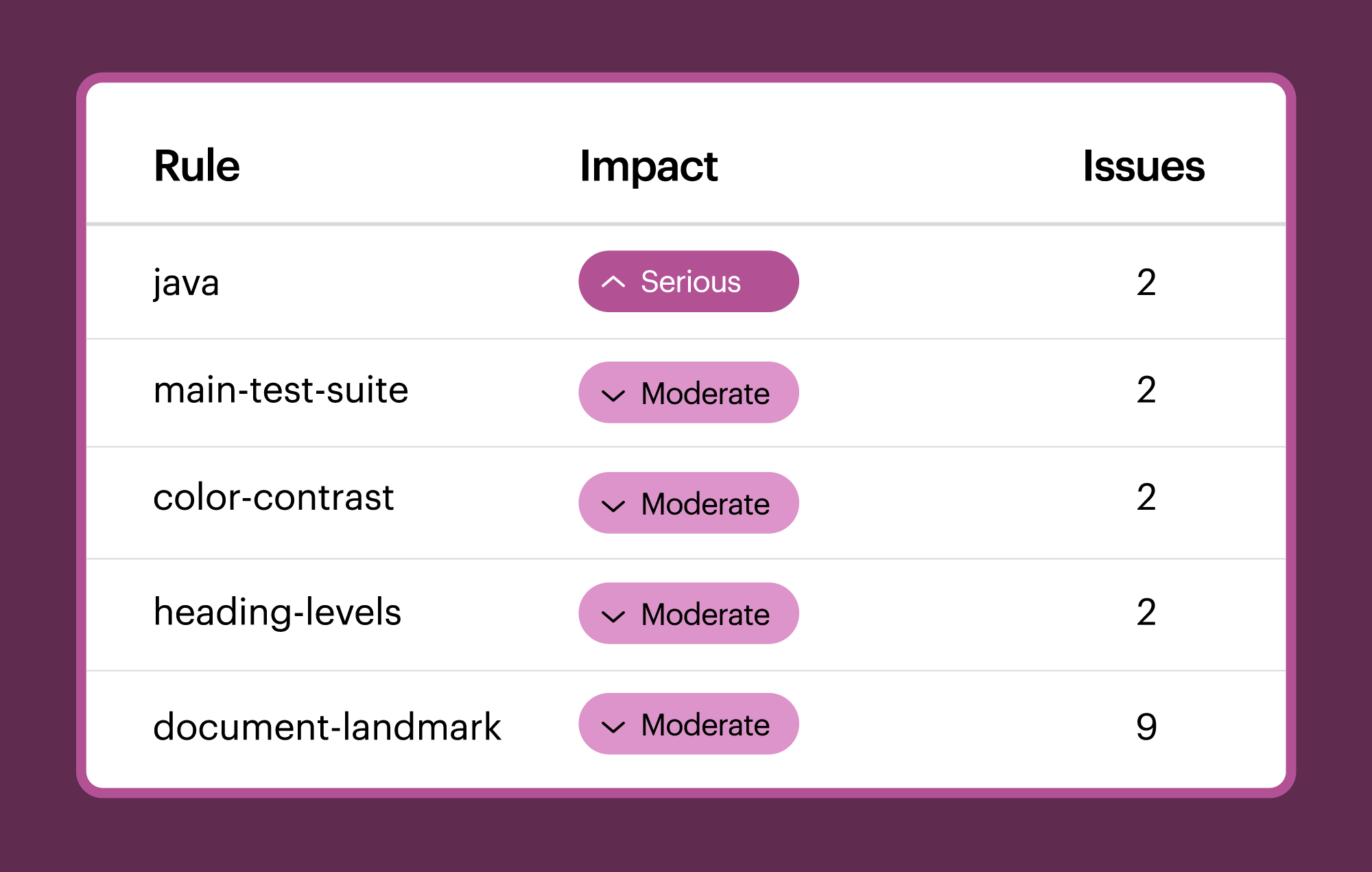
Get clear and deduplicated results, identify new issues, and prioritize actionable tasks to improve accessibility.
Maximize productivity with end-to-end accessibility

Save time by keeping new code clean
Instantly detect changes in your app, catch new issues, and get de-duplicated results. Keep new code accessible, prevent backlogs from building, and block pull requests when issues arise.
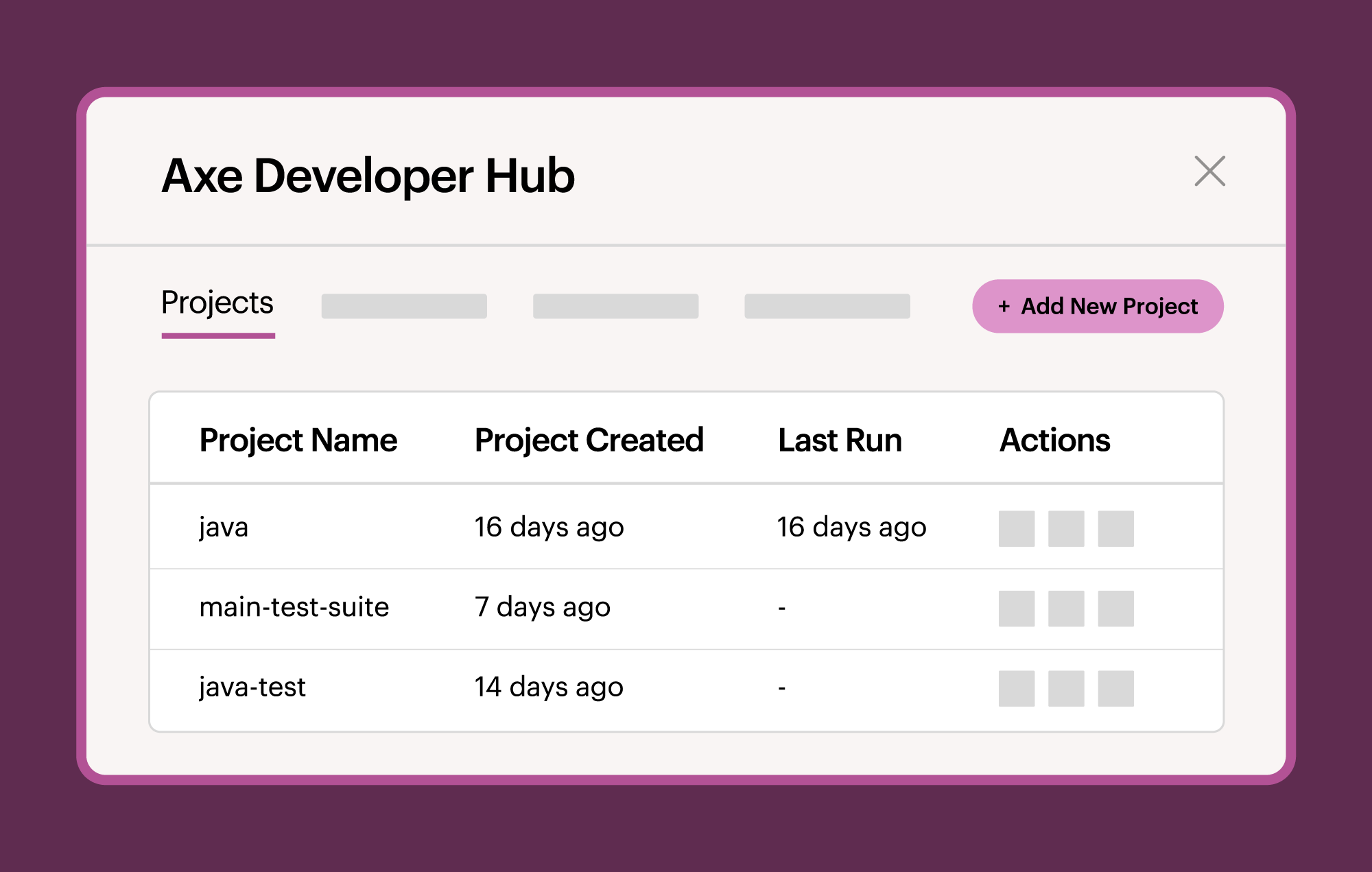

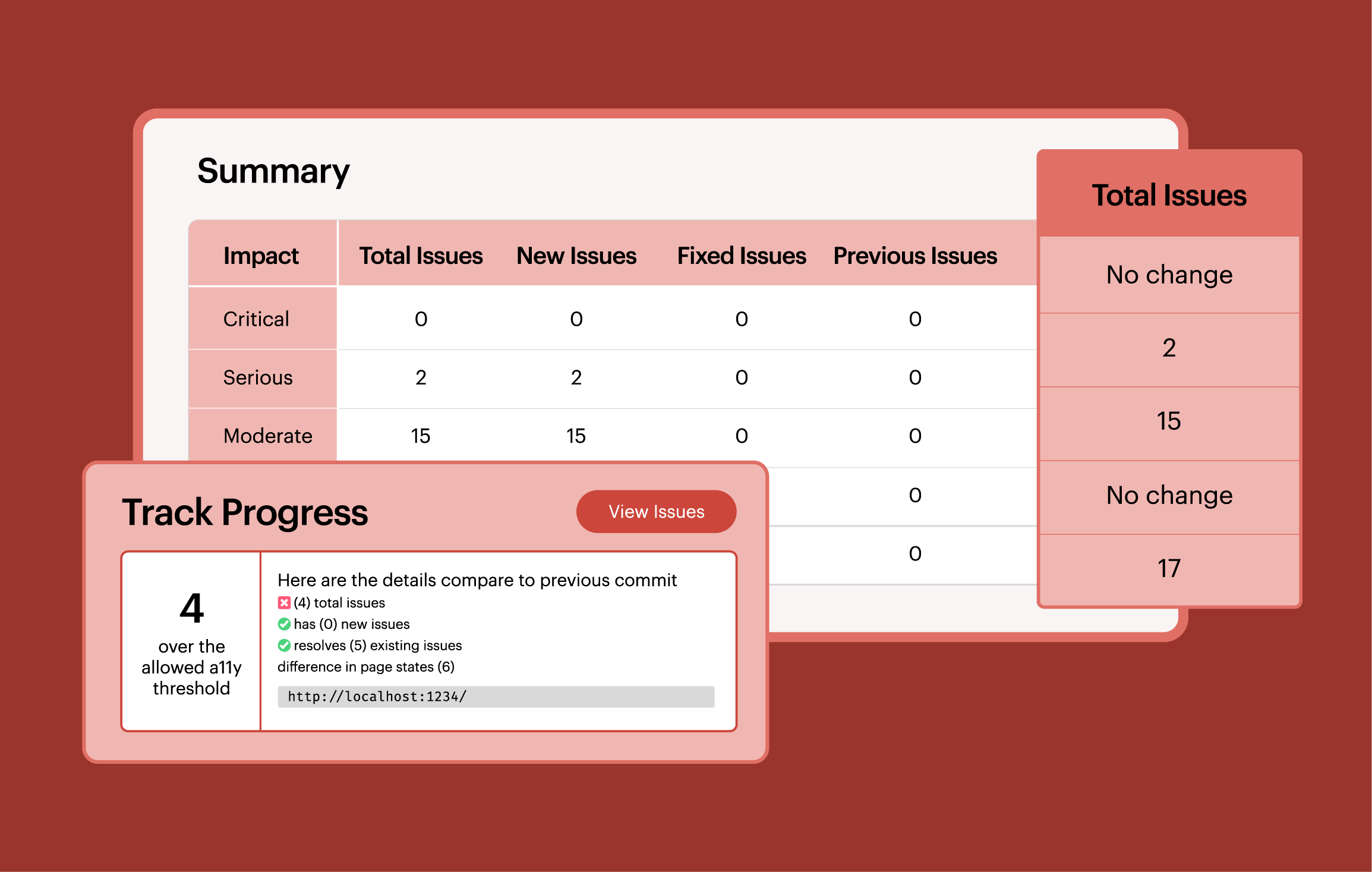
Get feedback and show progress
Get actionable feedback and detailed guidance to resolve issues quickly, whether you’re testing locally or in CI/CD pipelines. Track accessibility progress to see how your product becomes more accessible over time.

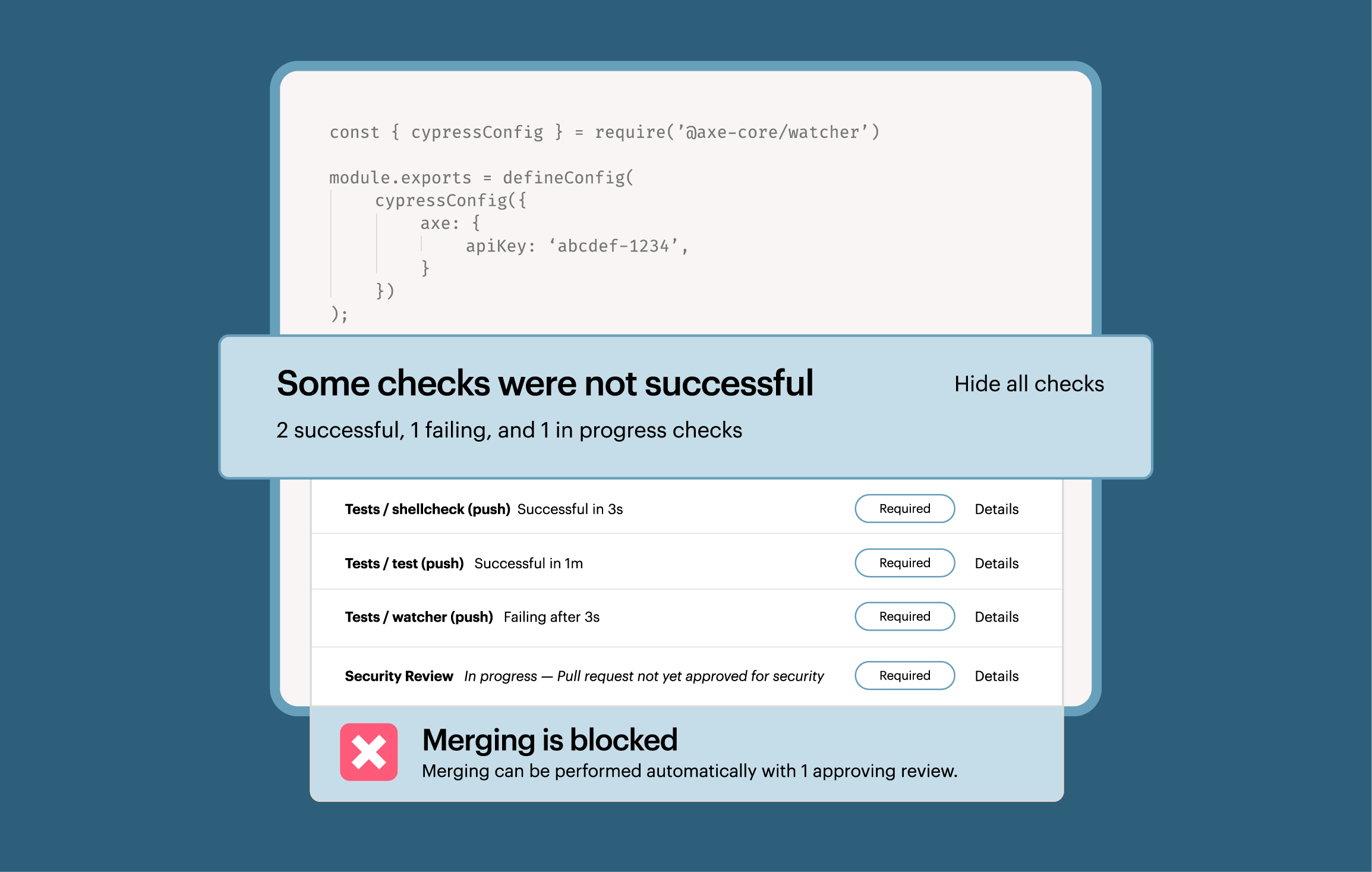
Automate ongoing testing with ease
Integrate accessibility testing into your end-to-end testing suite with just one configuration change—testing scales automatically, no extra maintenance. Flexible for SaaS or on-prem deployments and easy to add to workflows.

Keep your team moving forward
Get expert support, training and guidance. Access reports, track progress, share results, and stay organized with up-to-date documentation, enterprise security, configurable settings, and versioning.
Integrate accessibility testing into your existing automation stack




Additional resources
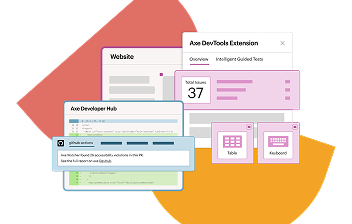
Axe DevTools for Web
Explore Axe DevTools for Web to find and fix issues quickly and at scale with expert-backed AI and automated testing tools.

Axe MCP Server: Digital accessibility expertise right in your AI agent
Enhance digital accessibility with expert testing and remediation directly in the tools you already use with Axe MCP Server.
What’s new in axe Developer Hub: Updates for more flexibility, security, and control
Check out how Axe Developer Hub supports various frameworks and deployment styles for greater flexibility, and security.
Frequently asked questions
How do I get access to Axe Developer Hub?
Axe Developer Hub is available as a part of the Axe DevTools for Web bundle. It cannot be purchased as a standalone offering.
How does it work with the axe DevTools Linter?
Axe Developer Hub and Axe DevTools Linter serve different purposes in accessibility testing.
Teams use Axe Developer Hub to get more value from their end-to-end (E2E) tests by easily integrating accessibility testing into E2E workflows and providing actionable accessibility reports.
Because E2E testing happens in a web browser, tests can run against the full set of Axe-core rules. This provides more comprehensive coverage and testing of a rendered web app. However, you need to wait for your E2E test suite to complete before reviewing results.
Axe DevTools Linter provides fast accessibility feedback directly in the IDE, as part of pre-commit or CI/CD processes. Because linting analyzes “static code,” it tests a subset of Axe-core rules. This provides quicker, near-instant feedback, but with slightly less coverage than the full E2E tests.
Can I use it in on-premise environments?
Yes, Axe Developer Hub can be deployed on your on-premise systems, allowing you to integrate automated accessibility testing into your end-to-end testing workflows. This setup keeps your data on your own servers, giving you flexibility while meeting your organization’s security and compliance needs.
What testing languages and frameworks does it support?
Axe Developer Hub supports Selenium-based Java testing alongside the most popular JavaScript and TypeScript frameworks, including Cypress, Playwright, Puppeteer, and WebdriverIO.
