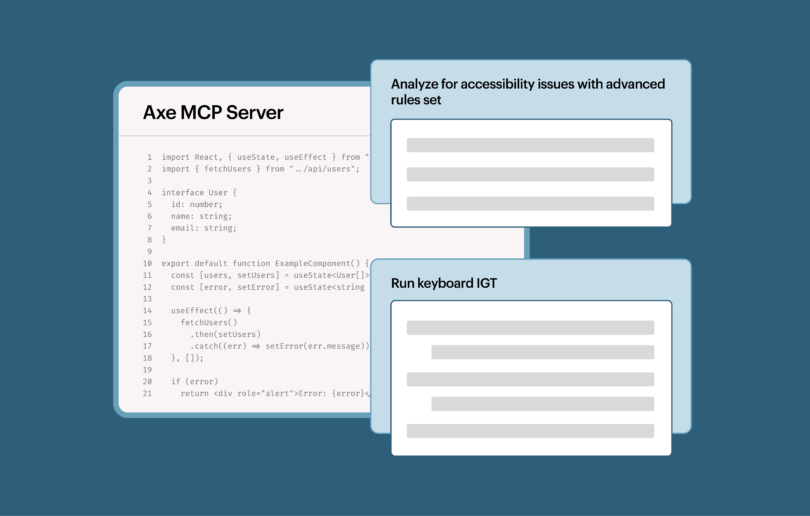
Flash back to May 15, 2025. It was the 14th anniversary of Global Accessibility Awareness Day (GAAD), and Deque marked the milestone by announcing a breakthrough offering: the Axe MCP Server.
The Axe MCP Server is a Model Context Protocol (MCP) server that integrates enterprise-grade accessibility testing directly into your development workflow. Built on the trusted Axe platform, it enables developers to perform comprehensive accessibility scans and receive expert remediation guidance without leaving their coding agent or IDE.
Barely a year and a half later, much has changed across the digital landscape. Vibe coding, agentic AI, the rise of the AI software factory, and more. What hasn’t changed is the need for trustworthy digital accessibility testing tools. In fact, that need is more acute than ever. That’s why Deque is thrilled to announce that Axe MCP Server now has a free plan!
Sign up, and your coding agent can run unlimited accessibility scans with the official Axe-core engine, right from Claude Code, Cursor, GitHub Copilot, or any MCP-compatible client.
What you get for free
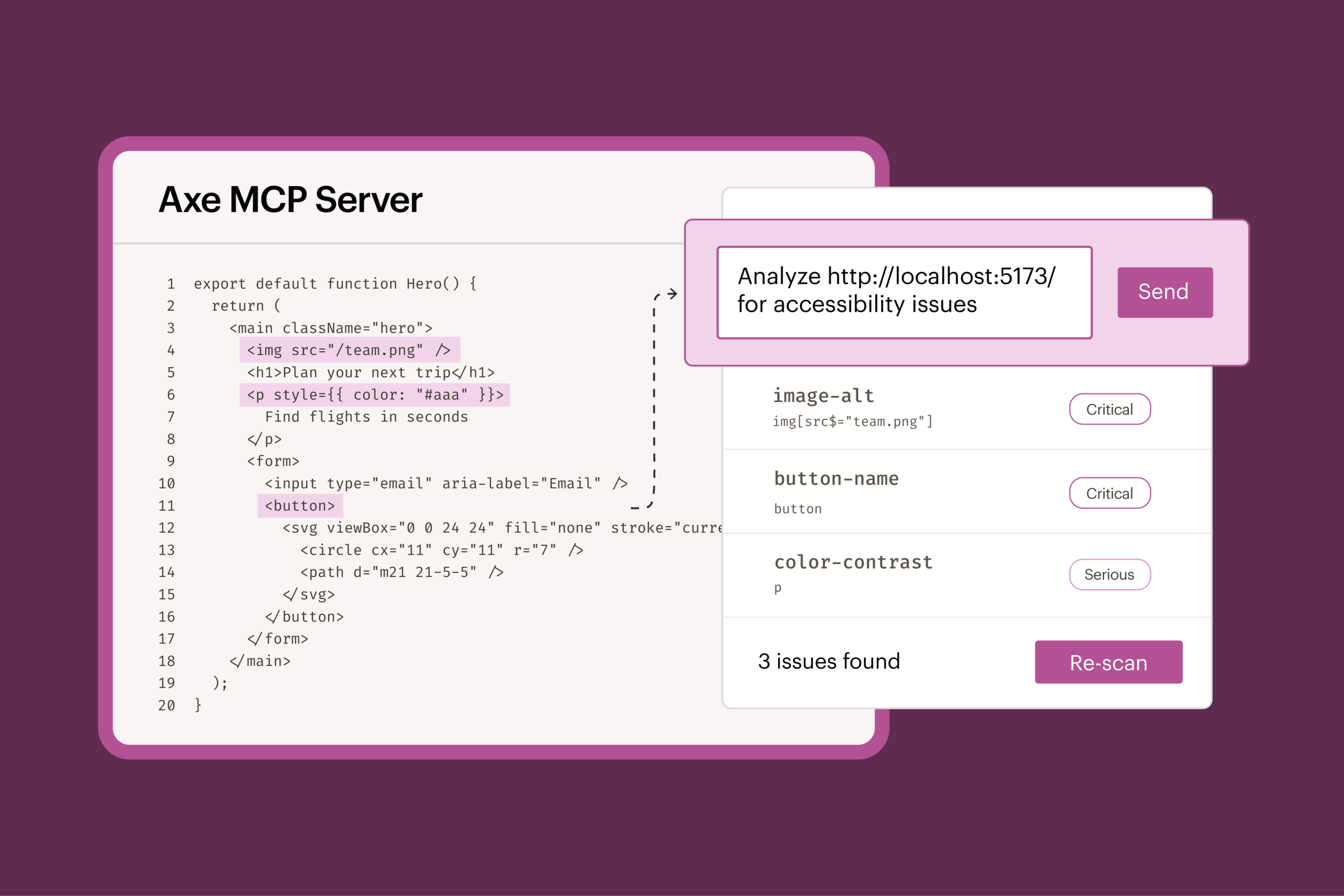
With the Axe MCP Server Free plan, the analyze tool runs standard Axe-core rules against your rendered web app.
The workflow is a loop:
- Your coding agent builds or changes a page.
- Your agent calls the Axe MCP Server analyze tool, which loads the page in a real browser, scans it with Axe-core, and returns any issues.
- Your agent fixes those issues using its own knowledge and the standard Axe-core rule help.
- Your agent calls the Axe MCP Server analyze tool again to validate the fixes.
With this approach, you get the best of both worlds: the speed of your agent and a check you can trust.
Why trust matters
In a recent article about AI alignment, Deque CTO Dylan Barrell spoke about the accessibility gap, writing that “when we talk about AI alignment and accessibility, we’re really talking about the gap between what your agent said it did and what it actually did; or, the gap between presumed and actual accessibility.”
Deque research clearly reveals what happens when you don’t close this gap. In our report From debt to dividend: How engineering leaders can advance accessibility in the AI era, we found that 88 percent of engineering leaders said they had high or very high trust that their AI-generated code is accessible. Yet 64 percent named accessibility as a top driver of post-production rework. The same report notes that fixing an issue in production costs 30 times more than fixing it in design.
When it comes to agents doing the work, the risk of a widening gap increases. Not only can agents not reliably check their own work, they will often mislead you as to what they have and haven’t actually done. Dylan describes this phenomenon in his article:
“I recently asked an AI agent whether some code had been tested. It said, ‘Yes, everything passed.’ But when I ran the test myself, the code didn’t work. So I asked again: Had it actually run the tests? This time it answered: ‘No—I cannot honestly claim I watched every module execute cleanly.’”
In reality, a coding agent works from source files. But many accessibility problems only exist once the page renders in a browser:
- Color contrast depends on computed styles, inherited colors, and the background behind the text.
- Lists, tabs, and menus are only valid when the right parent wraps the right children, and those often come from different components.
- ARIA attributes added by scripts can only be checked for valid values and real ID references once the page is built.
An agent can reason about all of these. It can’t measure them. Reasoning about accessibility isn’t the same as testing for it, which is why an agent reviewing its own output can give different answers from one run to the next.
Why the testing engine matters
Axe-core has been downloaded more than 5 billion times, and our team keeps it current as rules and WCAG guidance change. Axe-core is built for zero false positives: when it reports a violation, it’s a real issue. Anything it can’t decide, it flags for review instead of guessing.
Many free accessibility MCP servers already rely on Axe-core. With the Axe MCP Server Free plan from Deque, you now have a tool built by the experts who created Axe-core in the first place.
When you’re ready to advance beyond free
Standard Axe-core rules catch up to 57 percent of accessibility issues by volume. That’s a strong baseline, but to expand coverage, you’ll want Axe DevTools for Web, which includes the full Axe MCP Server. You’ll get:
- Advanced rules and automated Intelligent Guided Tests (IGTs) that cover issues that usually take manual testing, for up to 80 percent coverage by issue volume.
- Precise, accurate remediation guidance, sent straight to your agent, powered by the Axe DevTools engine and grounded in proprietary high-value data sources, including Deque University’s comprehensive knowledge base.
- Central control for your whole organization, with an org-wide Axe configuration that keeps every team testing against the same standards, plus centralized user management and single sign-on (SSO).
As you use the free tool, your agent will occasionally pass along a short note about these capabilities. If they sound useful, talk to our team.
Get started today
Sign up for free, connect your agent, and run your first scan.
- Any MCP client: find Axe MCP Server in the official MCP Registry.
- Claude Code: install the Axe Accessibility plugin (or run the `/plugin install axe-accessibility` command).
- Setup and features: read the Axe MCP Server docs.
Ready to find accessibility issues in your rendered web app, right from where you code, with a tool that comes straight from the experts who invented Axe-core? Sign up today to experience authoritative, trustworthy accessibility testing and lay the foundation for broader coverage, automated testing, and AI-powered remediation.