
CI/CD integration
Seamlessly integrate accessibility testing into your CI/CD pipeline
Add accessibility testing to your existing workflows to automatically catch accessibility defects before they reach production
Make accessibility testing a part of your pipeline
Embedding accessibility checks into your CI/CD pipeline allows you to add accessibility testing to the automated workflows you already rely on—streamlining processes and making accessibility a more natural part of development. Your team gains continuous visibility into accessibility defects through clear, actionable test results that identify issues, align with standards, and provide guidance on how to fix them. This helps ensure consistency, reduce rework, and support reliable releases across web and mobile apps.
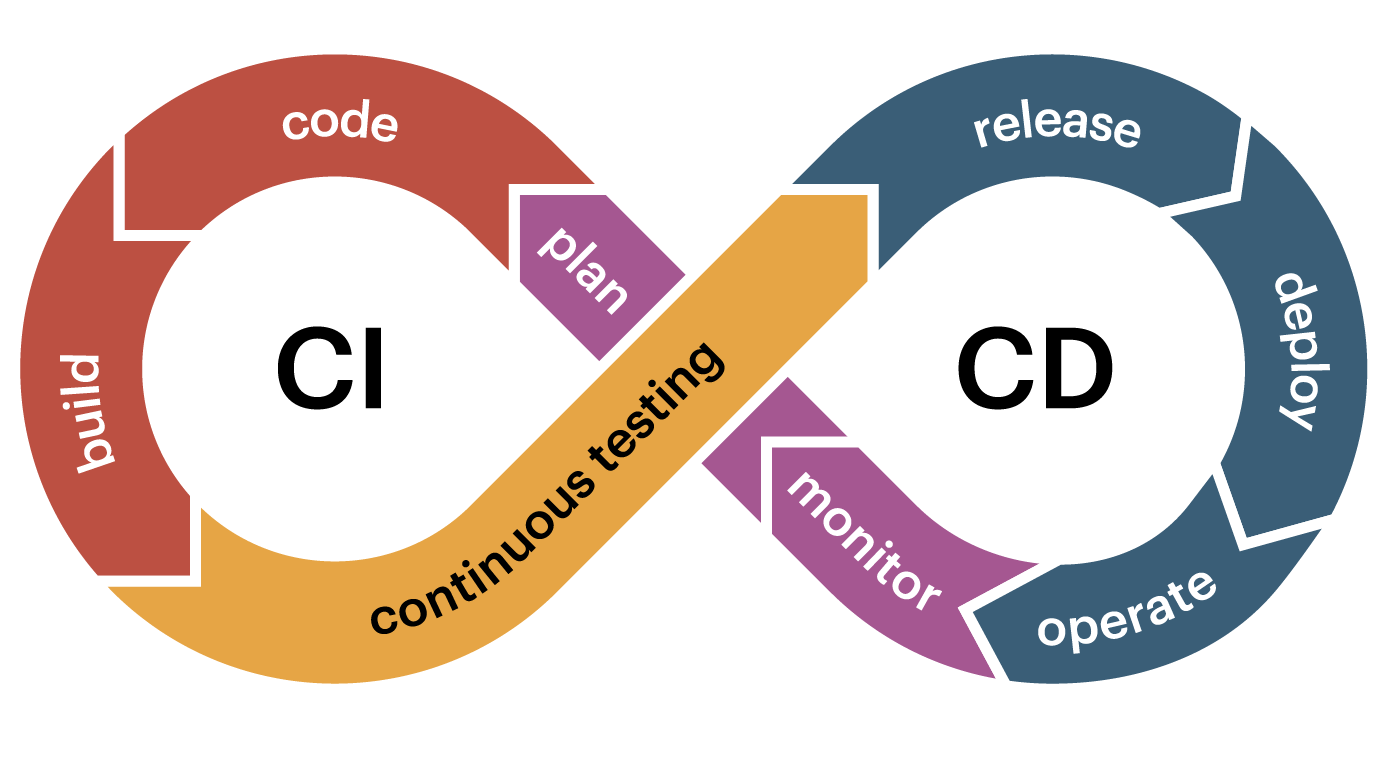
Automate accessibility testing without disrupting your workflow

Flexible
Seamlessly integrate with any CI/CD system you use (such as GitLab or BitBucket)—we meet you where you are.

Low-maintenance
Set it and trust it. Once configured, accessibility tests run automatically and stay up to date with the latest versions.

Controlled
Automatically block accessibility issues from reaching production to keep releases clean and compliant.
Automated web, mobile, and code-level accessibility testing
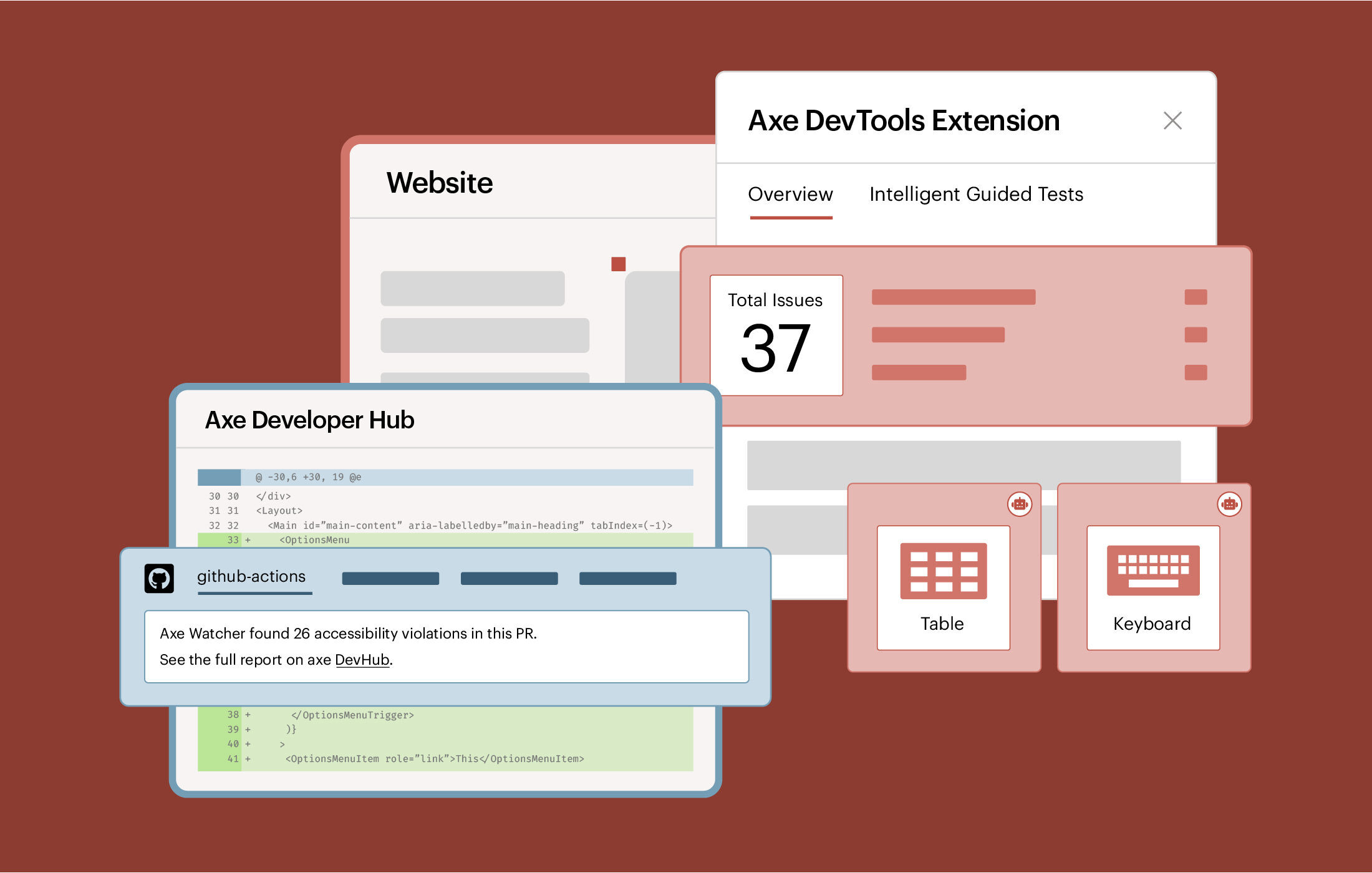
Axe DevTools for Web
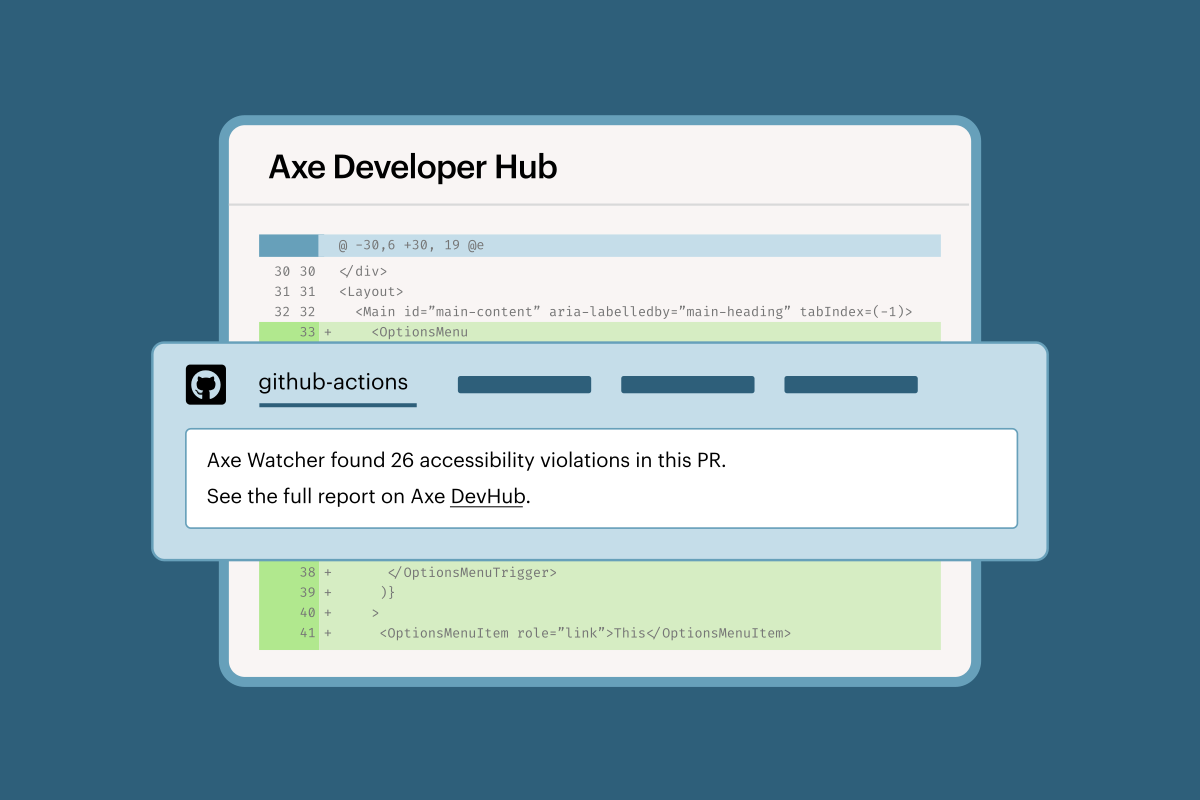
Automate accessibility html testing using Axe Watcher configurations or APIs, fully integrated into your CI/CD pipeline.
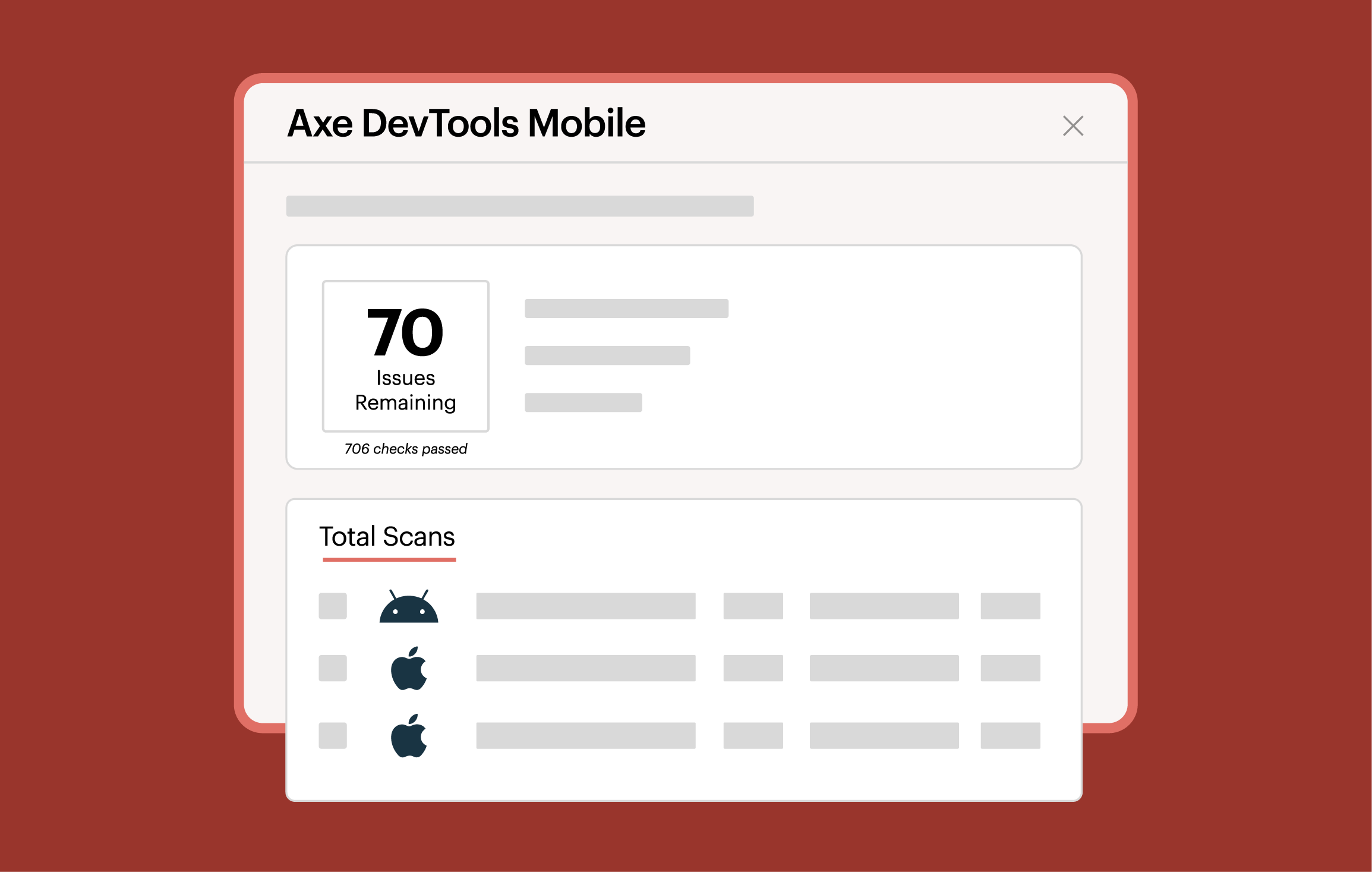
Axe DevTools for Mobile
Bring accessibility checks into your mobile app pipeline with Appium drivers or Mobile SDKs to test iOS and Android apps as part of every build.
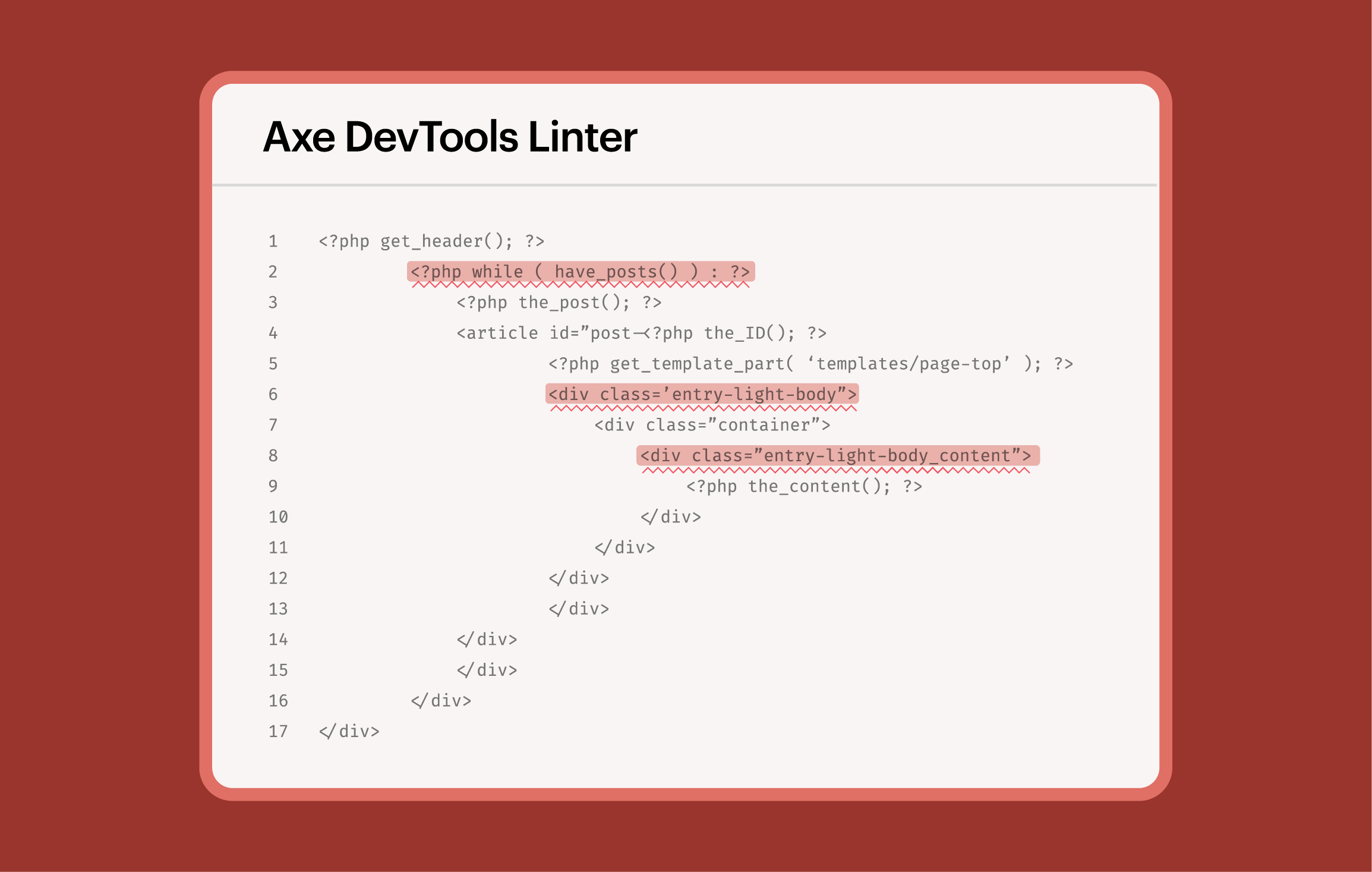
Axe DevTools Linter
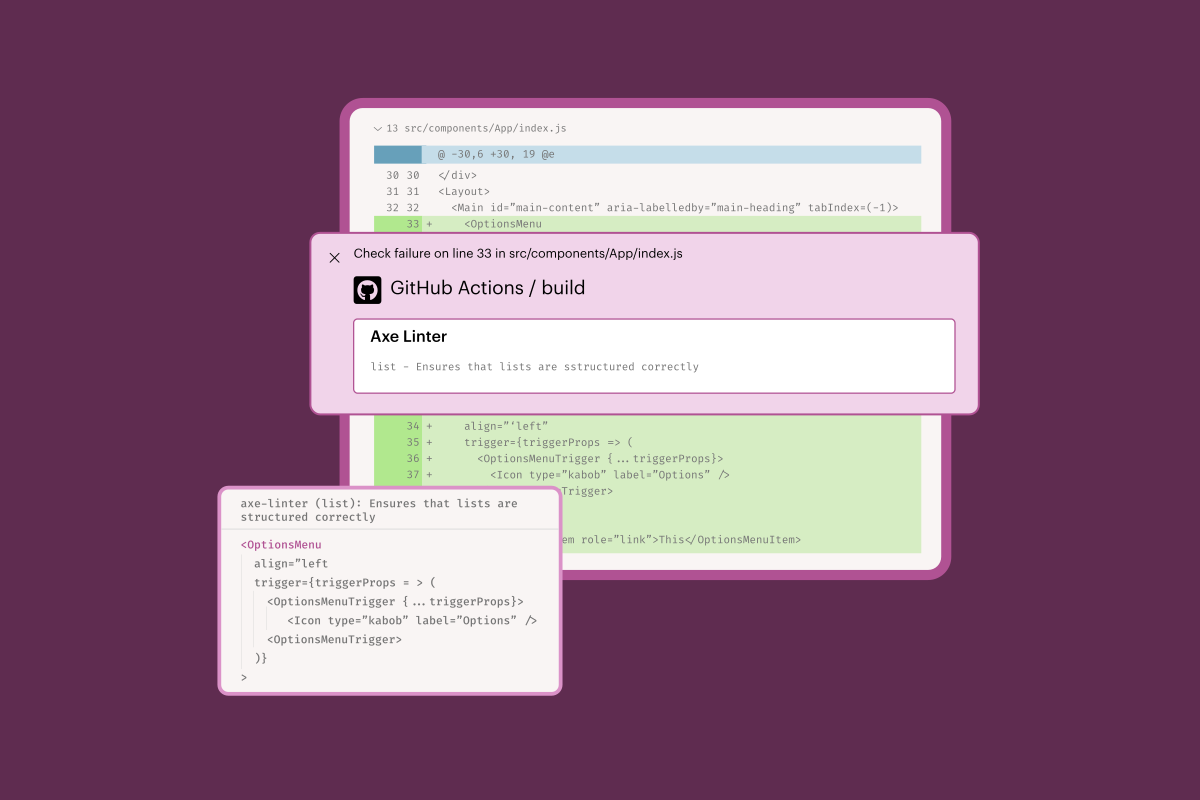
Catch code-level accessibility issues by running linting checks in pull requests and your CI/CD pipeline.
How to integrate Deque’s accessibility tools in your CI/CD pipeline
Automated web testing integration
To add automated accessibility testing for web properties:
- Axe Watcher: Download the Axe Watcher package through Public NPM for a low-configuration setup that runs automatically on every page state change.
- APIs: For more precise control, integrate our APIs via Agora private registry. Simply add a line of code wherever you want an accessibility scan to occur.
Automated mobile testing integration
To set up mobile accessibility testing:
- Mobile SDKs: Maven Central (Android) or Swift Package Manager (iOS).
- Appium Drivers & SDKs: You can also access our SDKs and Appium drivers through Deque’s artifactory in Agora for streamlined CI/CD integration.
Code-level linting integration
To flag accessibility issues directly in your CI/CD pipeline, install the Axe DevTools Linter Connector—a command-line tool available for Linux, macOS, and Windows.
Configure accessibility testing into your CI/CD quickly and easily.
Leverage these resources to configure based on your web platform needs.

Web CI/CD configuration

Mobile CI/CD configuration

Linter configuration
Integrated into your preferred testing frameworks






Including integrations into popular Continuous Integration (CI) systems too



Integrate accessibility checks into your end-to-end tests to validate accessibility across user workflows and ensure production readiness.
Additional resources
Axe-con
Join developers, designers, and accessibility pros at Axe-con to drive the future of digital accessibility.
The Axe Platform
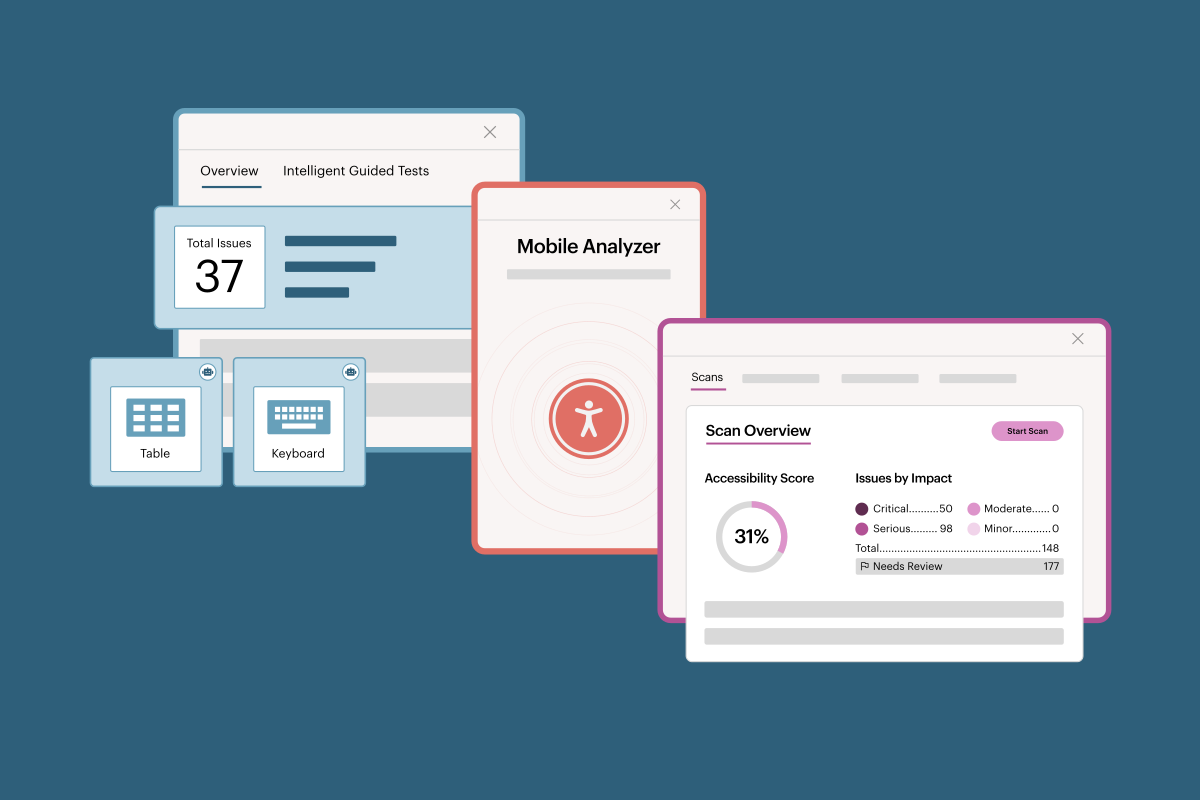
Reduce cost and risk with AI and automated accessibility testing tools for web and mobile.

Accessible development
Explore Deque’s accessible development resources to learn how to integrate testing early in your workflow, reduce costly rework, and ship accessible experiences faster.
Frequently asked questions
What is a CI/CD integration?
CI/CD stands for Continuous Integration and Continuous Delivery/Deployment. These pipelines automatically build and test code.
Can I integrate with my CI/CD for web and mobile accessibility testing?
Yes. Deque integrates with CI/CD pipelines so accessibility tests run automatically. With our tools, teams can add accessibility checks to their pipelines in platforms such as GitHub Actions, Jenkins, or GitLab CI/CD, helping catch issues early for both web and mobile apps before code ships.
Can I integrate with any CI system I’m using?
Yes. Deque’s accessibility tools can integrate with any CI/CD platform, including GitHub Actions, Jenkins, GitLab CI/CD, CircleCI, and more, so accessibility checks run automatically in your existing build and deployment pipelines.
What’s the difference between web integrations for Axe Watcher and APIs?
Axe Watcher is a ready-made connector that automatically runs accessibility scans on your web pages as part of your CI/CD or dev workflows with just a one time configuration with a few lines of code.
Whereas, Axe DevTools APIs give your team more programmatic control, letting you customize scans, pull results, and integrate accessibility checks into any system or workflow, including dashboards, internal tools, or complex pipelines.
