
Blog
559 results found
Find Label in Name issues in every scan with Axe-core 4.14.0

With our latest update, when you scan with Axe-core 4.14.0, you’ll now get a result for any control whose accessible name doesn't contain its visible label. This Axe-core release also speeds up scans, makes fix instructions clearer, and begins support for EN 301 549 v4.1.1, the pending update to the European Union’s (EU) harmonized standard for accessibility requirements.
Read Article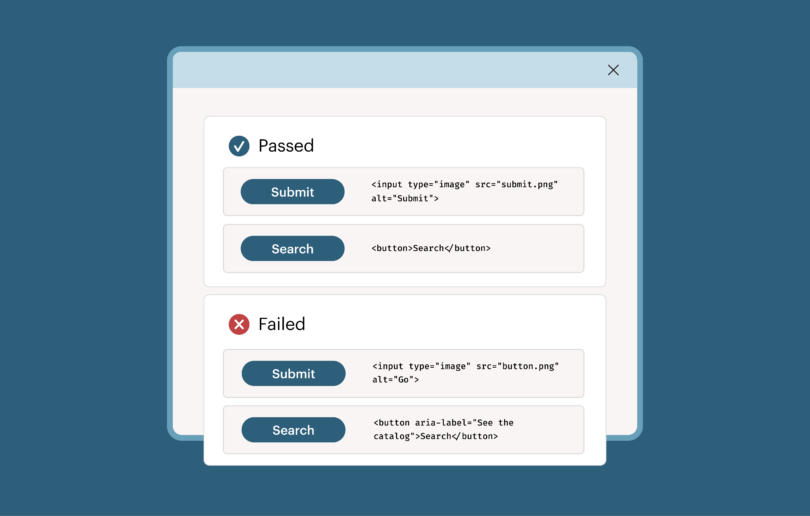
Debunking AI agent accessibility claims and solving AI alignment for accessibility

There is a digital accessibility approach that gives us the best of both worlds: the reliability and predictability of rules-based testing and the velocity of AI-powered automation. By taking this approach, we can close the gap between presumed and actual accessibility.
Read Article
Deque named a Leader in the 2026 Gartner® Magic Quadrant™ for Digital Accessibility

Deque has been recognized as a Leader in the 2026 Gartner® Magic Quadrant™ for Digital Accessibility!
Read Article
How to test MCP Apps for accessibility, and why it matters

MCP Apps are still new enough that whatever approaches we can establish now will be the ones that stick over the long term. Which means if we can get accessibility right at this stage, it will stay right as the ecosystem grows. This is how we can avoid introducing the same problems we've had to deal with across the rest of the web for so long.
Read Article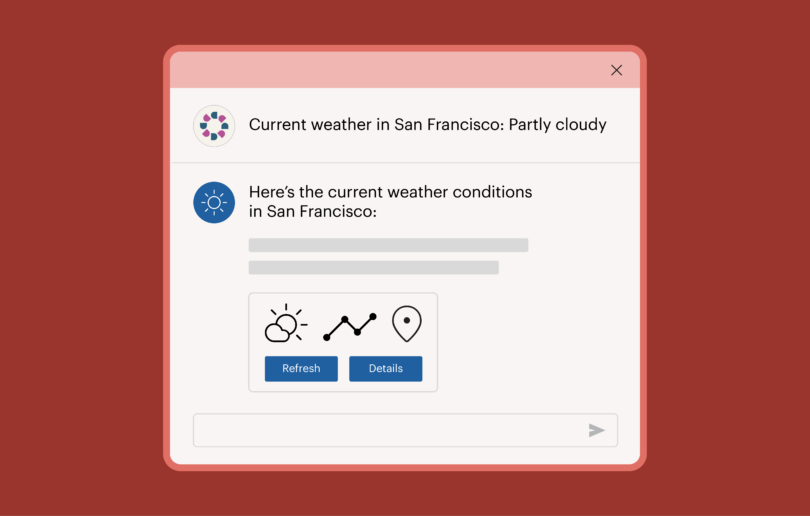
Intelligent automation and the new era of guided testing
Automated IGTs run through the Axe MCP Server, which puts them inside the environment where code is being written, so a developer can run a guided test and get remediation guidance without leaving their editor.
Read Article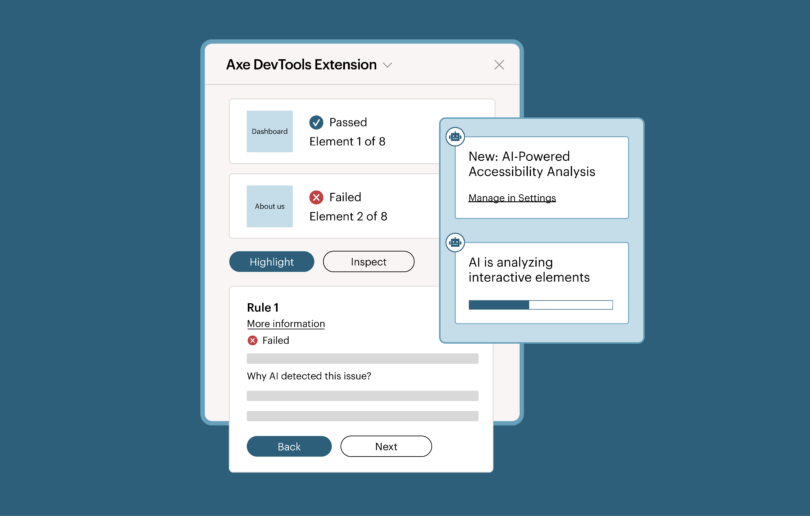
Axe-con 2027 registration is now open!
Deque Systems announces that registration is now open for Axe-con, the world’s largest digital accessibility event, to be held virtually February 23-24, 2027.
Read Article
Get blogs in your inbox
No slop, just real accessibility insights from qualified experts.
Something went wrong. Please try again.