
Introducing axe Monitor 8.0: Unmatched customization, reporting, and results for accessibility teams
What’s new in axe Monitor?
Accessibility team leaders today need to do it all–reduce accessibility barriers for customers, meet compliance standards, satisfy leadership reporting needs, and enable their teams to fix issues found in production.
That’s why we created axe Monitor, and it’s why we’re excited about this latest version. It’s built to help companies make complex web apps and PDFs accessible by offering scalable, reliable testing and reporting. With the 8.0 release, axe Monitor now offers the widest customization and reporting features on the market, along with zero-false-positive results you can trust.
What’s so special about this release?
The new version of axe Monitor now matches the look and feel of your favorite Deque tools, making it simpler to set up scans and quickly dive into your top-priority findings.
What else can you expect with this release?
Flexible setup and scan hierarchy
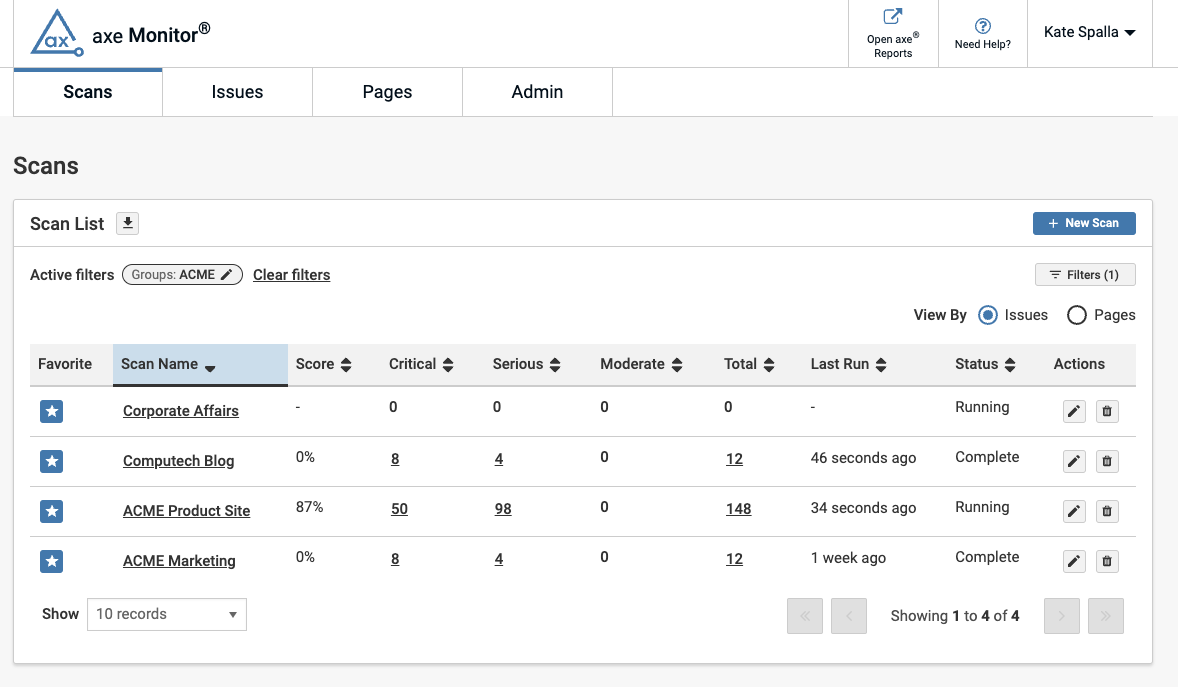
Your business isn’t one-size-fits-all, so we’ve made axe Monitor even more customizable and flexible. Unlike other accessibility tools, axe Monitor now lets you organize scans to fit how your teams work, using flexible hierarchies that map to your business.
Scans (formerly called “projects”) can now belong to one or more Scan Groups (previously “organizations”), making it easier to organize your work, especially when you have multiple brands or regions. For example, a scan for “Google.fr” could be in both “Search Sites” and “French Sites” Scan Groups. This flexibility lets you filter results in ways that fit your team’s needs.
Comprehensive progress tracking
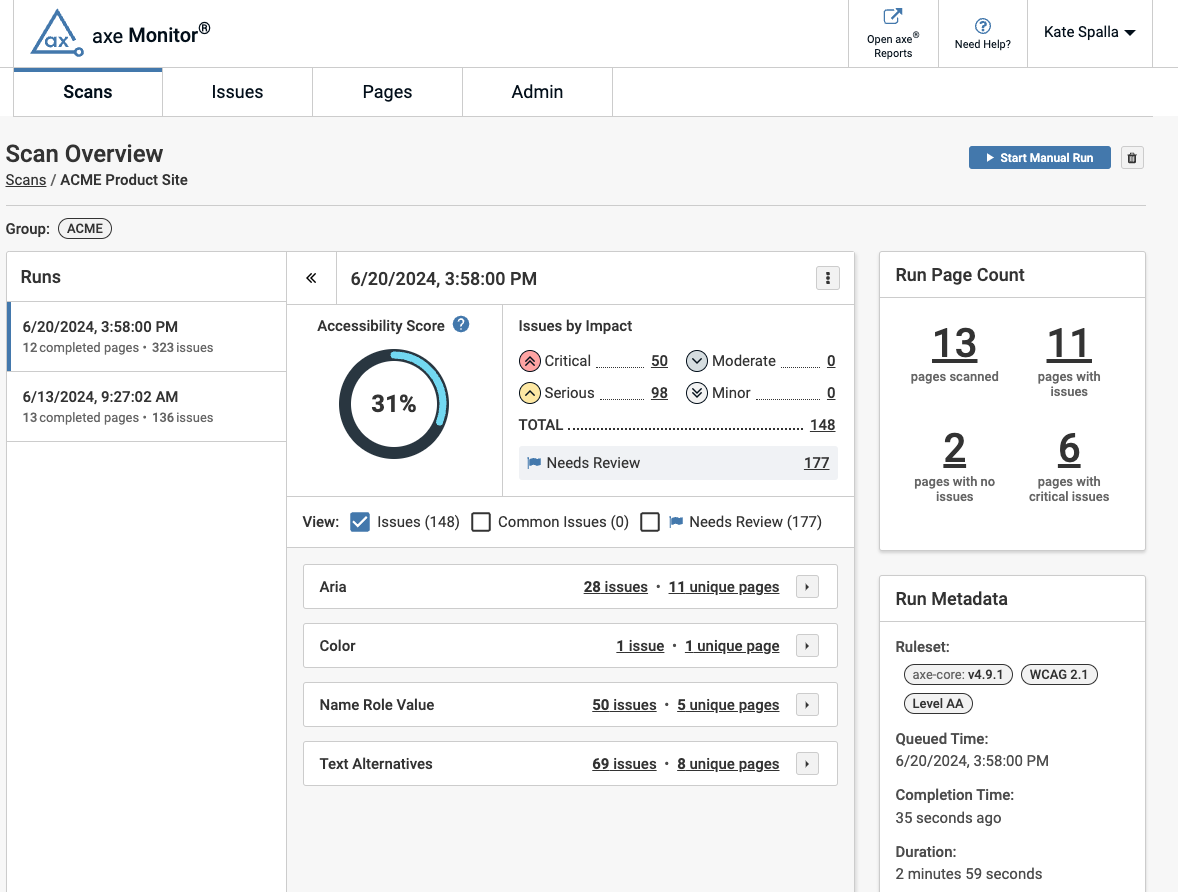
On the new Scan Overview page, you’ll get practical insights, dig into issues by impact, and spot training opportunities. With just a few clicks, you can compare accessibility progress over time between your recent scan runs. You can also send your scan data to axe Reports for a big-picture view to track progress over time, dive deeper for specific insights, and uncover patterns across multiple websites, brands, and your entire accessibility program.
Customizable, tailored issue reports
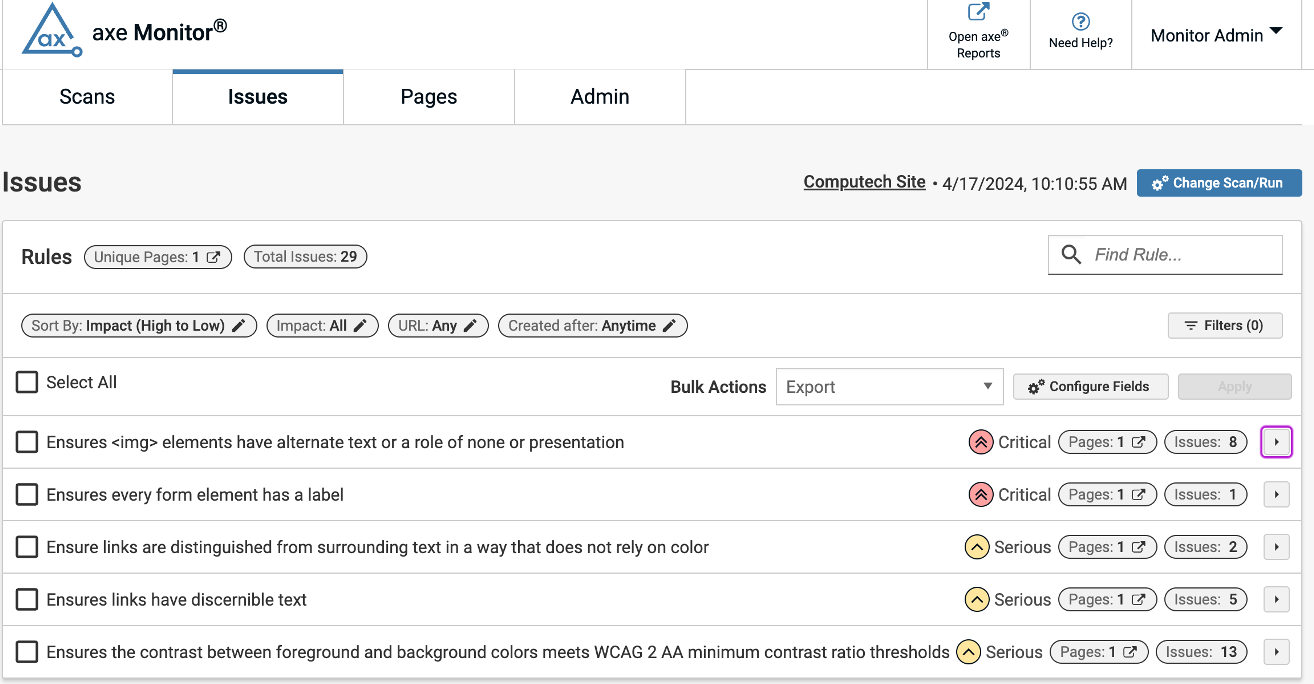
Reporting to leadership is a critical part of an accessibility team leader’s job. However, most monitoring tools lack the flexibility to customize reports. Now, with the new version of axe Monitor, you can generate actionable reports by issues or pages. View by URL or Page Title, and filter by any field you choose. You’ll get the issue details and page content you need to make accessibility fixes and prioritize the most urgent bugs.
Configurable exports and bulk actions
To manage your accessibility program at scale, you can now make bulk updates to the assignee or status of issues. Export 50K issues at once in CSV or the axe Universal JSON format so you can share results to other products. This addition lets you customize your desired export fields to efficiently take action on your results.

Axe Monitor: Turning accessibility insights into impact
We are grateful to our customers for the feedback that keeps making axe Monitor better! Accessibility leaders and their teams can now easily track scores and statuses across hundreds of projects and instantly identify which applications require immediate attention. Best of all, program leaders can confidently communicate what needs fixing—and why—to development teams and agency partners.
