
Axe Assistant The only AI chatbot leveraging the world’s most exclusive and extensive accessibility resources
Get accurate, expert-verified answers to all your digital accessibility questions.
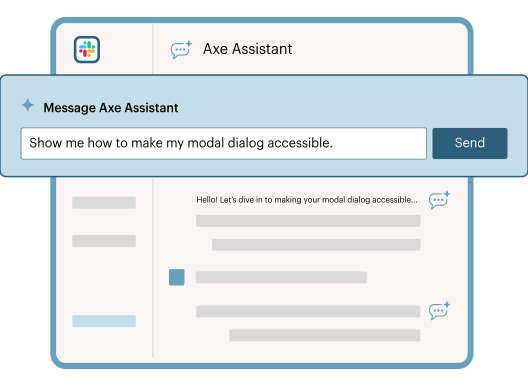
AI-driven digital accessibility guidance pulling directly from Deque University’s industry-leading knowledge base

Accurate
Get answers you can trust, pulled directly from Deque University, the industry’s most authoritative digital accessibility resource.

Fast
Access the information you need, anytime you need it, across the systems you use most, including Slack and Microsoft Teams.

Secure
Keep your data secure. Axe Assistant runs on a closed, enterprise-grade AI system to ensure consistency and security.

Guidance based on the world’s leading digital accessibility knowledge base
Axe Assistant provides guidance based on Deque University’s industry-leading knowledge base—the most authoritative accessibility resource available—and on our robust product documentation. With Axe Assistant, you can trust that every answer is grounded in proven best practices, validated by W3C experts, and backed by the exclusive knowledge only Deque provides. Plus, it’s been put to the test – Axe Assistant aces Deque’s IAAP preparation exam used by the most IAAP certified professionals.
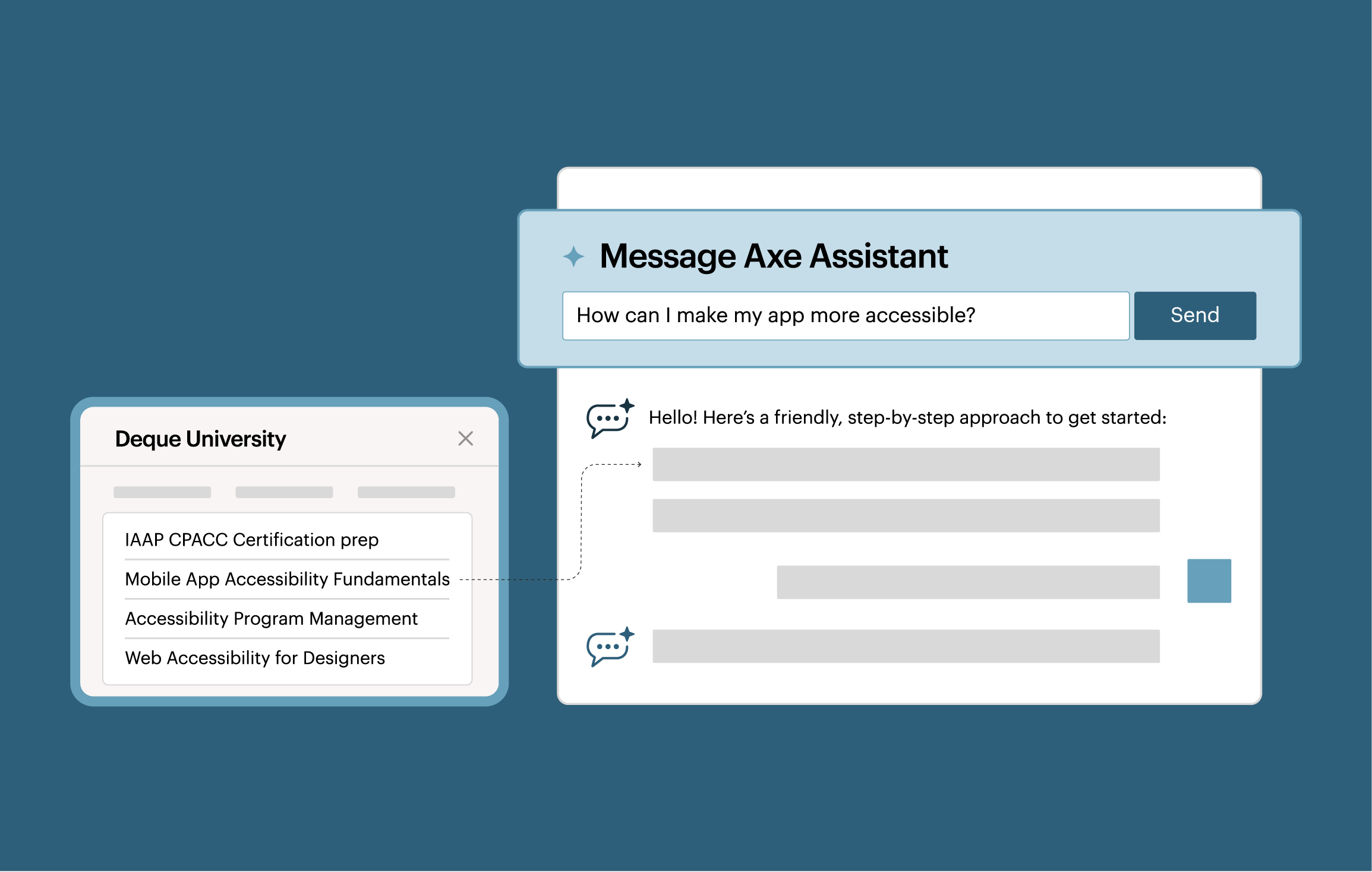
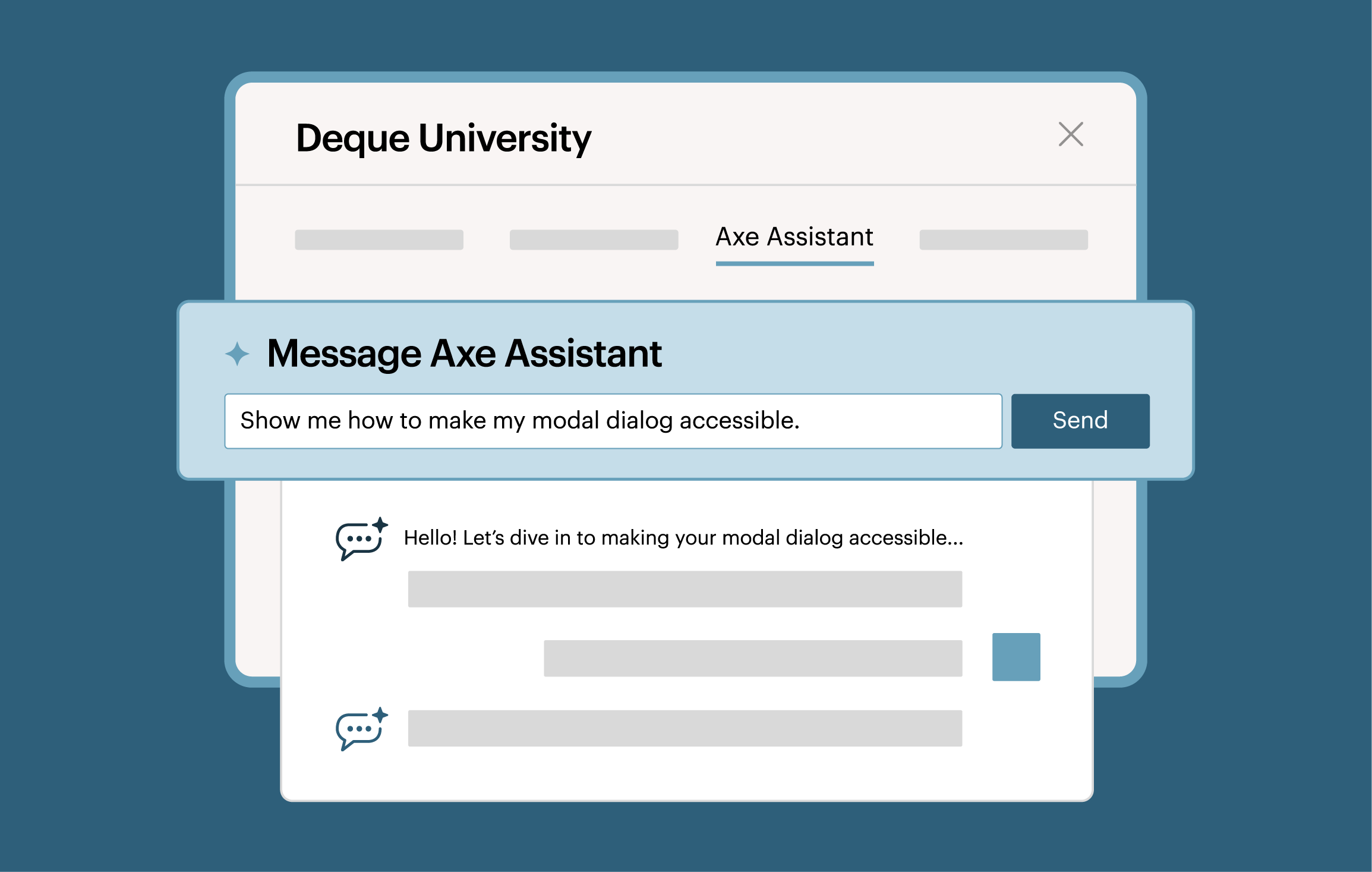
Build accessible experiences, faster
Ask accessibility questions and get trustworthy answers in real time. Whether you’re designing a new feature, updating content, or writing code, Axe Assistant is available 24/7, so your team can move forward with confidence.
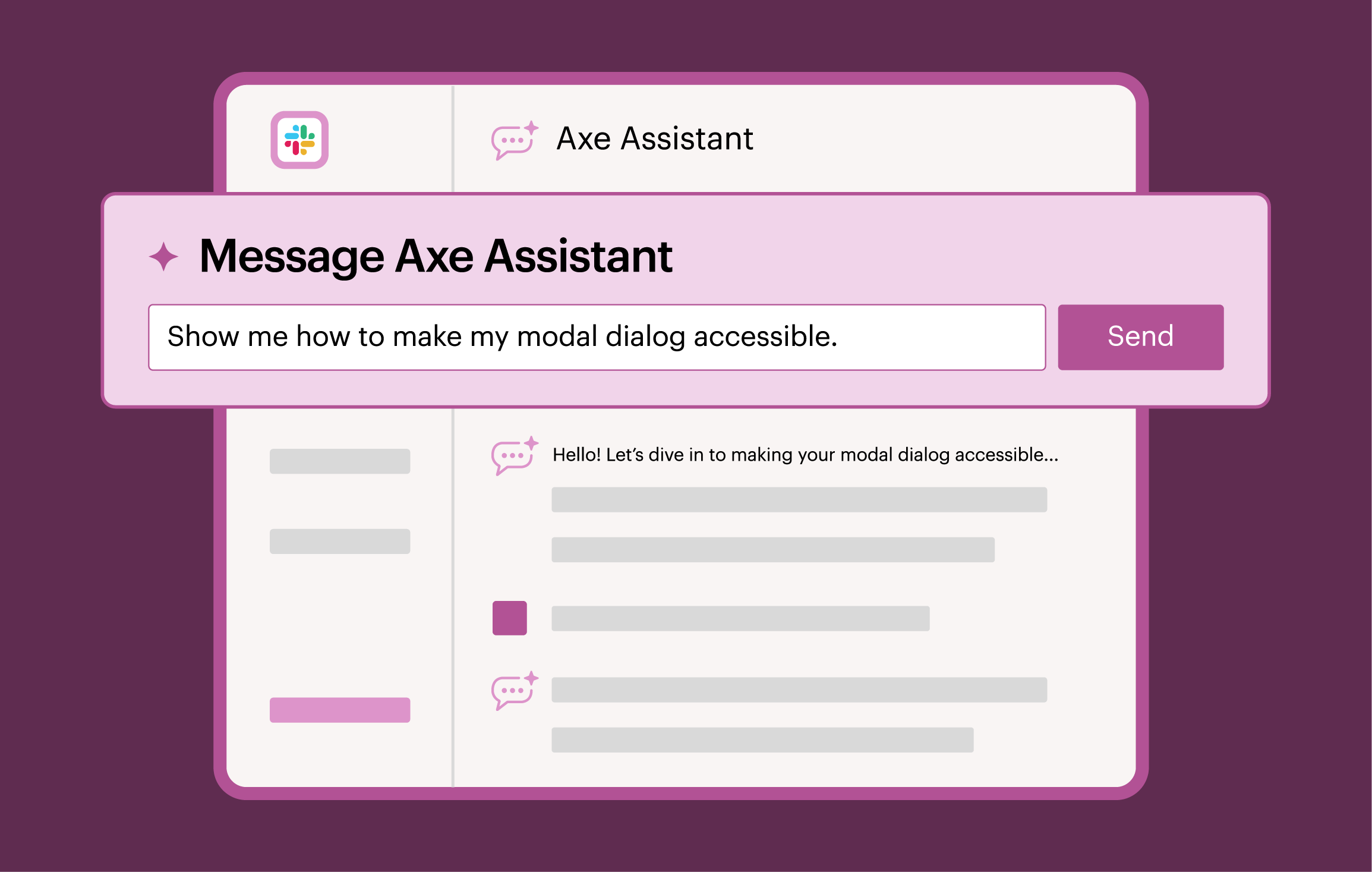

Upskill teams with trusted guidance
Get actionable guidance and learn how to create accessible code and experiences while you work. Build expertise over time, set team-wide rules, and test custom components to create consistently accessible experiences without needing to be an expert right away.
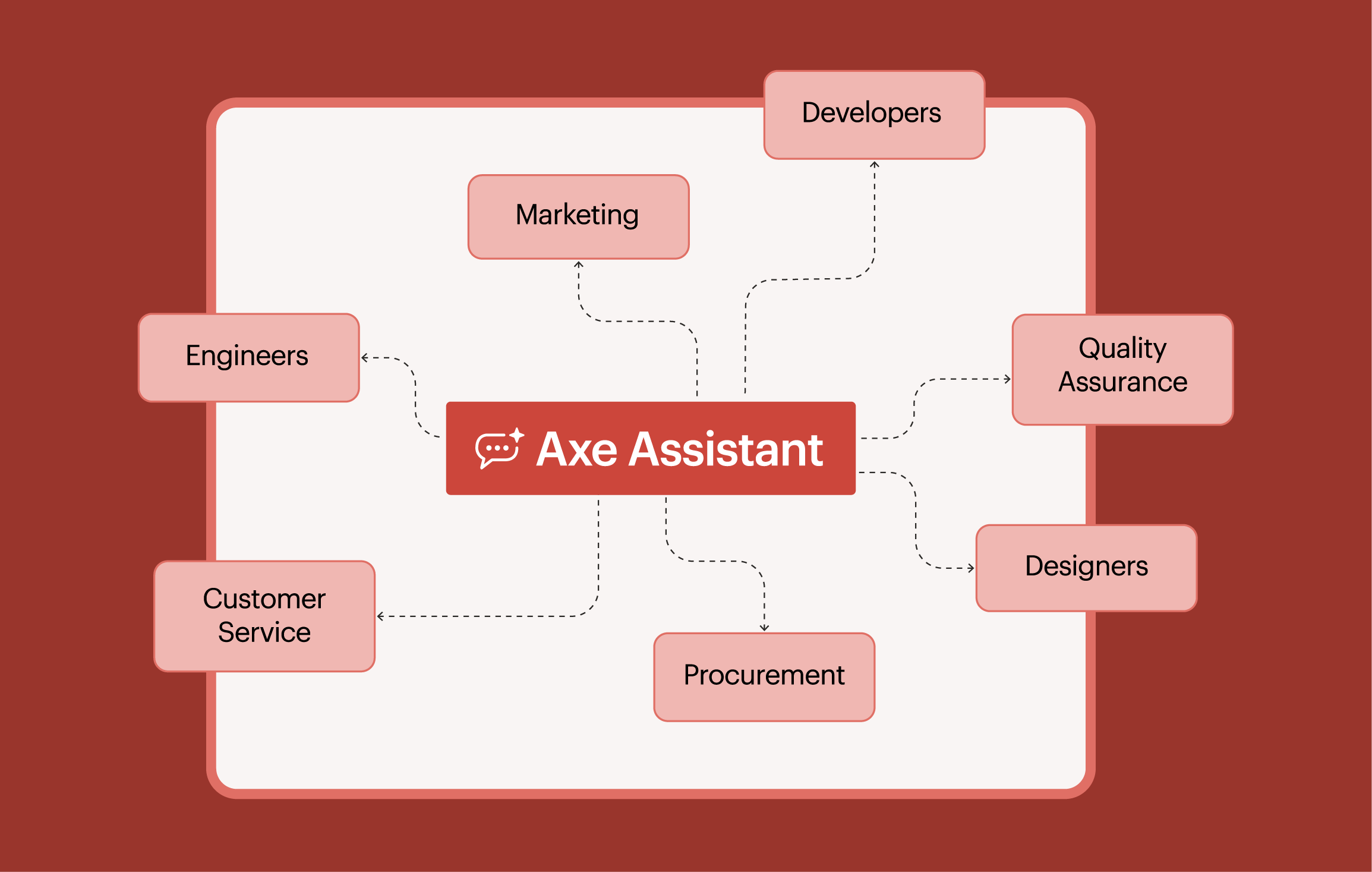
Align with best practices
Ensure your products meet accessibility best practices and compliance needs. Whether you’re exploring how to handle alt text or checking if your headings meet WCAG standards, Axe Assistant is an educational companion that is always up to date on the latest industry standards.
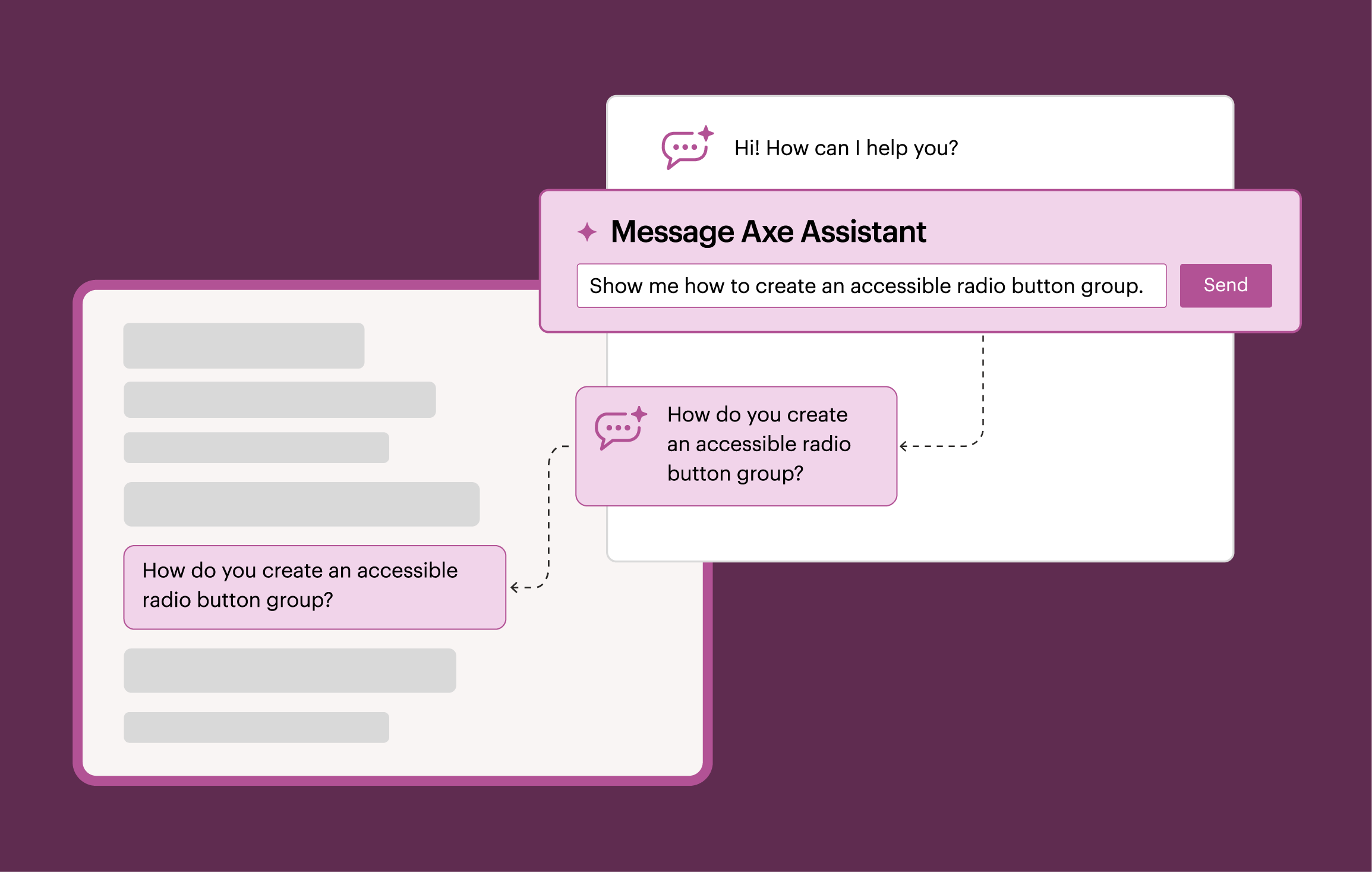
Pair Deque’s digital accessibility expertise with your own chatbot
By integrating the Deque Data License into your internal AI chatbot, you’ll get access to Deque’s proprietary knowledge base within the tools you’re already using so you can quickly get trusted, expert-backed answers in your own secure, private environment.
Access Axe Assistant in the collaboration tools you use every day


Designed with enterprise-grade protections, ensuring your information stays fully under your control.
Deque serves strictly as a data processor (not a controller), so your data is never used to train AI models. That means you get a powerful, 24/7 accessibility expert, with security and transparency built in from the start.

Get the power of Axe Assistant right in your IDE with Axe MCP Server
Additional resources
Axe MCP Server: Digital accessibility expertise right in your AI agent
Watch our expert-led demo and discover how accessibility teams can leverage Axe Assistant, our generative AI chatbot built for digital accessibility.
Axe Assistant: Expert answers to any digital accessibility question, instantly
Learn how to empower teams to build accessible digital experiences using Axe Assistant to get expert answers to any digital accessibility question.
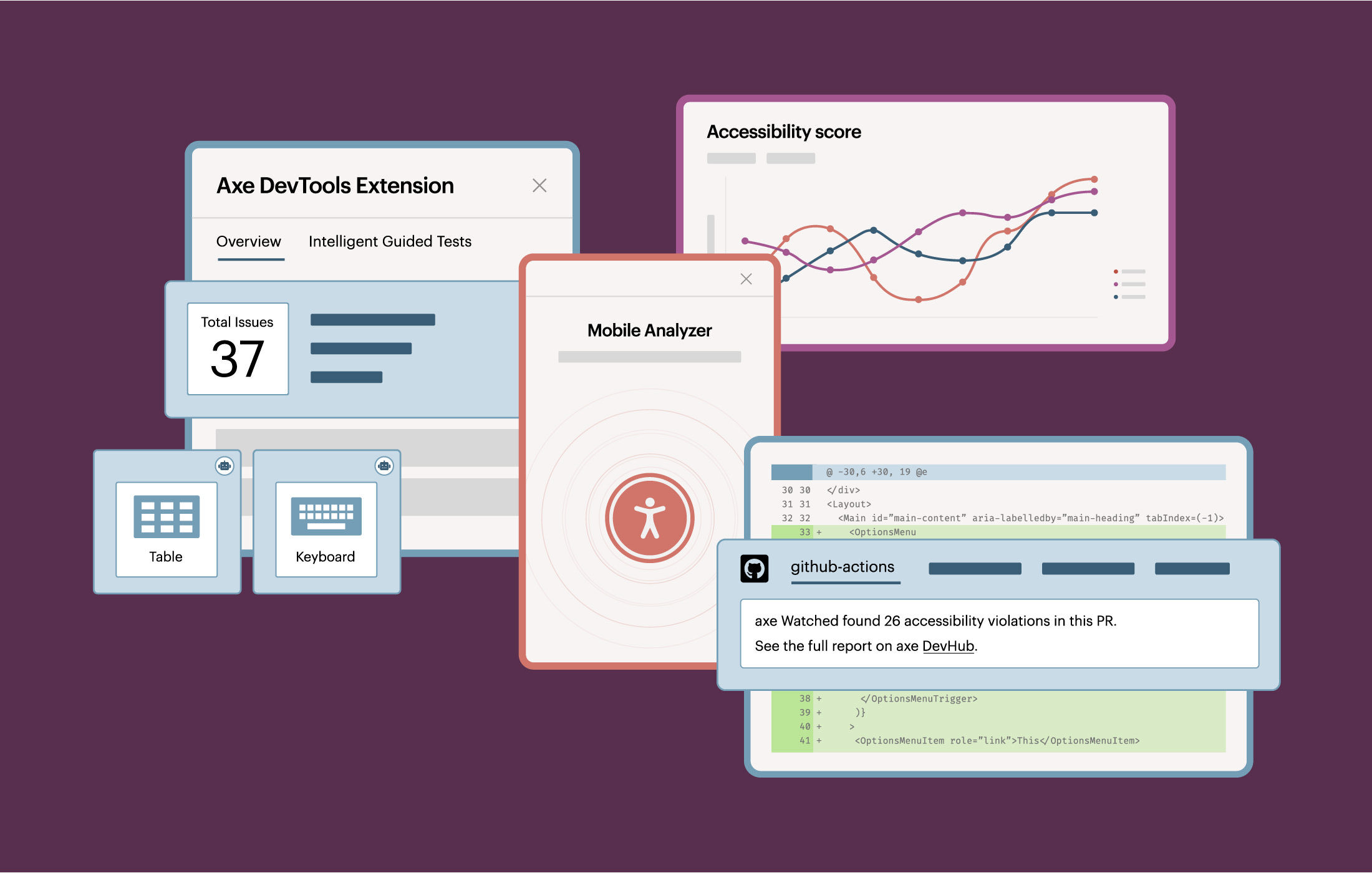
Axe DevTools
Check out our Axe DevTools solution for the most comprehensive automated accessibility testing toolkits for web and mobile.
Frequently asked questions
How can I get started with Axe Assistant?
You have several options for getting started with Axe Assistant.
If you have a Deque University license, log in with your credentials to start using Axe Assistant through the web interface. With a Full Access Deque University plan, you’ll get Axe Assistant in Slack and Microsoft Teams as well.
Axe Assistant is also available as a standalone offering for Slack or Microsoft Teams, separate from Deque University.
If you don’t yet have a Deque University license or would like to purchase access for Slack or Teams, contact our team today.
Who is Axe Assistant for?
People in many different roles can benefit from using Axe Assistant, including:
Developers who want 24/7 code remediation support based on Deque’s always up-to-date knowledge base.
QA/Testers who want quick, quality accessibility information from a reliable source.
Procurement professionals who want expert guidance on how to identify the right accessibility requirements when making purchase decisions.
UX/UI Designers who want real-time design guidance and documentation for accessibility implementation.
Accessibility Teams who want on-demand expertise, code analysis, training, support, standards translation, and compliance tracking.
Customer Service Representatives who want to get fast and reliable advice on respectful, effective communication with customers with disabilities.
How does Axe Assistant work alongside manual accessibility testing?
When conducting manual testing, you can use Axe Assistant to identify what to test and determine how to generate fixes. You can also quickly and efficiently learn about compliance requirements.
Why should I use Axe Assistant over more general AI tools like ChatGPT or Gemini?
Axe Assistant is built on the most robust digital accessibility library available, so you can trust that answers are based on industry-leading expertise and be confident in the controlled results. General-purpose chatbots, on the other hand, draw on widely available information that may or may not be accessible and may not be as comprehensive or detailed as you require.
