
Calculate the cost of false positives
Accuracy matters for accessibility testing at enterprise scale. Stop frustrating your dev teams with false positives and learn how to save your organization previous time, effort, and money.
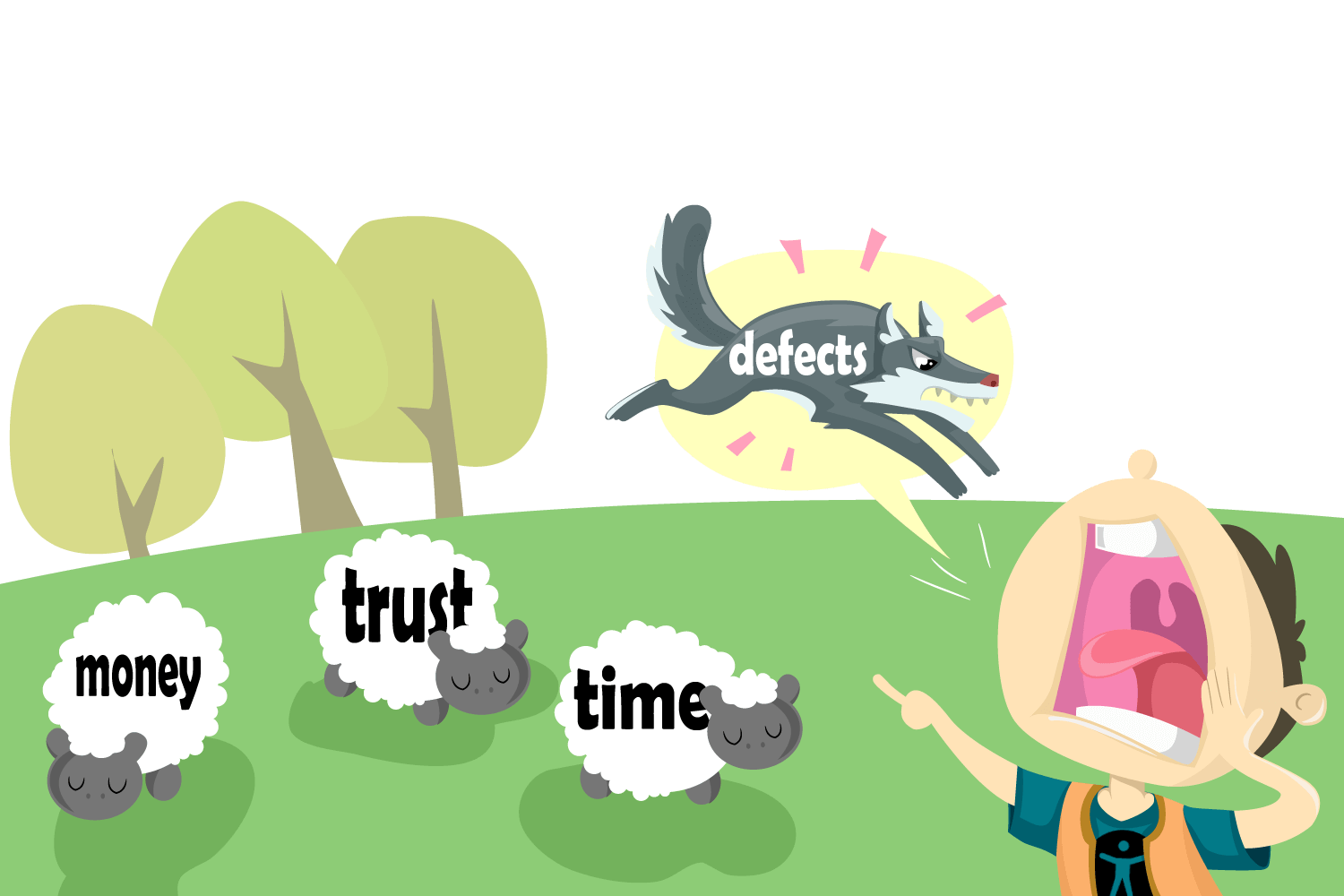
False positives are inaccurately reported accessibility issues. And more inaccuracies mean higher costs. Many tools claim to detect more accessibility issues, but beware! If those reports are full of false positives, you’ll pay for it. Remember, accuracy matters.
Use our calculator below to see how false positives add unnecessary scope, swell budgets, and delay product releases.
How to use the calculator
1. Average developer cost
Enter the average hourly cost of your developer.
Tip: If you don’t know your average hourly rate, divide 2,080 annual work hours by average yearly salary.
Example: If your average Developer Salary is $104k per year, enter “50.”
2. Average accessibility defects per page
Run a few single-page tests using Deque’s free axe browser extension (Chrome, Edge, Firefox).
Because axe will NOT include false positives like many other tools, this will help you get a realistic number for this exercise.
Example: 5 common pages with 100 total accessibility issues is 20 average defects per page.
3. Team members in triage
Enter a number that represents the typical amount of individuals affected by having to troubleshoot a defect.
Example: 2 from QA, 2 developers, and 1 manager is 5 members.
4. Average false positive rate
Enter 20%. Most accessibility experts agree that this is the average false positive rate for free tools.
5. Pages in scope
Enter the number of pages you intend to test. This number can range from only pages that include core functions (like cart-checkout functions) to all the pages on your site.
6. Results
Reveal how much money your organization is losing to false positives and discover why eliminating false positives with axe-core is the right solution for your business.
Understanding false positives
When it comes to accessibility, a violation is a violation, right? Not exactly.
Before believing claims about issue volume and coverage, consider the following:
Are partially detected issues presented as accessibility violations?
Is the automation correctly identifying a best practice interpretation vs. a true violation?
How are duplicates handled? Can the tool filter the scope to avoid duplicating issues from components that are reused?
The lesson here is that “positives” aren’t always what they seem!
Developers love and trust axe
Explore axe tools today
Our zero-false-positive promise is the reason why hundreds of thousands of developers choose to run and scale their accessibility programs with Deque.
