
The most complete way to test React Native apps for accessibility
Axe DevTools Mobile provides trusted results for testers, developers, DevOps, and QA automation engineers.
Quickly adopt accessibility without changing test processes
Streamline cross-platform mobile development and give every member of your team what they need for rapid success. No knowledge of accessibility rules required.
Why axe DevTools for React Native?
Testers
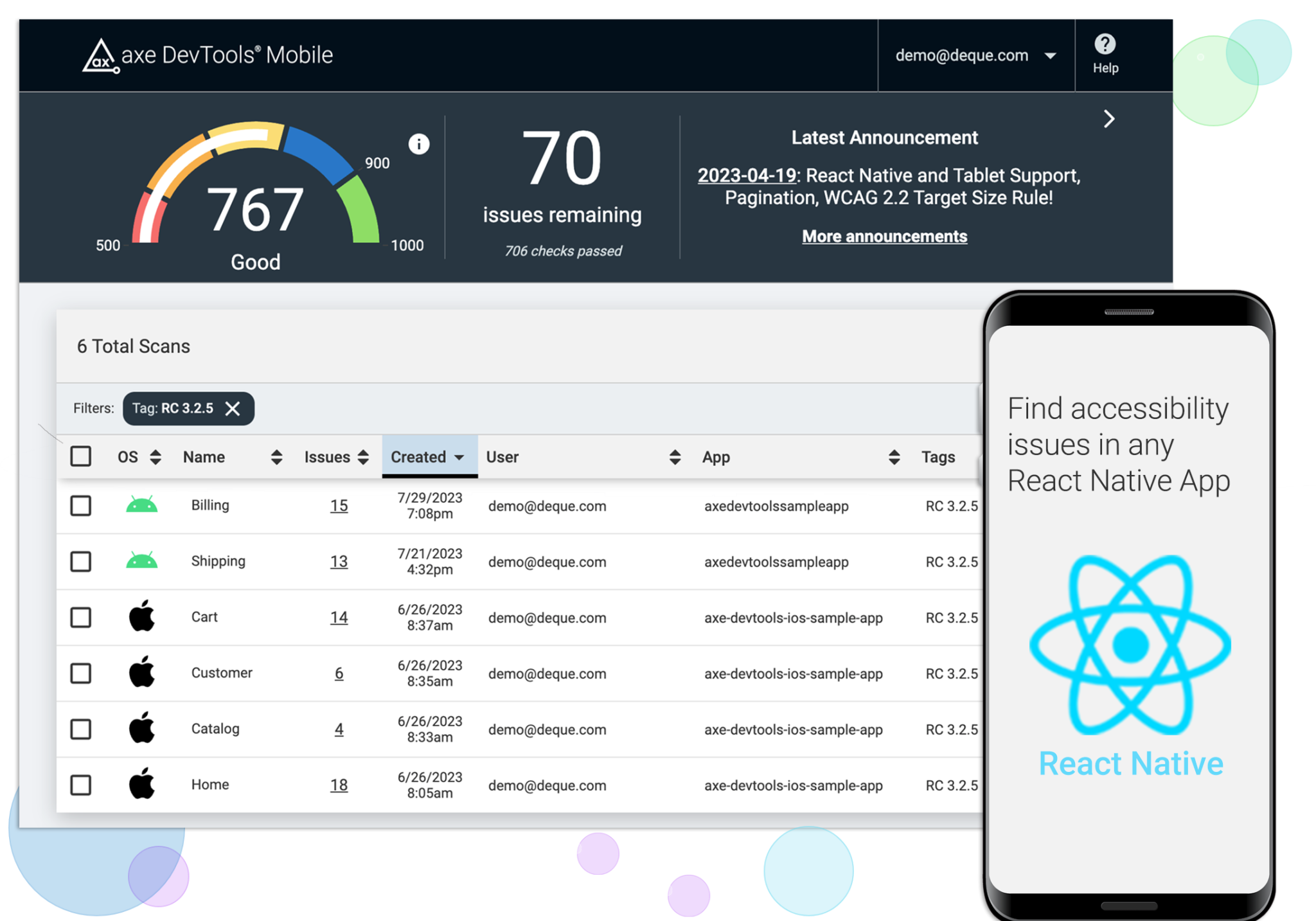
Test React Native apps with axe DevTools Mobile Analyzer on iOS and Android. Easy install. Start immediately. No SDK or code access required.
Developers
Find accessibility issues in your React Native code as you type and get advice on how to fix them with the free axe Accessibility Linter extension for VS Code.
Developers and QA Teams
Add automated accessibility checks directly to your CI/CD pipeline. Catch static code errors with linting capabilities, or flag issues during automated UI test runs with axe DevTools Mobile SDKs.
Trusted mobile testing
Get automated, consistent, and 100% secure testing results using accepted standards, including Web Content Accessibility Guidelines (WCAG), interpreted by real accessibility experts. Our results match those provided by actual accessibility experts. We only detect violations that matter.
Clear & actionable results
Stop passing confusing test results back and forth between QA & dev teams. See all accessibility results clearly in your dashboard.
Designed for your workflow
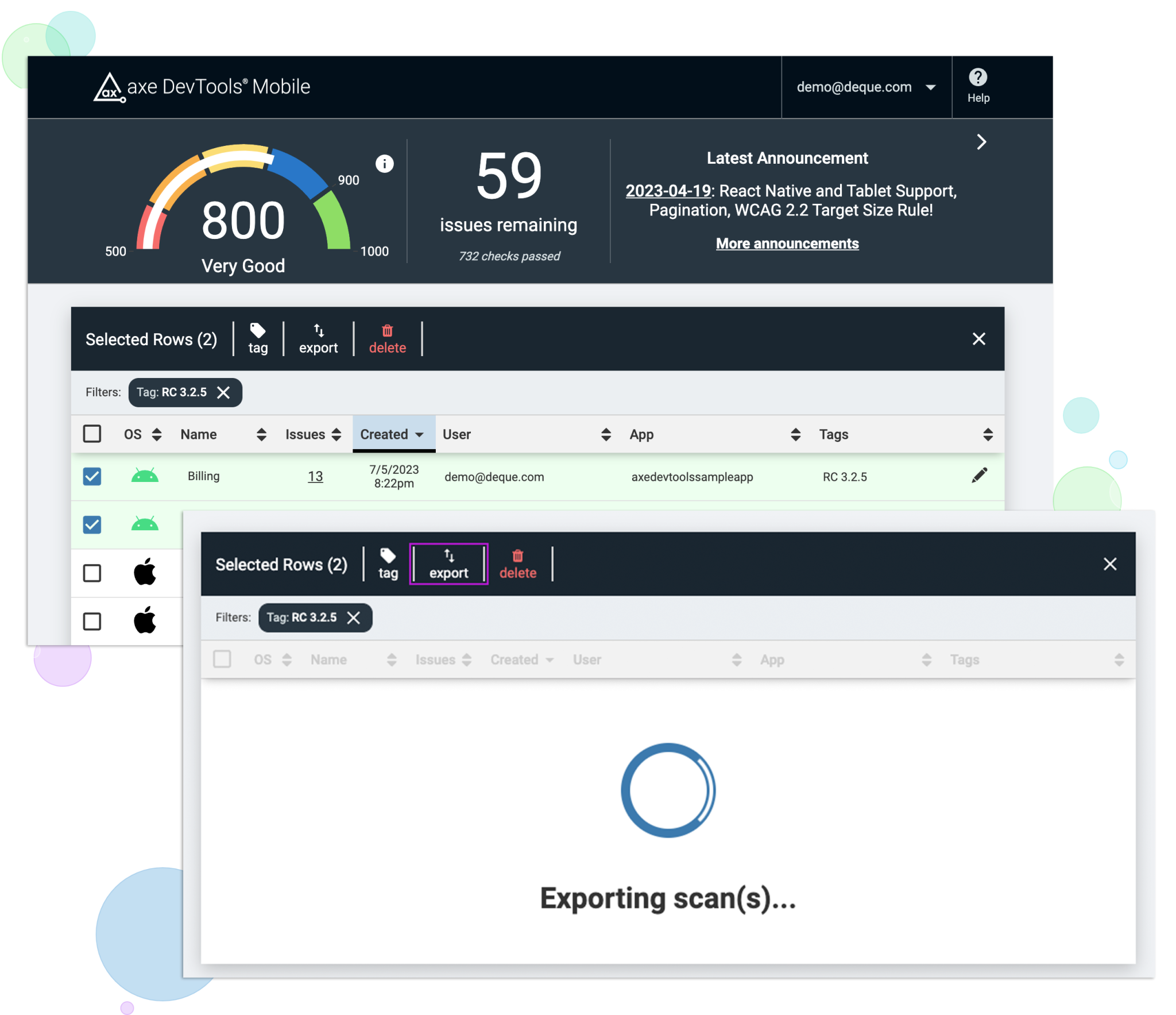
Our reports provide clear annotation so testers actually learn about accessibility as they proceed. Our results are exportable, too.
Remediation advice & code samples
Our tools provide results with no false positives and the most actionable remediation advice that even includes code snippets you use immediately.
Developers / QA – Get the documentation you need now!
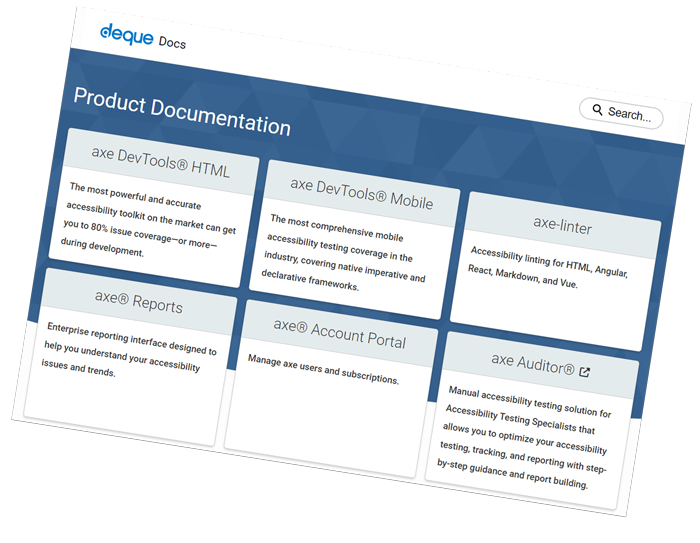
If you’re looking for the facts on our products, look no further. We have all the details about how to use axe DevTools Mobile accessibility testing tools–and more.
Helpful Resources
Get expert help
Looking to supplement automated testing with a manual audit performed by top native mobile experts in the industry? Learn how this approach can significantly lower your risk.
React native testing and linting added to axe DevTools Mobile
React native testing and linting added to axe DevTools Mobile
Creating sustainable mobile accessibility programs
Join U.S. Bank accessibility experts as they discuss the success of their program.
