
Axe DevTools Linter Catch and fix accessibility issues while you code
Get real-time feedback, keep your workflow moving, and block inaccessible code.
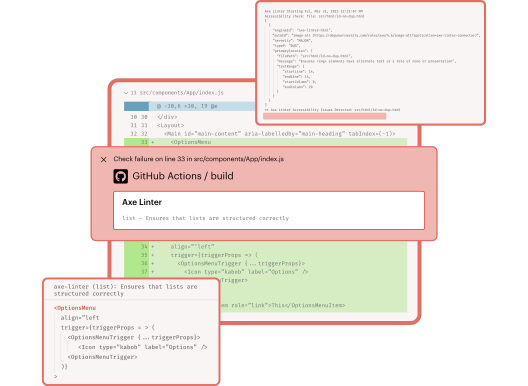
Ensure every release is accessible from the start

Fast
Get real-time feedback as you code. The linter flags issues in your IDE so you can fix them and keep your workflow moving.

Dependable
Block inaccessible code with built-in checks. Get clear remediation instructions, team-wide standards, and always-on support.

Customizable
Map and lint custom components, integrate with tools like SonarQube and Jenkins, and use APIs and CLI for tailored workflows.
Build accessible, high-quality products efficiently

Work efficiently in your favorite tools
Catch and block accessibility issues where you work—whether in your IDE, GitHub, Jenkins, SonarQube, or CI/CD pipelines. You can also flexibly integrate anywhere with our REST API or Command Line Interface (CLI) where you can access local linting functionality.
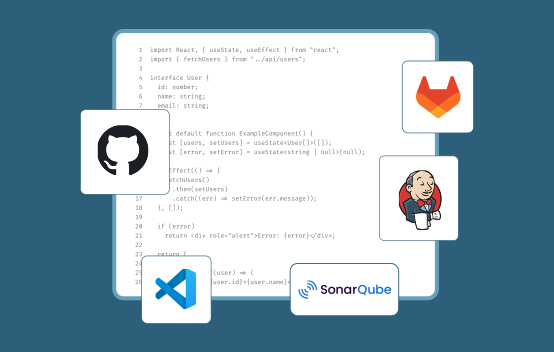

Develop accessible code early
Test all code in real time as early in the development process as possible (before it’s even committed), to ensure it meets accessibility standards. Set team-wide rules and configurations to test custom components to create consistent accessible experiences.
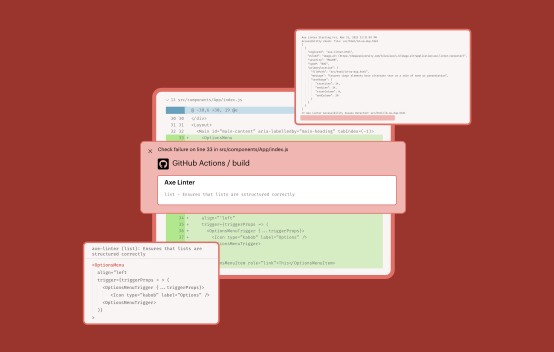

Scale across codebases and frameworks
Lint code for React (.js .jsx .tsx), React Native, Vue (.vue), Angular (.component .html), HTML (.html .htm), and Markdown (.md .markdown) without slowing down. Quickly catch and fix issues immediately in the frameworks your team uses most.
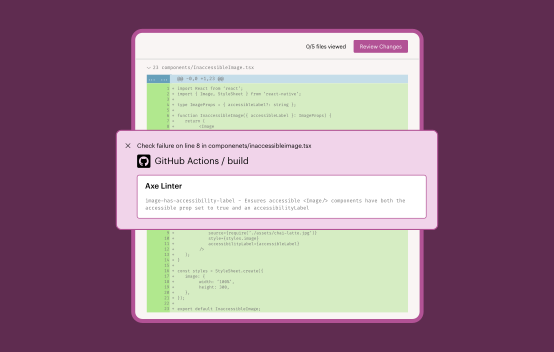
Keep your team moving forward
Get live support, training, and expert guidance to keep your team moving, and benefit from up-to-date documentation, enterprise security, and clear feature versions.
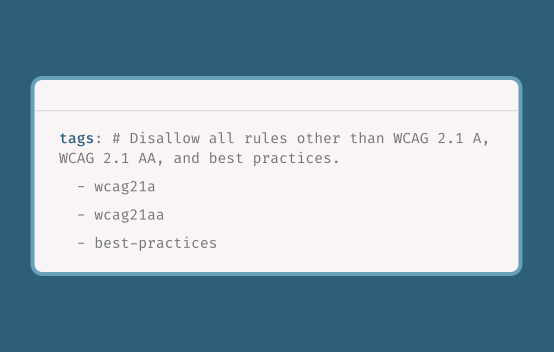
Extend the power of the Axe DevTools Linter with the Axe MCP Server for clear, actionable, natural-language guidance on your app’s rendered state.
Flexibility and ease right where you work

















Get Axe DevTools Linter documentation
Get started with accessibility linting

Axe Accessibility Linter
Test in VS Code, optimize your configuration, and lint for accessibility against your own component library.

Axe DevTools Linter
Get everything from Axe Accessibility Linter, plus test in your IDE. Add accessibility to your pre-commit hooks and pull requests.

Complete Web Toolkit
Integrate the Axe DevTools Linter into your current end-to-end testing processes with the Axe DevTools for Web (Bundle).
Additional resources
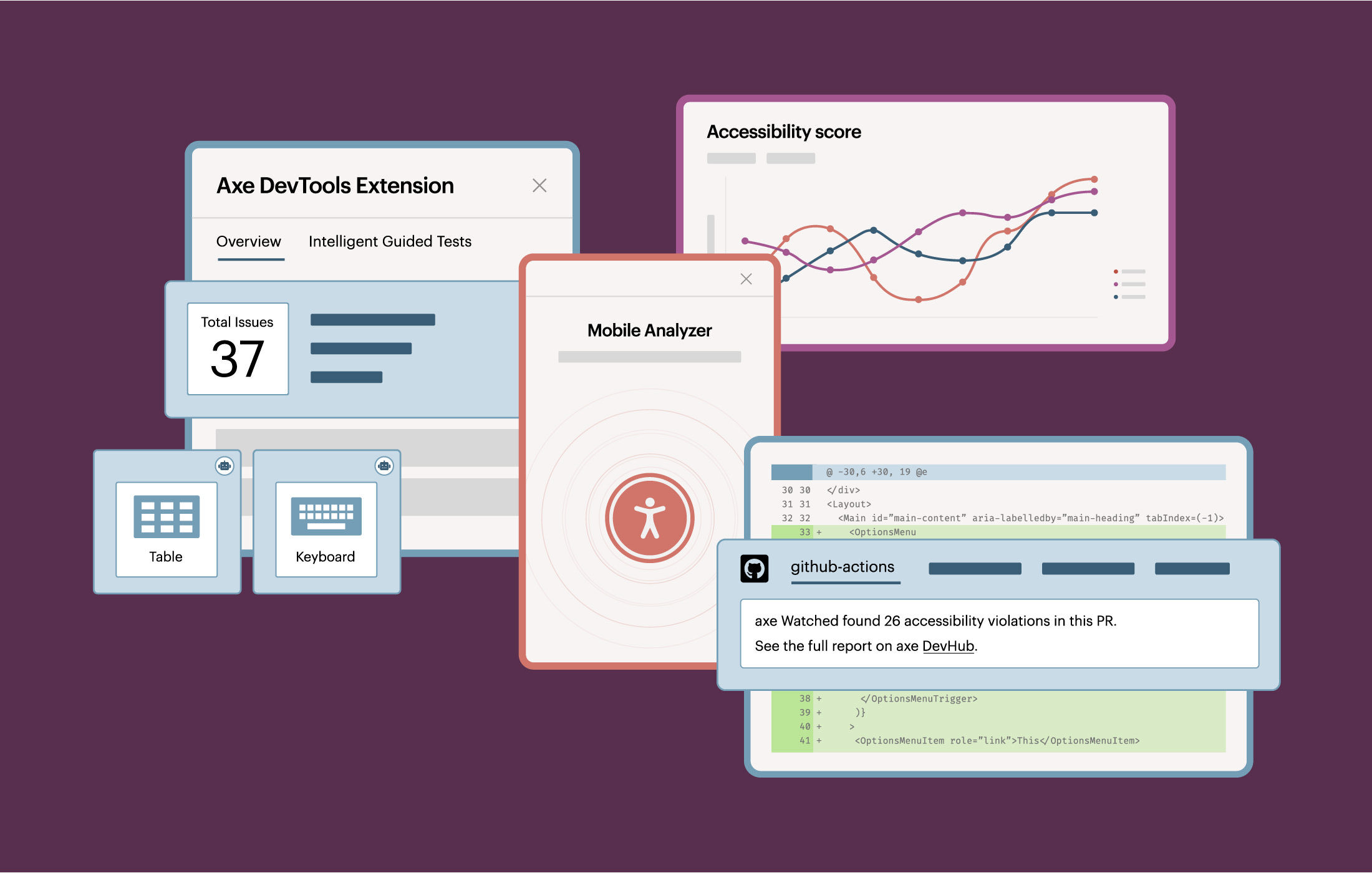
The ultimate digital accessibility testing solution
Check out Axe DevTools to reduce risk and cost with comprehensive automated accessibility testing for web and mobile.
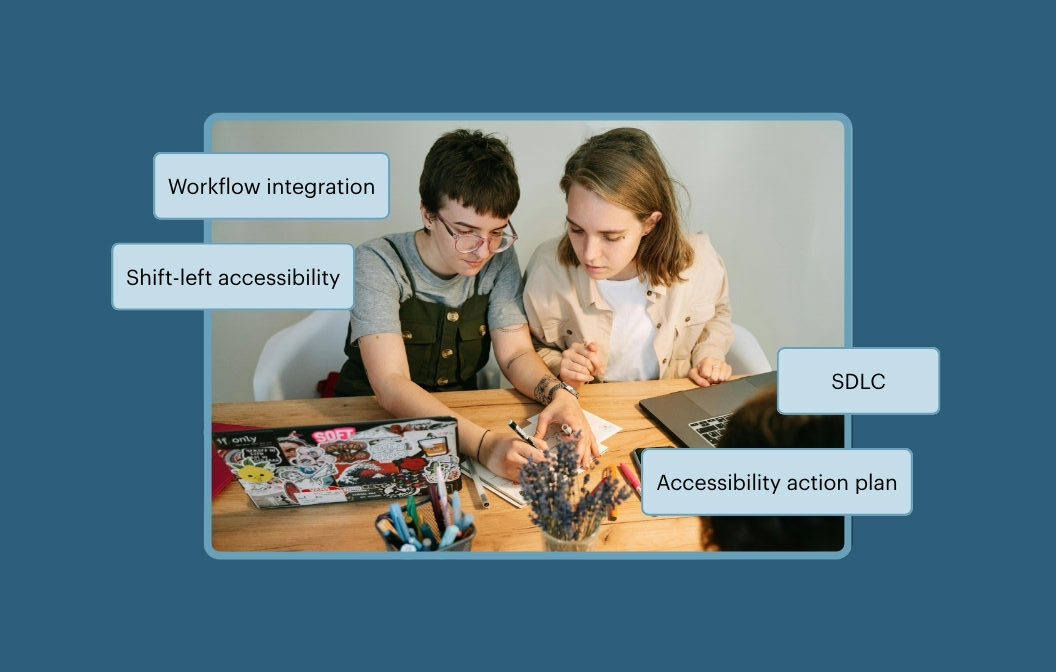
From Design to Deployment: Integrating Accessibility into the SDLC
Tune in to learn about how to make accessibility a seamless part of your design, development, and deployment workflows.
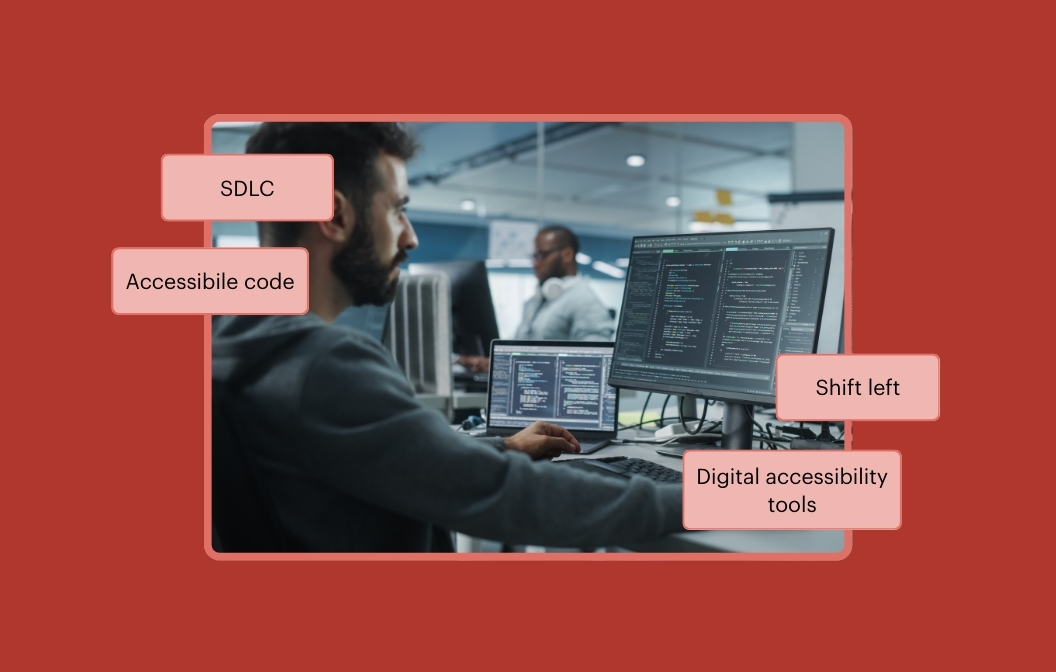
Three quick ways to shift left and fix accessibility issues sooner
Learn how to make accessibility part of your development workflow with three quick ways to shift left and fix issues sooner.
Frequently asked questions
Who is Axe DevTools Linter for?
The Axe DevTools Linter is for teams of developers who want to automatically have their source code checked for accessibility violations in real time. We have 44 accessibility rules that check your code in your CI/CD system, provide reports, or provide the results back to your code collaboration system such as GitHub. Additionally, reports can be sent to SonarQube or can be accessed locally on the developers machine.
How does Axe DevTools Linter work?
Axe DevTools Linter scans your static code and provides instant feedback on accessibility issues while you code—like a spellchecker for accessibility. You can use it to run an automated check as part of a pull request (PR) and block obvious accessibility defects from being merged into the code.
How is Axe DevTools Linter licensed?
Axe DevTools Linter can be licensed as a stand-alone product or as a component within the Axe DevTools product suite. The licensing model fees are based on actual server usage which we track using a metric we call LoC, which refers to lines of code that are inspected with our linter.
Are there any free accessibility linters available?
Yes! We offer a free personal edition linter called Axe Accessibility Linter for VS Code for developers to automatically check the accessibility of their code while they type. It’s purpose-built to test your static code for accessibility. The Axe Accessibility Linter for VS Code as of October 2025 has more than 600k downloads on the Visual Studio marketplace.