
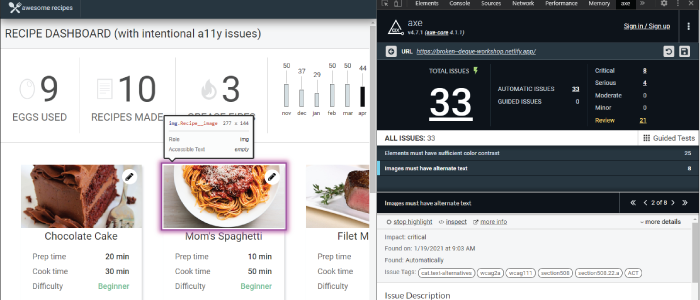
Wir starten ins neue Jahr mit einer Version der „axe“-Erweiterung, die zahlreiche Verbesserungen enthält.
Das Auffälligste an dieser Version sind das neue Design, die neue Anordnung und die neuen Funktionen des Textmarkers. Wir haben die letzten Monate damit verbracht, eine Reihe gemeldeter Probleme zu beheben, und nehmen weiterhin Änderungen auf Grundlage des Nutzer-Feedbacks vor.
Neuer Textmarker
Eine der spannendsten Verbesserungen, die wir an der Axe-Erweiterung vorgenommen haben, ist die Überarbeitung der Funktionsweise des Markierungswerkzeugs. Wir haben nicht nur die visuellen Anzeigen deutlicher hervorgehoben, sondern auch Informationen zu dem gerade markierten Element hinzugefügt. Das Markierungswerkzeug kann zudem Elemente anzeigen, die sich außerhalb des Bildschirms befinden, wie beispielsweise Sprunglinks, wodurch sich die Tabulatorreihenfolge beispielsweise mit dem „Keyboard Intelligent Guided Test“ wesentlich einfacher beurteilen lässt.
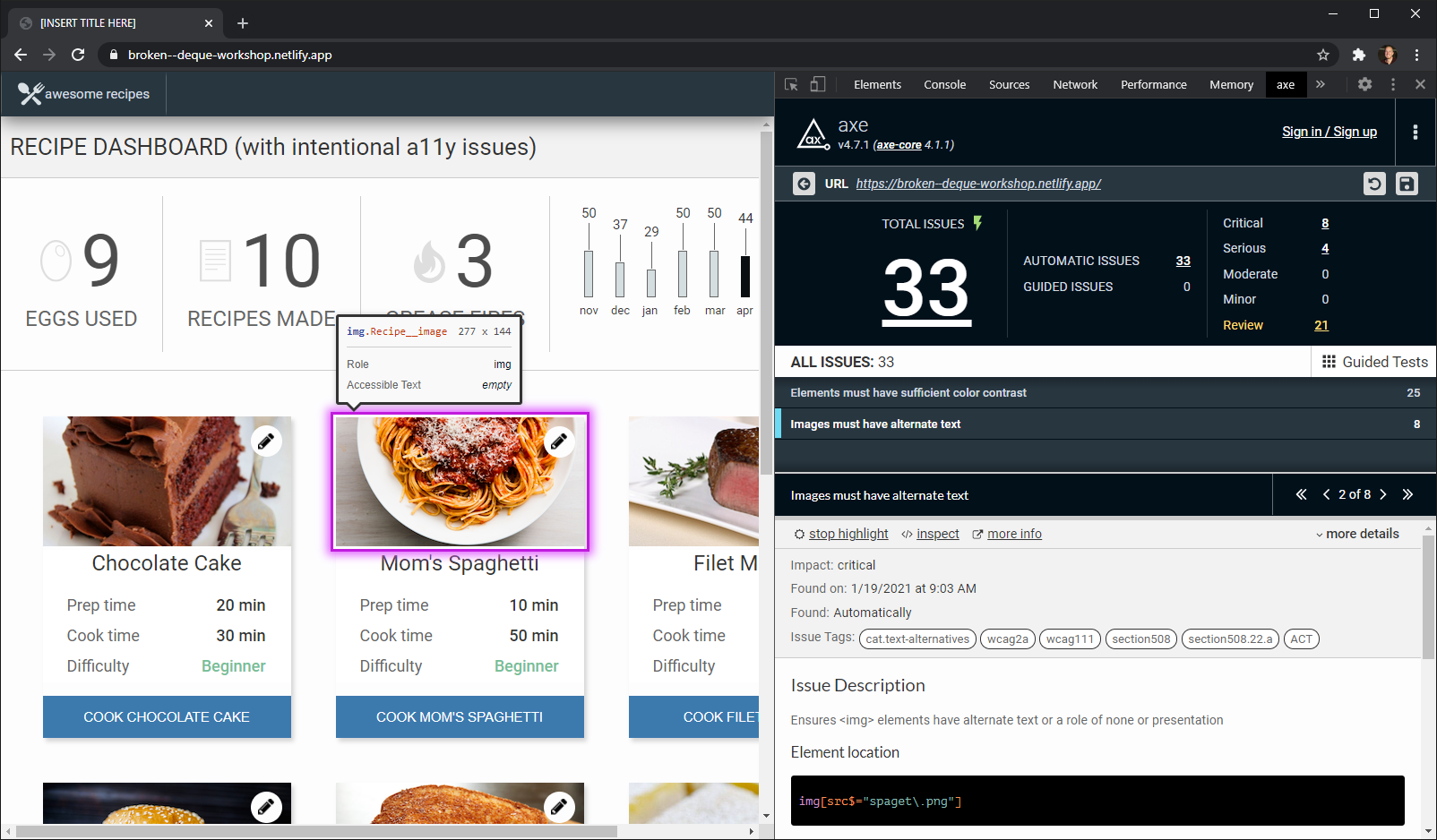
Screenshot des neuen Textmarkers in der Axe-Erweiterung.
Leistungsverbesserungen
Wir haben uns außerdem intensiv mit der Leistung befasst und freuen uns, berichten zu können, dass wir erhebliche Fortschritte dabei erzielt haben, die Erweiterung leistungsfähiger zu machen. Das Speichern und Laden von Tests erfolgt nun deutlich schneller, und die intelligenten geführten Tests sollten sich deutlich flüssiger anfühlen. Außerdem haben wir die Art und Weise geändert, wie das Manifest gespeichert wird, sodass Nutzer, bei denen es auf besonders großen Websites möglicherweise zu Problemen gekommen ist, nun keine Schwierigkeiten mehr beim Speichern ihrer Tests haben sollten.
Auf das Jahr 2021 kann man sich schon sehr freuen!
Mit Blick auf das kommende Jahr freuen wir uns, Ihnen unsere Pläne für einen beschleunigten Veröffentlichungsrhythmus vorstellen zu dürfen. Unser Ziel ist es, Barrierefreiheitstests so schnell und einfach wie möglich zu gestalten. Um diesem Anspruch gerecht zu werden, möchten wir Ihnen noch schneller einen Mehrwert bieten und auf Ihr Feedback reagieren. Daher können Sie bereits in wenigen Wochen mit der nächsten Version der axe-Erweiterung rechnen, die eine Reihe von Verbesserungen hinsichtlich der Benutzerfreundlichkeit enthält, die auf Ihrem Feedback basieren.
Melden Sie sich noch heute für die Axe-Beta an noch heute an und probieren Sie „Intelligent Guided Tests“ aus, testen Sie einen Teil der Seite, speichern und teilen Sie Ergebnisse und vieles mehr. Die Beta-Version ist für begrenzte Zeit kostenlos.