
Nous commençons la nouvelle année avec une mise à jour riche en améliorations dans la dernière version de l'extension axe.
Les changements les plus notables de cette mise à jour concernent l'apparence, l'emplacement et les fonctionnalités du surligneur. Nous avons passé ces deux derniers mois à corriger un certain nombre de problèmes signalés et nous continuons à apporter des modifications en fonction des commentaires des utilisateurs.
Nouveau surligneur
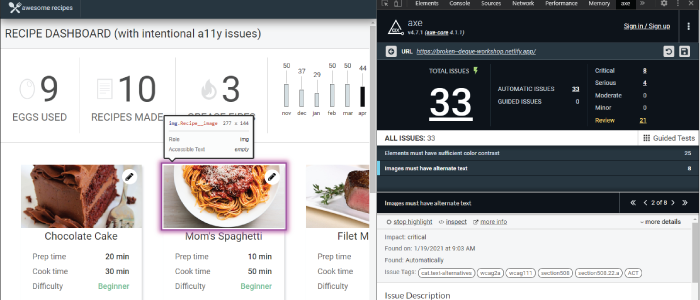
L’une des améliorations les plus intéressantes que nous avons apportées à l’extension Axe concerne la refonte du fonctionnement du surligneur. Outre le fait d’avoir rendu les indicateurs visuels plus visibles, nous avons également ajouté des informations sur l’élément en cours de surlignage. Le surligneur est également capable de signaler des éléments situés hors de l’écran, tels que les liens de saut, ce qui facilite considérablement l’évaluation de l’ordre de tabulation à l’aide d’outils tels que le « Keyboard Intelligent Guided Test ».
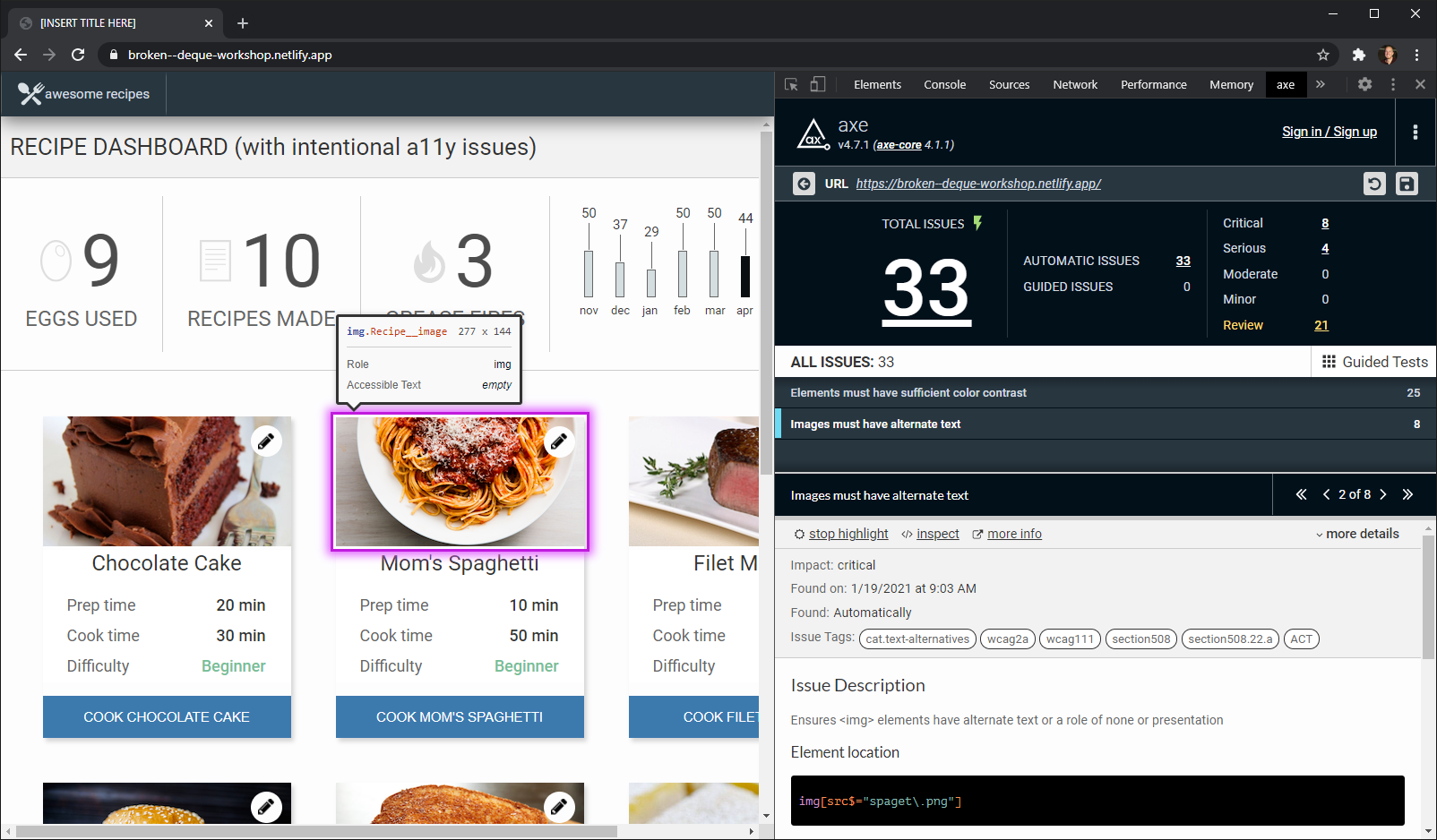
Capture d'écran du nouveau surligneur de l'extension Axe.
Améliorations des performances
Nous avons également examiné de près les performances et sommes ravis d’annoncer que nous avons réalisé des progrès significatifs pour améliorer les performances de l’extension. Les tests s’enregistrent et se chargent désormais beaucoup plus rapidement, et les tests guidés intelligents devraient sembler nettement plus réactifs. Nous avons également modifié la manière dont nous enregistrons le manifeste, de sorte que les utilisateurs qui auraient pu rencontrer des problèmes sur des sites particulièrement volumineux ne rencontreront plus de difficultés pour enregistrer leurs tests.
L'année 2021 s'annonce riche en événements !
Alors que nous nous tournons vers l'année à venir, nous sommes ravis de vous faire part de notre intention d'accélérer le rythme des mises à jour. Notre objectif est de rendre les tests d'accessibilité aussi rapides et simples que possible. Pour tenir cet engagement, nous souhaitons apporter de la valeur ajoutée beaucoup plus rapidement et tenir compte des retours des utilisateurs. Ainsi, vous pouvez vous attendre à voir la prochaine version de l'extension axe d'ici quelques semaines, avec un certain nombre d'améliorations en matière d'ergonomie basées sur les retours des utilisateurs.
Inscrivez-vous dès aujourd'hui à la version bêta d'Axe dès aujourd’hui et découvrez les tests guidés intelligents, testez une partie de la page, enregistrez et partagez les résultats, et bien plus encore. La version bêta est gratuite pour une durée limitée.