
Axe DevTools Linter Barrierefreiheitsprobleme beim Programmieren erkennen und beheben
Erhalten Sie Feedback in Echtzeit, halten Sie Ihren Arbeitsablauf am Laufen und blockieren Sie unzugänglichen Code.
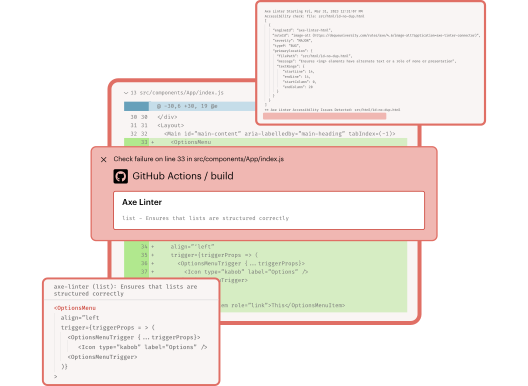
Stellen Sie sicher, dass jede Version von Anfang an zugänglich ist

Schnell
Erhalten Sie während des Programmierens Feedback in Echtzeit. Der Linter markiert Probleme in Ihrer IDE, sodass Sie diese beheben und Ihren Arbeitsablauf nahtlos fortsetzen können.

Zuverlässig
Verhindern Sie den Zugriff auf unzugänglichen Code mithilfe integrierter Prüfungen. Erhalten Sie klare Anweisungen zur Behebung von Problemen, teamweite Standards und rund um die Uhr verfügbaren Support.

Anpassbar
Erstellen Sie benutzerdefinierte Komponenten mit Map und Lint, integrieren Sie diese in Tools wie SonarQube und Jenkins und nutzen Sie APIs und die Befehlszeilenschnittstelle (CLI) für maßgeschneiderte Workflows.
Entwickeln Sie barrierefreie, hochwertige Produkte auf effiziente Weise

Arbeiten Sie effizient mit Ihren bevorzugten Tools
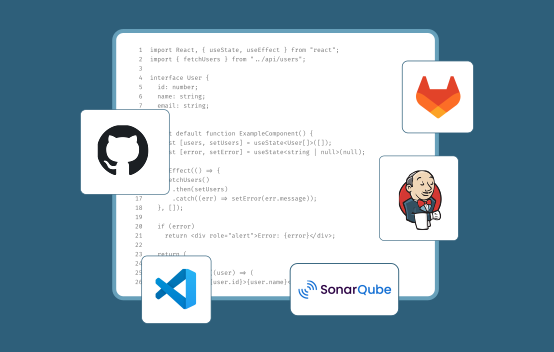
Erkennen und beheben Sie Barrierefreiheitsprobleme direkt an Ihrem Arbeitsplatz – sei es in Ihrer IDE, auf GitHub, in Jenkins, SonarQube oder in CI/CD-Pipelines. Dank unserer REST-API oder der Befehlszeilenschnittstelle (CLI), über die Sie auf lokale Linting-Funktionen zugreifen können, lässt sich die Integration zudem flexibel an beliebiger Stelle vornehmen.

Entwickeln Sie barrierefreien Code schon frühzeitig
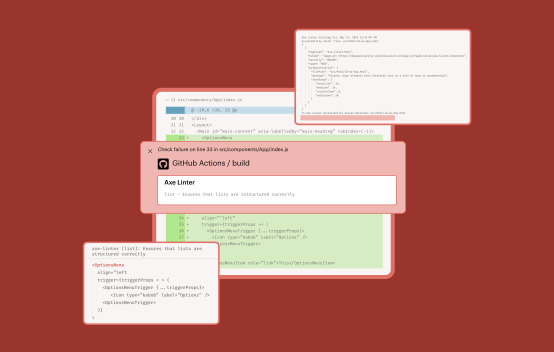
Testen Sie den gesamten Code so früh wie möglich im Entwicklungsprozess in Echtzeit (noch bevor er überhaupt committet wird), um sicherzustellen, dass er den Barrierefreiheitsstandards entspricht. Legen Sie teamweite Regeln und Konfigurationen für das Testen benutzerdefinierter Komponenten fest, um ein einheitliches, barrierefreies Nutzererlebnis zu schaffen.

Skalierung über verschiedene Codebasen und Frameworks hinweg
Überprüfen Sie Code für React (.js, .jsx, .tsx), React Native, Vue (.vue), Angular (.component, .html), HTML (.html, .htm) und Markdown (.md, .markdown) – ohne Leistungseinbußen. Erkennen und beheben Sie Probleme schnell und sofort in den Frameworks, die Ihr Team am häufigsten nutzt.
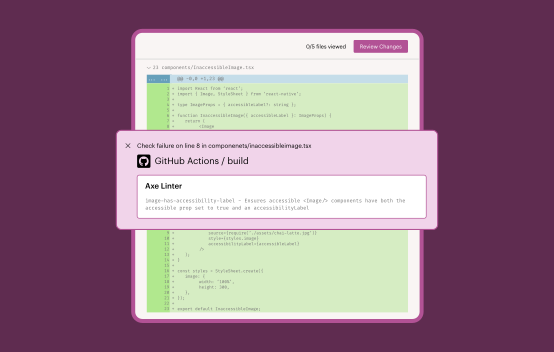
Sorgen Sie dafür, dass Ihr Team weiter vorankommt
Erhalten Sie Live-Support, Schulungen und fachkundige Beratung, damit Ihr Team stets am Ball bleibt, und profitieren Sie von aktueller Dokumentation, Unternehmenssicherheit und übersichtlichen Funktionsversionen.
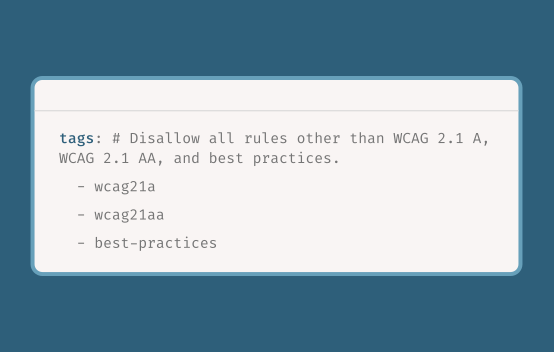
Erweitern Sie die Funktionen des Axe DevTools Linters mit dem Axe MCP Server, um klare, umsetzbare und in natürlicher Sprache verfasste Hinweise zum gerenderten Zustand Ihrer App zu erhalten.
Flexibilität und Komfort direkt an Ihrem Arbeitsplatz











Erstellen Sie mit unserer benutzerfreundlichen REST-API und CLI jede beliebige Integration, die Sie benötigen





Dokumentation zu Axe DevTools Linter abrufen
Erste Schritte mit der Barrierefreiheitsprüfung

Axe-Barrierefreiheits-Linter
Testen Sie in VS Code, optimieren Sie Ihre Konfiguration und führen Sie eine Lint-Prüfung auf Barrierefreiheit anhand Ihrer eigenen Komponentenbibliothek durch.

Axe DevTools Linter
Nutzen Sie alle Funktionen des Axe Accessibility Linters und führen Sie Tests direkt in Ihrer IDE durch. Integrieren Sie Barrierefreiheitsprüfungen in Ihre Pre-Commit-Hooks und Pull-Anfragen.

Umfassendes Web-Toolkit
Integrate the Axe DevTools Linter into your current end-to-end testing processes with the Axe DevTools for Web (Bundle).
Weitere Ressourcen
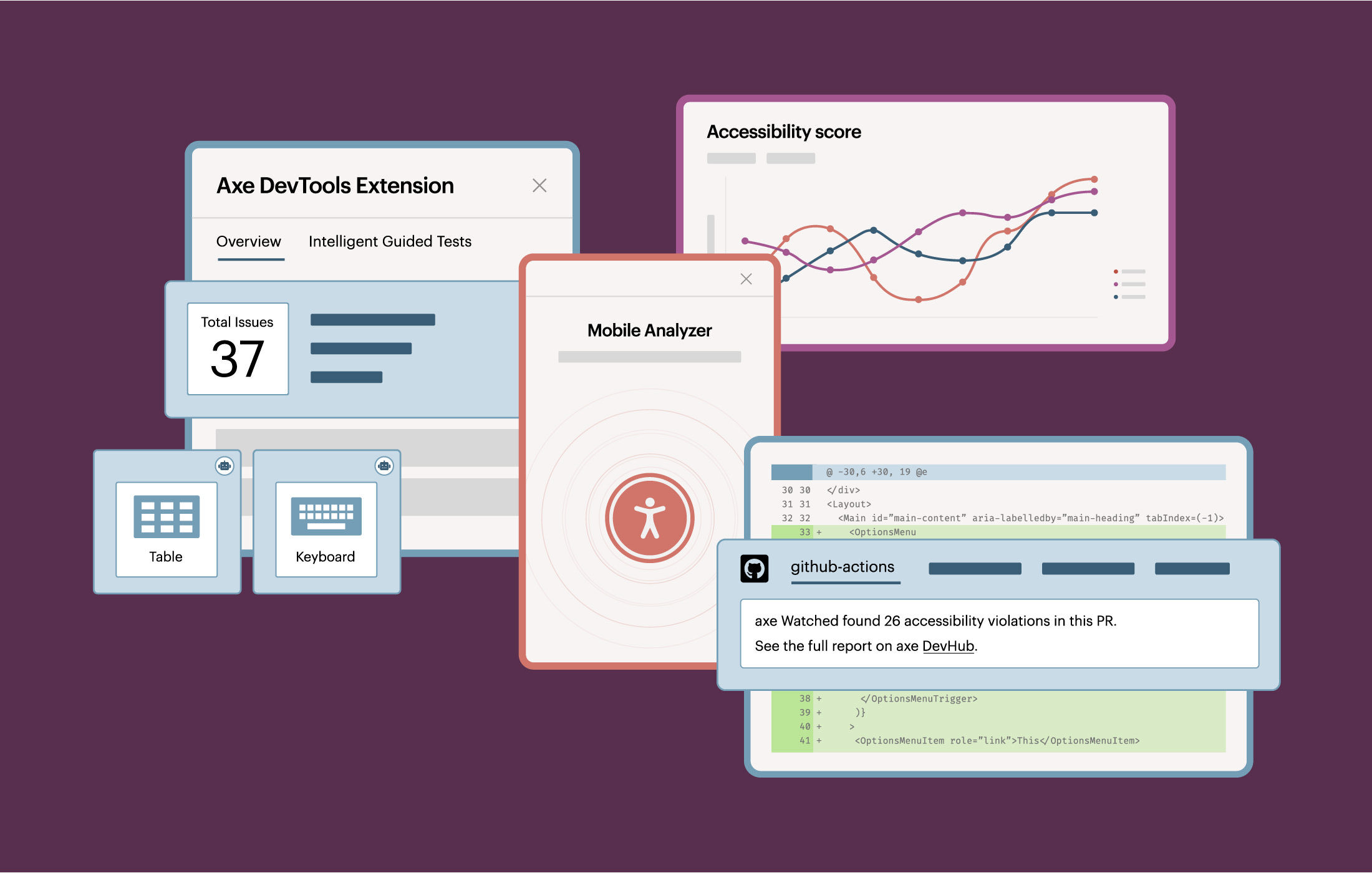
Die ultimative Lösung für Tests zur digitalen Barrierefreiheit
Entdecken Sie Axe DevTools, um Risiken und Kosten durch umfassende automatisierte Barrierefreiheitstests für Web- und Mobilanwendungen zu reduzieren.
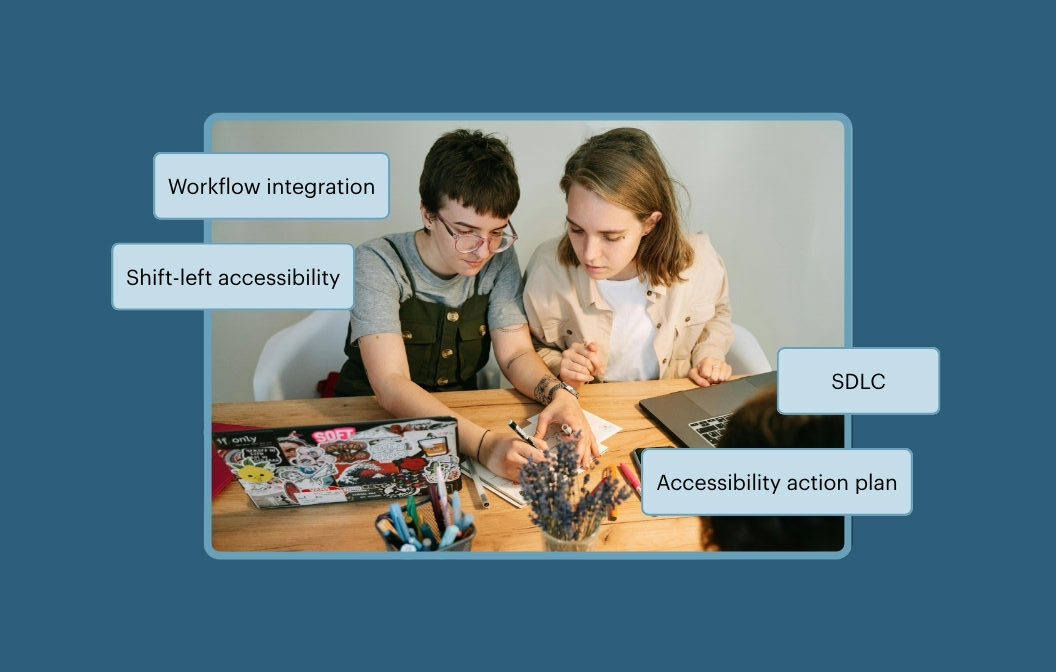
Vom Entwurf bis zur Bereitstellung: Einbindung der Barrierefreiheit in den Softwareentwicklungszyklus
Schalten Sie ein und erfahren Sie, wie Sie Barrierefreiheit nahtlos in Ihre Arbeitsabläufe bei Design, Entwicklung und Bereitstellung integrieren können.
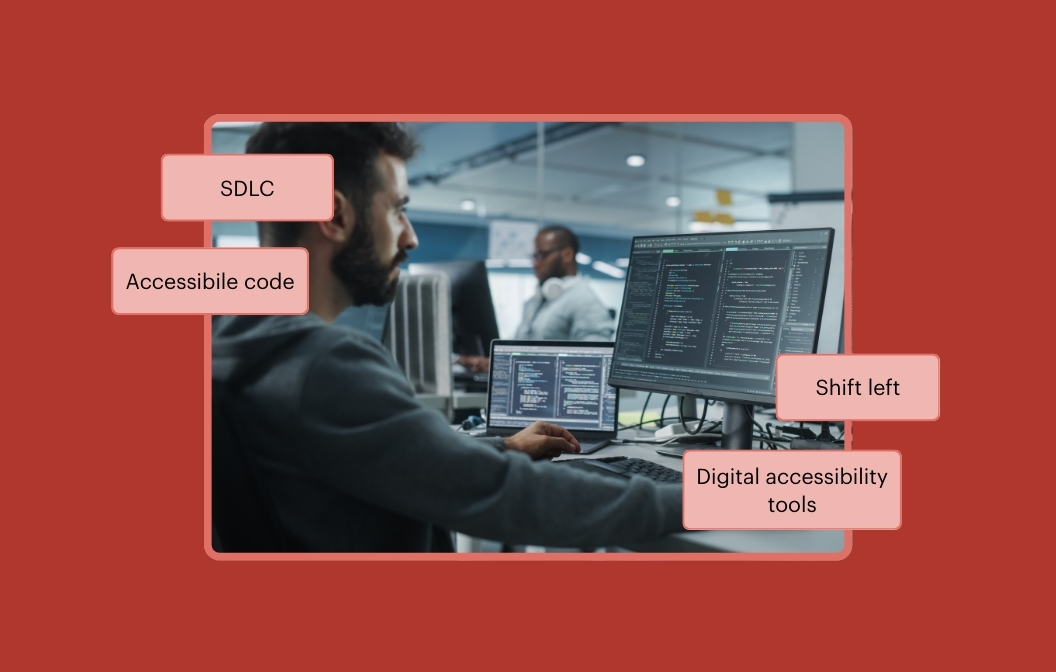
Drei schnelle Möglichkeiten, den Entwicklungsprozess nach links zu verlagern und Probleme bei der Barrierefreiheit früher zu beheben
Erfahren Sie, wie Sie Barrierefreiheit in Ihren Entwicklungsworkflow integrieren können – mit drei schnellen Methoden, um den Fokus auf frühzeitige Maßnahmen zu verlagern und Probleme schneller zu beheben.
Häufig gestellte Fragen
Für wen ist der Axe DevTools Linter gedacht?
Der Axe DevTools Linter richtet sich an Entwicklerteams, die ihren Quellcode automatisch und in Echtzeit auf Verstöße gegen die Barrierefreiheit überprüfen lassen möchten. Wir verfügen über 44 Barrierefreiheitsregeln, die Ihren Code in Ihrem CI/CD-System überprüfen, Berichte erstellen oder die Ergebnisse an Ihr Code-Kollaborationssystem wie beispielsweise GitHub zurückmelden. Darüber hinaus können Berichte an SonarQube gesendet oder lokal auf dem Rechner des Entwicklers abgerufen werden.
Wie funktioniert der Axe DevTools Linter?
Der Axe DevTools Linter scannt Ihren statischen Code und gibt Ihnen während des Programmierens sofortiges Feedback zu Barrierefreiheitsproblemen – ähnlich wie eine Rechtschreibprüfung für Barrierefreiheit. Sie können damit im Rahmen eines Pull-Requests (PR) eine automatisierte Prüfung durchführen und verhindern, dass offensichtliche Barrierefreiheitsmängel in den Code übernommen werden.
Wie ist der Axe DevTools Linter lizenziert?
Axe DevTools Linter kann als eigenständiges Produkt oder als Komponente innerhalb der Axe DevTools-Produktsuite lizenziert werden. Die Gebühren des Lizenzmodells richten sich nach der tatsächlichen Servernutzung, die wir anhand einer Kennzahl namens „LoC“ erfassen. Diese steht für die Anzahl der Codezeilen, die mit unserem Linter überprüft werden.
Gibt es kostenlose Linter für Barrierefreiheit?
Ja! Wir bieten einen kostenlosen Linter in der Personal Edition an, der „Axe Accessibility Linter für VS Code“ an, mit dem Entwickler die Barrierefreiheit ihres Codes automatisch während der Eingabe überprüfen können. Er wurde speziell dafür entwickelt, Ihren statischen Code auf Barrierefreiheit zu testen. Der „Axe Accessibility Linter für VS Code“ verzeichnet seit Oktober 2025 mehr als 600.000 Downloads im Visual Studio Marketplace.