For accessibility program managers, it’s essential to identify what matters most and prioritize fixes that engineering teams can realistically address. That’s how you make real progress.
Désormais, grâce à notre nouvelle intégration Axe Monitor MCP dans votre assistant IA préféré, vous pouvez utiliser des commandes en langage naturel pour accélérer considérablement le processus de création et de comparaison des analyses, de hiérarchisation des corrections, ainsi que d'élaboration et de mise en œuvre de plans de sprint concrets en matière d'accessibilité.
Here are four ways you can optimize accessibility remediation using the Axe Monitor MCP integration.
Request a demo of the Axe Monitor MCP integration today!
1. Compare scan run results and identify regressions in seconds
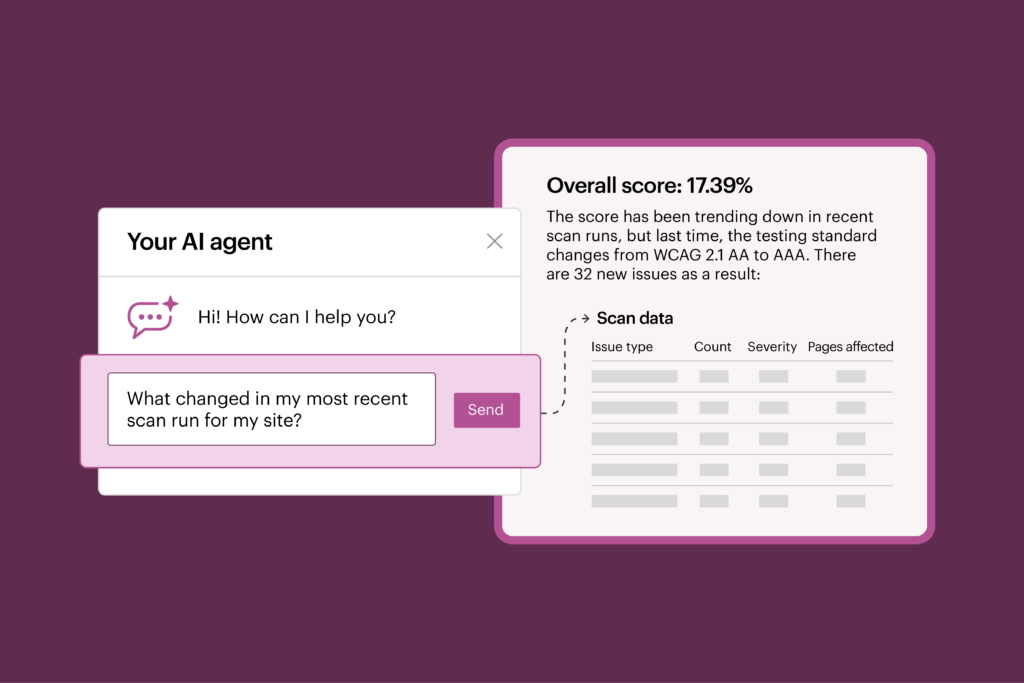
The first question you need answered after every scan run is, “What’s changed?”
In a traditional user interface, you need to manually open multiple reports, compare historical data, and analyze results— that’s an exhausting process.
With the Axe Monitor MCP integration, you can simply ask your questions directly and explore your scan data without leaving your AI workflow. Instead of navigating dashboards and exporting spreadsheets, ask questions like:
- What changed between the last two scan runs?
- Which components or pages introduced the most new issues?
The MCP integration surfaces answers—what’s changed, and why—directly inside your AI assistant, eliminating the labor-intensive data analysis that slows down fixes. Rather than spending time tracking down information, your team can immediately begin acting on it.
2. Prioritize what matters the most
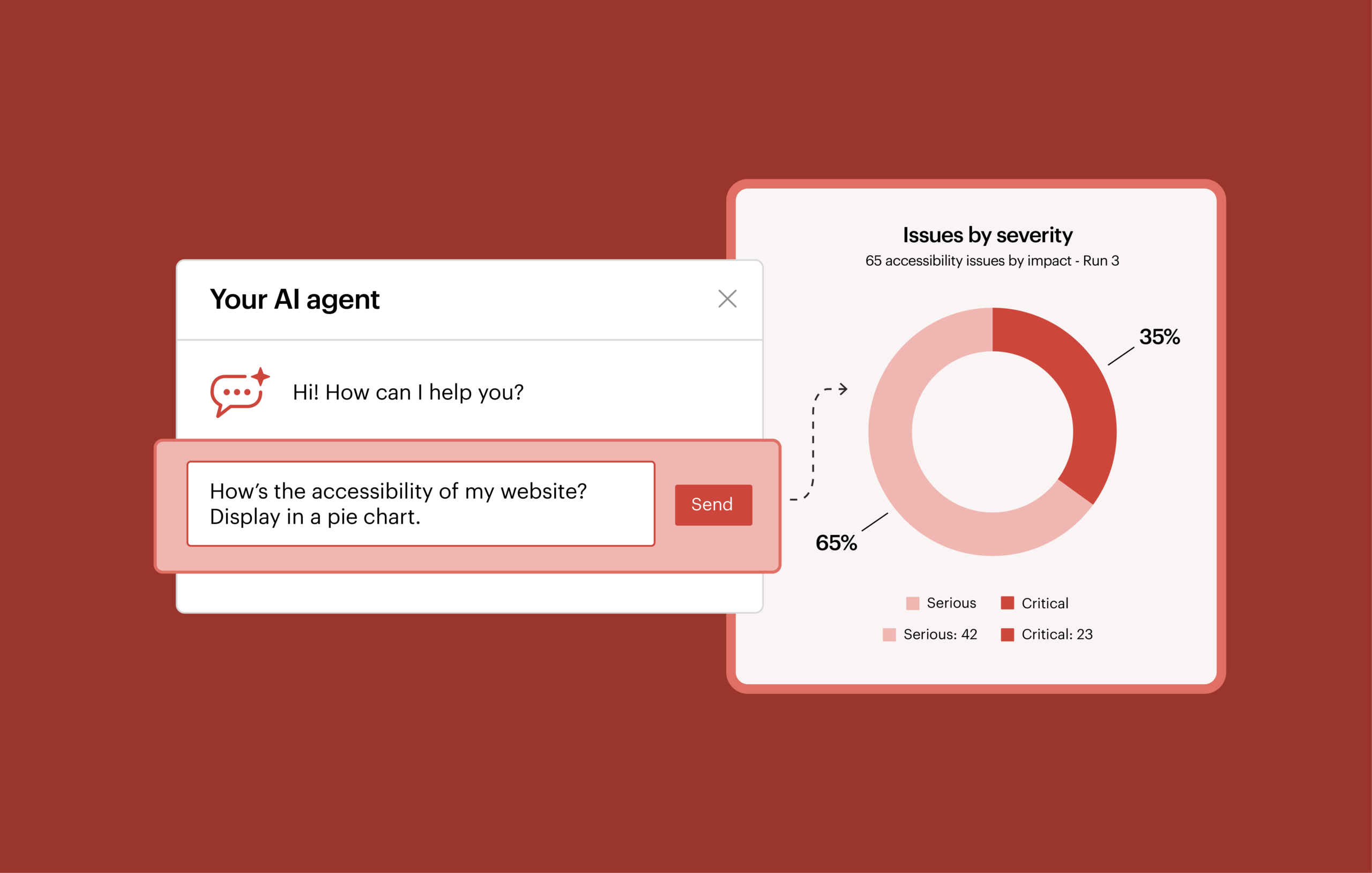
Teams are rarely able to fix every accessibility issue immediately in a single release, so it’s important to focus on fixing the right issues first. You need your team’s expertise, but you also need to help them fix issues more easily.
The Axe Monitor MCP Server complements human judgment, allowing you to quickly answer prioritization questions that typically require hours of analysis.
For example, you can ask:
- Which components or selectors should I fix first to make the most impact on accessibility?
- Which pages have the most accessibility issues?
- My team is building new features on the registration page and contact us page next sprint. Which accessibility issues should they fix at the same time?
- My highest-trafficked pages are the account dashboard and activity view. Which accessibility issues should I fix first?
The insights you get in response can help you focus your developers’ and designers’ efforts ahead of upcoming sprints, so that accessibility issues are incorporated with current work, or grouped for efficiency. That’s how you can make meaningful progress with accessibility—by integrating fixes with existing tools and processes.
3. Speed up the handoff to development with actionable accessibility sprint plans
Once you’ve prioritized fixes, the next challenge is to deliver an actionable plan to the team.
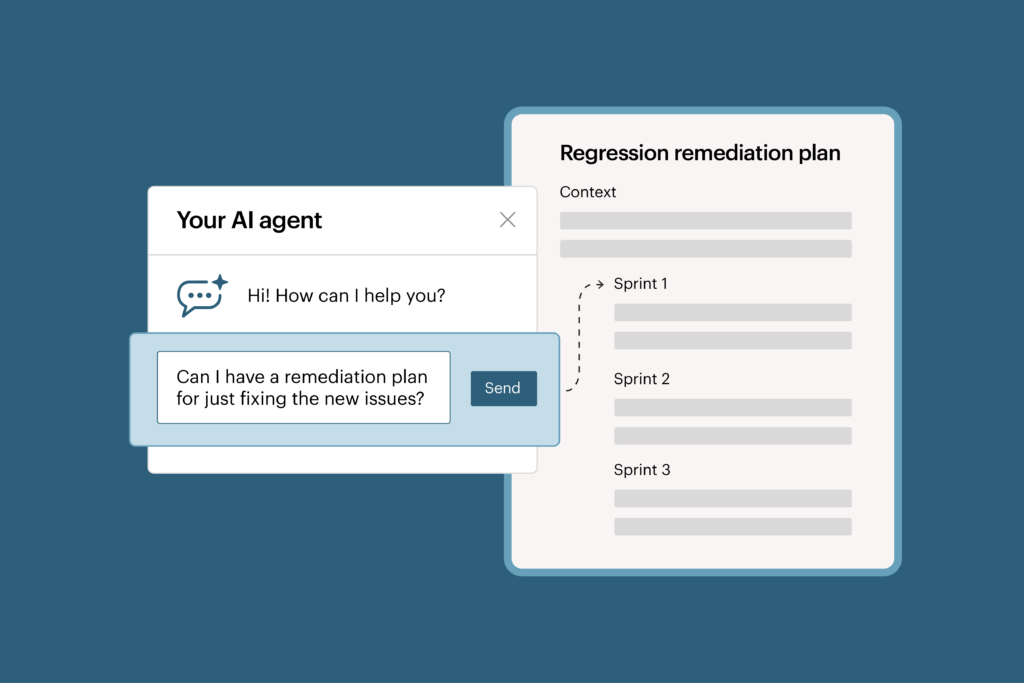
The Axe Monitor MCP integration can help model remediation scenarios and generate feasible sprint plans based on your team’s goals.
For example, you might ask for a sprint plan to fix:
- Only the new issues since the last scan run
- The most important component-related issues
- Accessibility issues on the features we’re delivering in the next release
Tell the agent, “I need full issue details so my team knows exactly what to fix and where.”
Or, use the Axe Monitor MCP integration to model different planning scenarios for achieving your goals. Ask the agent: ”How can we get to a score of 80% in 3 sprints?”
Instead of manually organizing hundreds or thousands of issues, the Axe Monitor MCP integration helps transform scan results into a clear, understandable remediation plan, organized by sprints and maintainable within your AI workflow.
Natural-language sprint plans make accessibility progress more attainable. The development team can envision what success actually looks like in the near future, and understand the small, manageable steps they need to take.
4. Save even more time by creating scans in bulk
The Axe Monitor MCP integration also helps streamline scan management by enabling you to create scans in bulk.
Designated administrators can create draft scans, adjust settings, and kick off scan runs directly within their AI assistant. This reduces repetitive configuration work.
Get started with the Axe Monitor MCP integration
Accessibility teams need faster ways to turn accessibility data into meaningful action.
Instead of spending hours interpreting scan results and configuring reports by yourself, your organization can focus on what matters most—becoming more accessible to people with disabilities.
Already using Axe Monitor? Upgrade to Axe Monitor 8.8 and fill out this form to request access to the Axe Monitor MCP Server to start analyzing accessibility data through your preferred AI assistant.
New to Axe Monitor? Request a demo to see how AI-assisted reporting can help your team analyze trends, prioritize remediation, and accelerate accessibility improvements.