
Axe DevTools The ultimate digital accessibility testing solution
Reduce cost and risk with AI and automated accessibility testing tools for web and mobile.
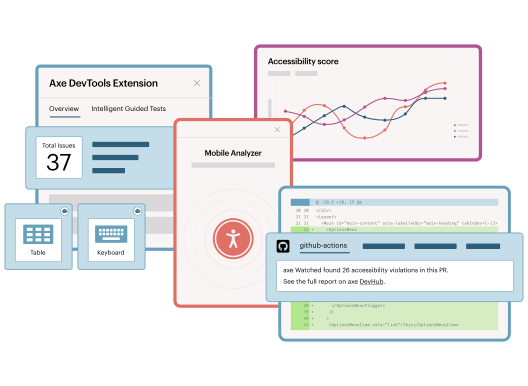
Fast, accurate, automated, intelligent accessibility testing tools

Scalable
Get started fast with enterprise-grade web and mobile tools that easily integrate into your existing tech and workflows.

Fast
Leverage testing tools with built-in AI and automation for clear, deduplicated results, so teams can quickly fix issues.

Trusted
Get accurate, reliable results with our commitment to zero false positives, so you don’t waste time chasing non-issues.
Power accessibility testing with distinct solutions for web and mobile

Web accessibility testing tools
Test throughout web development—within your IDE, browser, and CI/CD pipeline—to catch issues early with automation and AI-powered checks.

Mobile accessibility testing tools
Test any app, even without source code access, in your pipeline or as you code, using automated UI tests and React Native linting.
The trusted choice of the accessibility and developer communities
3 Billion+
Axe-core, invented by Deque, has been downloaded 3 Billion+ times.
1st
Deque was the first to create automated and AI accessibility tools for developers.
800,000+
The Axe DevTools Extension has been installed 800,000+ times in Chrome.
Align teams. Automate workflows. Achieve accessibility at scale.
Accurate web and mobile coverage—fast
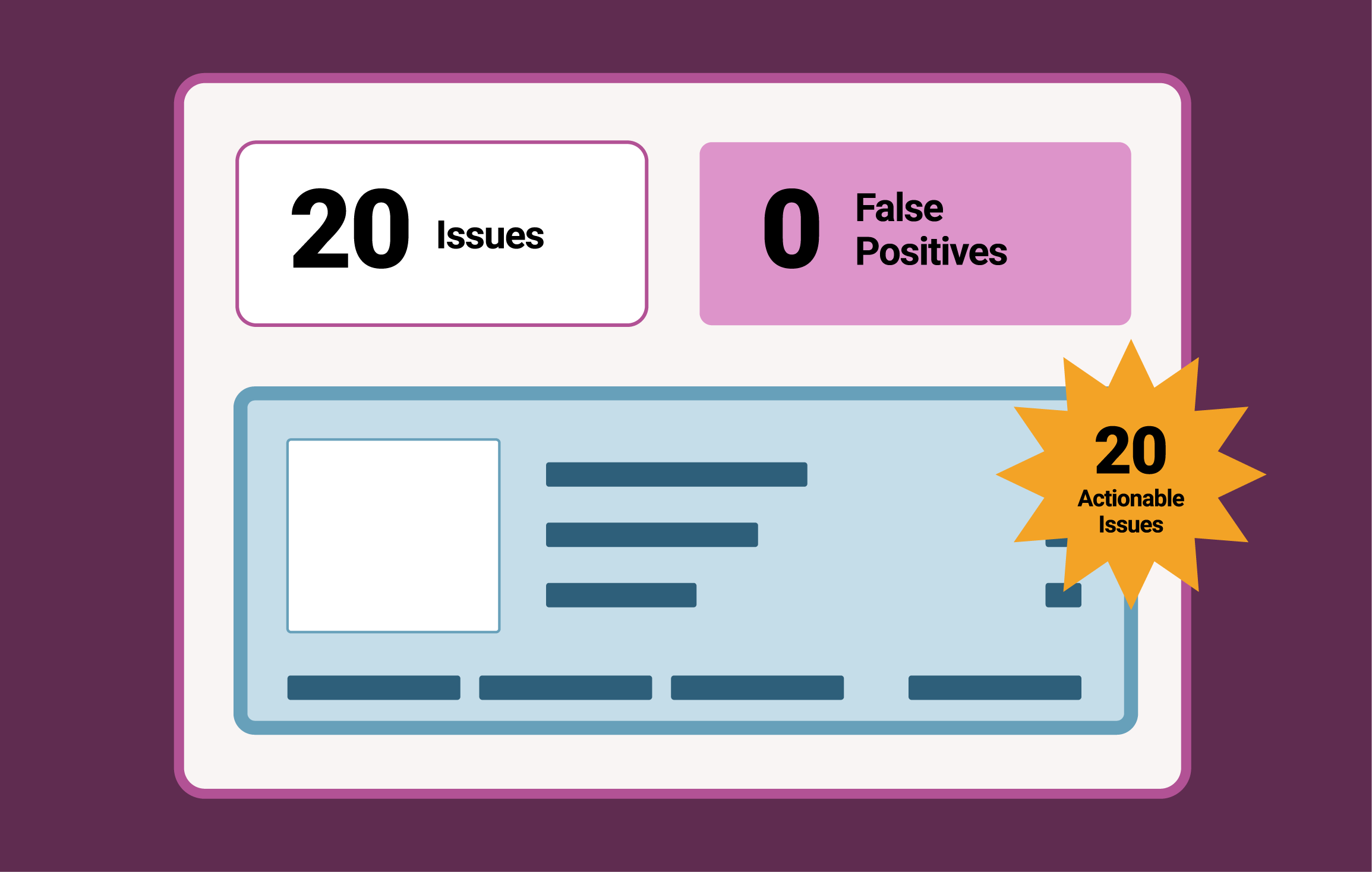
Find and fix accessibility issues with automation and Intelligent Guided Tests (IGTs) expertly aligned with accessibility testing standards. Don’t waste time on false positives. Get consistent results you can trust.

Integrate smoothly across tech stacks
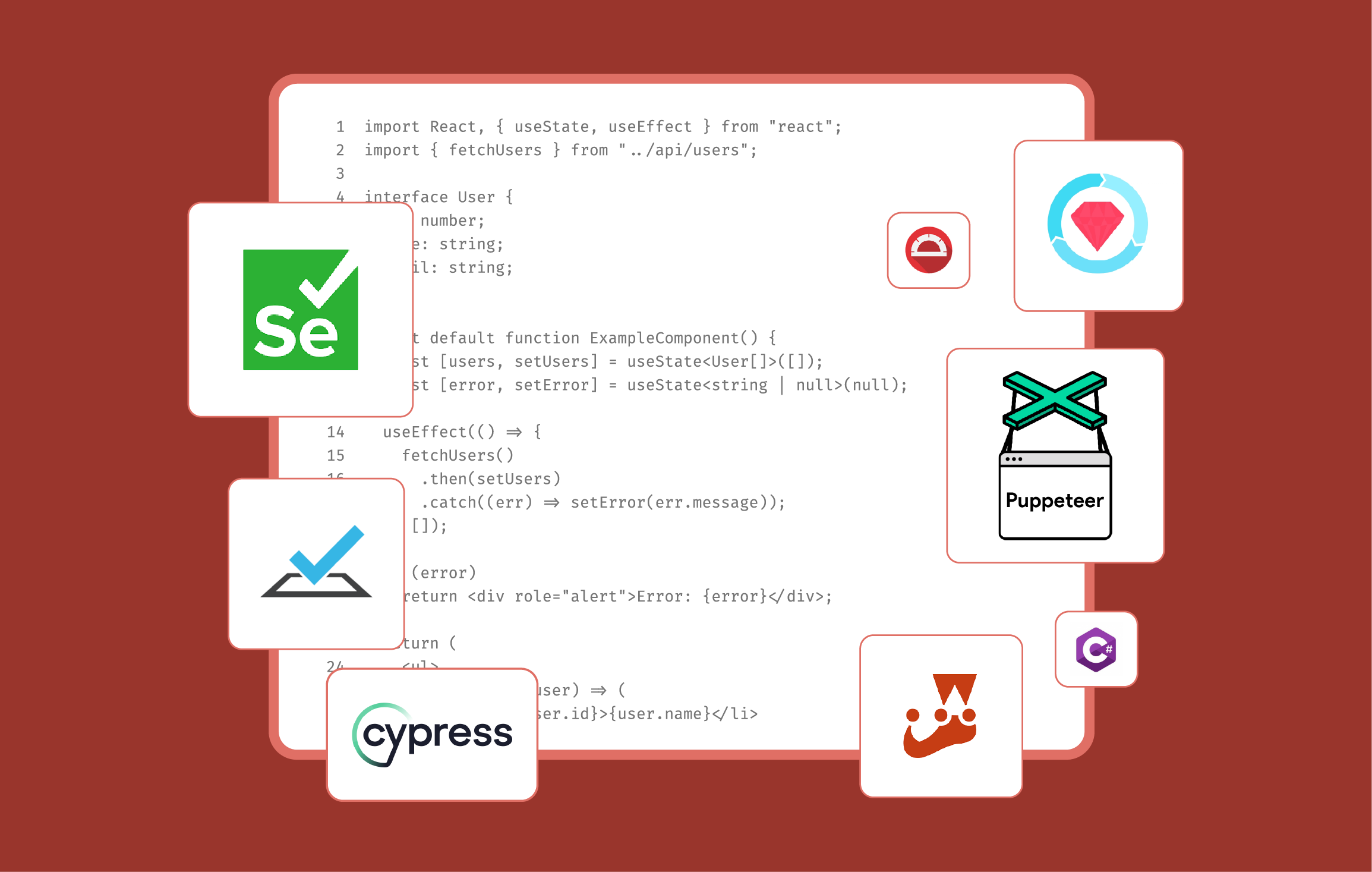
Embed accessibility testing in the systems you already use without disruption. You can use Axe DevTools across numerous development environments, coding languages, CI/CD tools, and automated testing frameworks to fit your needs.
Get clear, actionable reports
Report to your organization with confidence. Get clear insight into test results across projects with Axe DevTools. Track progress, spot recurring issues, and share findings with your team so you can see how your accessibility improves over time.
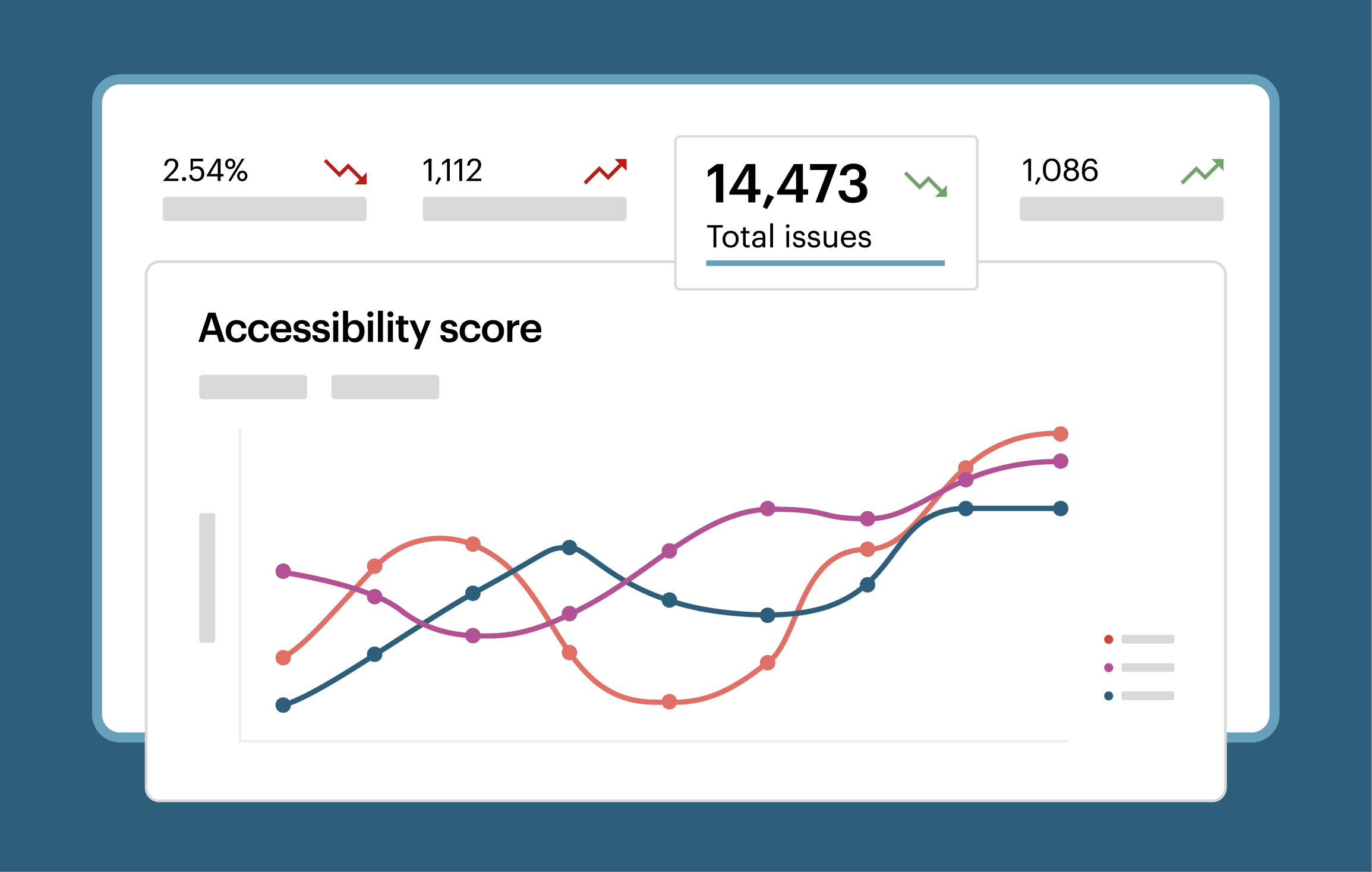

Make it easy to start and scale
Empower anyone to test—no experience required. Get started quickly with built-in training, clear documentation, and responsive support. Axe DevTools does the heavy lifting with features like duplicate filtering and smart test configurations, so teams can scale with ease.
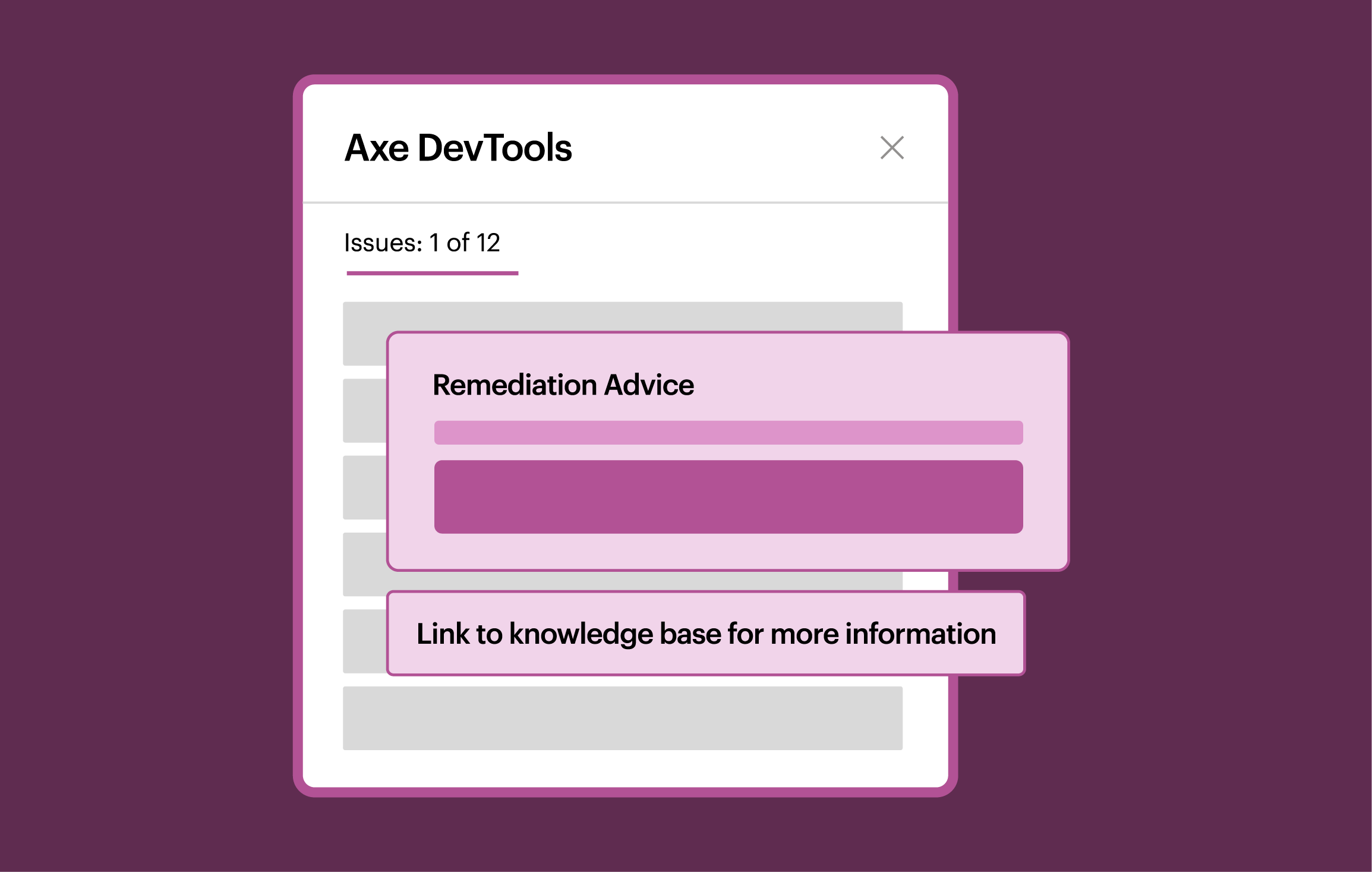
Discover how to enhance your accessibility strategy with Axe DevTools!
Human-centric AI tools

Axe MCP Server
Access the power of Axe DevTools in your IDE with the Axe MCP Server. Accept or reject code-level fixes with one click.

Axe Assistant
Pair Axe DevTools with Axe Assistant, our AI chatbot, trained on the most authoritative accessibility knowledge base.
Axe DevTools Extension
Use AI-driven Intelligent Guided Tests (IGTs) within the browser extension to find more accessibility issues than with automation alone.
Learn the value of catching accessibility issues early with our ROI calculator
Solutions for the most popular environments













Additional resources

Digital accessibility services
Get fast, expert-led audits that show how well your digital experiences meet accessibility and compliance standards.
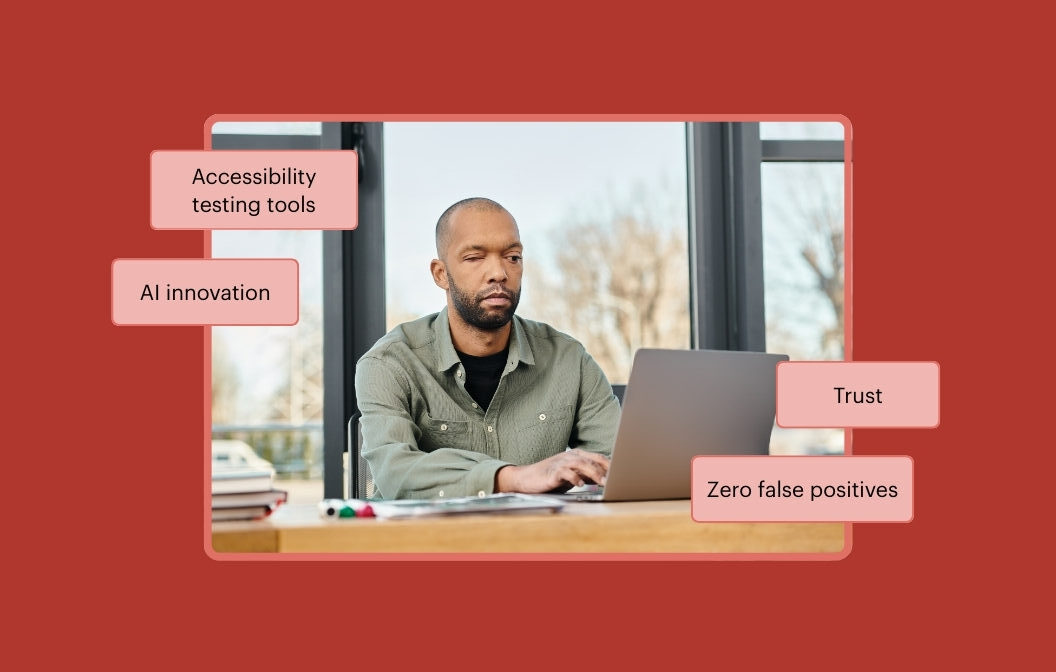
Why false claims and false positives ruin digital accessibility programs
Discover how inaccurate results undermine accessibility and learn about Deque’s commitment to zero false positives.

Deque University
Get self-paced courses in web, document, and mobile accessibility from Deque University to advance your expertise.
Frequently asked questions
What are digital accessibility testing tools?
Digital accessibility testing tools help designers, members of dev teams, product owners, and others check web pages, mobile applications, and other digital content against accessibility standards to help ensure they are accessible for everyone, including people with disabilities.
Do automated accessibility testing tools replace manual accessibility testing?
No, automated testing complements manual testing. Automated accessibility testing tools enable testers to quickly identify a high percentage of issues—up to 80% with Deque’s tools. Manual testing can then be used to focus on more complex issues that automation alone can’t detect.
Does Axe DevTools replace screen reader (JAWS, NVDA, TalkBack, and VoiceOver) testing?
No. While automated and semi-automated tests can eliminate a large percentage of issues that may affect screen readers, manual testing with screen readers is sometimes still required to be completely certain that all potential issues have been addressed.
How does Axe DevTools compare with Google Lighthouse?
While Axe DevTools and Google Lighthouse can both be used for assessing digital accessibility, Lighthouse is a more general tool, whereas Axe DevTools is more comprehensive and purpose-built for accessibility. Google Lighthouse has actually run on Deque’s open-source accessibility library, Axe-core, since 2017, but does not run the full set of over 70 tests that Axe DevTools does.
Who is Axe DevTools for?
Axe DevTools is for any organization that wants to create more accessible digital experiences for their users. In particular, web development teams and agencies who need to understand and pinpoint accessibility issues in the context of a fully rendered page; mobile app development teams and agencies who need to enable proven user initiated or automated mobile testing as a part of the release cycle; test engineers who need to seamlessly run accessibility testing as part of their regular build tests; and development leaders who need to incorporate consistent standards, rules, and testing across the SDLC.
What Axe DevTools free trials are available and how can I get started?
We offer many free trials of our accessibility testing tools, including the Axe DevTools Extension for interactive testing in your browser and the Axe DevTools Linter for Static code analysis to stop accessibility bugs immediately.
Why do Evinced and other tools claim to catch more issues?
These are misleading claims. While these tools may appear to catch more accessibility issues overall, the reality is that a high percentage of them aren’t actually issues—they’re false positives (e.g. flagging text that’s purely decorative).
False positives waste valuable time, because developers have to validate every single issue to determine whether they actually need fixing. With Deque’s commitment to zero false positives, you don’t have to worry about this, and can be confident your team is fixing true accessibility issues, not wasting time.
Comparative reviews with accessibility experts who help set WCAG standards highlight this problem. Inaccurate results waste developer time, lead to testing abandonment, and can undermine the credibility of accessibility leaders recommending these tools and practices.